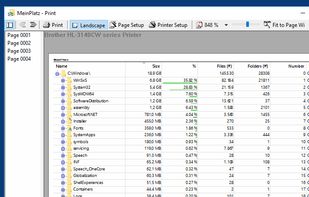
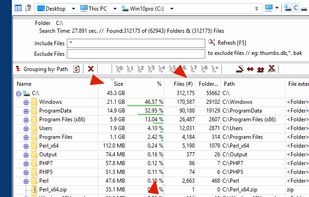
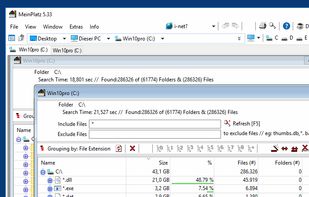
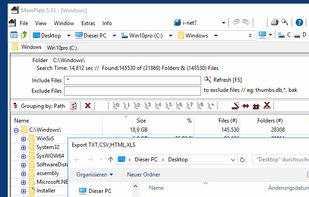
The most powerful disk space sizing and analysis utility there is! Answering the Who/What/Where/When of your Disk Space.


DaisyDisk is described as 'Visually analyzes disk space with an interactive sunburst map, identifies and previews large files, and enables efficient removal to reclaim storage space' and is a very popular disk usage analyzer in the system & hardware category. There are more than 100 alternatives to DaisyDisk for a variety of platforms, including Windows, Mac, Linux, BSD and Flathub apps. The best DaisyDisk alternative is WinDirStat, which is both free and Open Source. Other great apps like DaisyDisk are WizTree, Baobab Disk Usage Analyzer, Filelight and SD Maid SE.
The most powerful disk space sizing and analysis utility there is! Answering the Who/What/Where/When of your Disk Space.


RidNacs is a very fast disk space usage analyzer for Microsoft Windows. It scans your local drives, network drives or single directories and produces a tree view with a percentage bar chart column. This gives the user a quick and easy way to identify the largest directories and...


Disko is a small minimalist MacOS application that allows you to see how much disk space individual application are using. It is broadly inspired by the Disk Usage Analyzer application on GNU/Linux.

Create a visual representation of the amount of space each file is taking on your hard drive. It creates a "squarified treemap" that makes it easy to see where all your space is going.

A native disk-space analyzer for Windows. It maps your entire drive into an interactive sunburst chart in seconds, so you can see exactly what's eating your storage and reclaim gigabytes in one click.


Disk Usage Analyzer - a free program to analyze disk space of the computer. It helps you to quickly and easily determine the size of folders on your computer, as well as the number of files they contain.

Zenovix Storage Manager is a Windows storage management app designed to help users understand, clean, and organise their disk space.


Disk Space Analyzer allows you to easily find and remove the bulkiest content for your Mac or external storage. You can see your Mac disk usage, find folders that take up the most space, and manage hard drive space by moving or removing files.


Recover disk space by removing gigabytes of unwanted and forgotten files!
Do you forget to remove old and heavy files? Are you often forgetting where you put your files?
If at least one of your answers is Yes, try Precious Disk!
Precious Disk carries out this task by scanni.


O&O DiskStat is a high-power tool for analyzing the used disk space on your storage volumes. With an easy-to-use interface based on the design of the Windows Explorer, you can take a closer look at the file and folder structure of your internal and external drives.