Cost / License
- Free
- Open Source (AGPL-3.0)
Application type
Platforms
- Mac
 China
China



+3


Apps similar to Cursorful include OpenScreen, which is free and open source. Other options are Recordly, ScreenArc, Camtasia and Cap. You're spoiled for choice with Screen Recorders like Cursorful: we list more than 50 alternatives for Mac, Windows, the web and Linux.
China
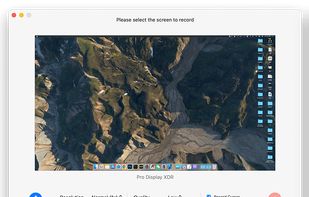
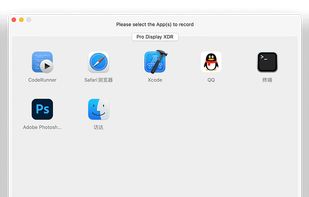
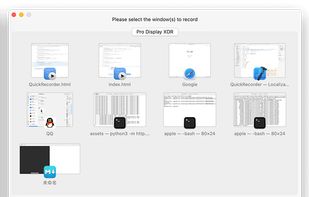
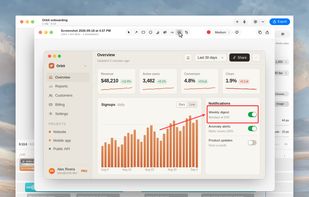
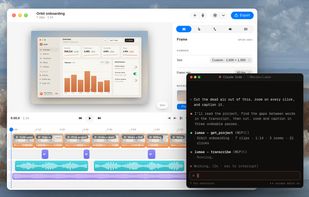
A free native Mac studio for recording displays, windows or areas, then editing with automatic click-based zooms, a redrawn cursor and motion blur. It also creates editable annotated screenshots, transcribes captions locally, records voiceovers, and stitches takes.
 Canada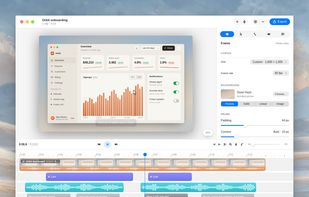


Kap is an open-source screen recorder built with Electron and designed to be easy to use but extensible.
 Sweden
 EU
EU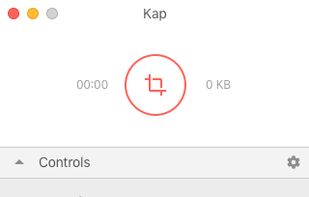


macOS tool for detailed screen recording, timeline-based video editing, customizable cursor animations, camera and audio capture, background editing, and easy sharing. Suitable for tutorials, presentations, or social media creation with a user-friendly workflow.
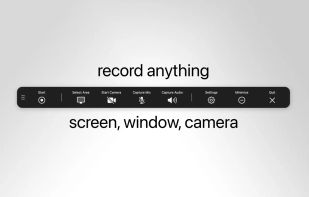
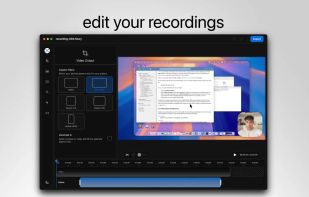
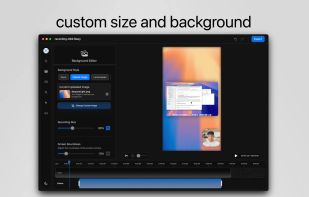
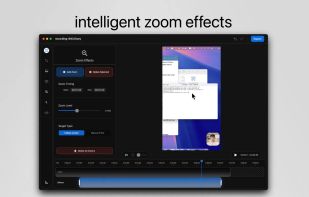

Native macOS screen recording and editing with auto-zoom following every action, built-in editor for quick trims, super-fast Metal-accelerated 4K export, no subscription, customizable backgrounds, movable camera overlay, shadow effects, and AI-driven features.
Canada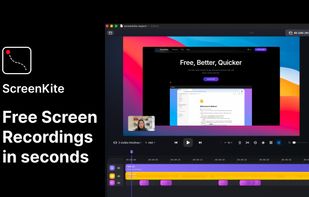

Screenshot and screen recorder app for macOS. One app instead of four. Capture multiple windows, annotate, zoom, add transitions, and drop your recording onto a 3D MacBook with a simulated lens. Everything stays local.
 Australia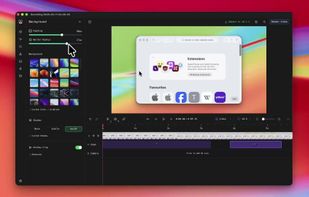
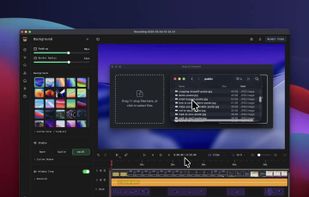
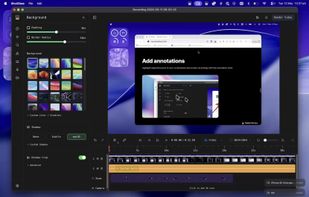
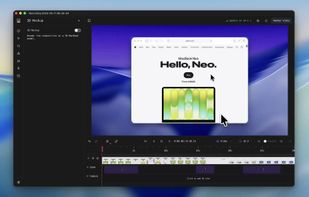


Comprehensive tool supporting all video creation stages with a doc-style editor, separate scene recording, auto-sync, customizable layout, and transcript-based editing.
 ItalyEU

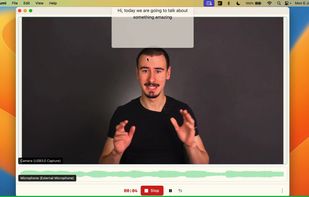
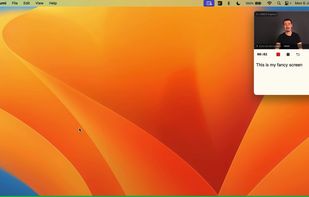


Beautiful screenshots with stunning backgrounds and powerful annotation tools. Create, edit, and share professional-quality screenshots with ease.
 PortugalEU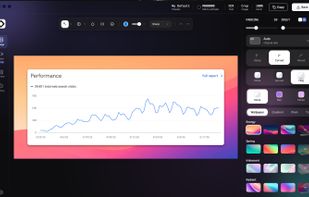


ScreenTune is a macOS app for capturing, editing, and exporting screenshots and screen recordings. It lets users record a screen, window, or selected area, then adjust the result with backgrounds, padding, frames, rounded corners, shadows, cursor styling, annotations, text...
 Japan
Japan
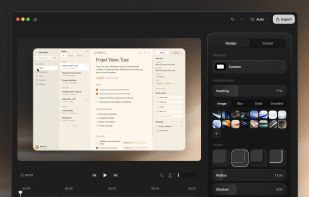


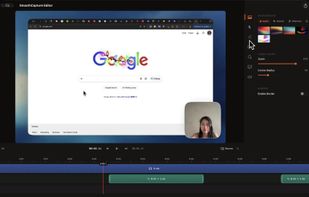
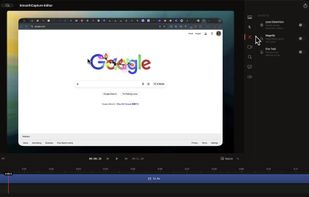
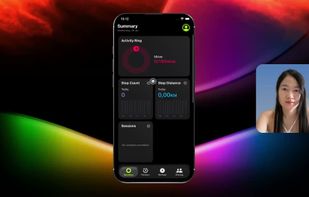
Smooth Capture is a macOS app designed to create cinematic, professional-looking screen recordings with "zero effort" by automatically applying polished visual effects like auto-zoom, cursor smoothing, and 3D device framing.
 Vietnam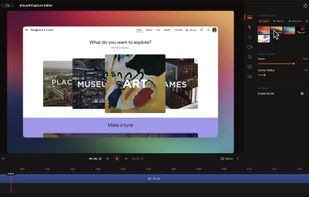


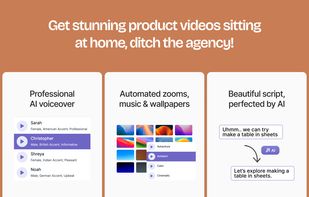
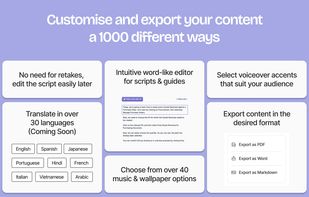
Converts rough screen recordings into professional videos with AI-enhanced scripts, natural voiceovers, automated zoom, grammar correction, and generates step-by-step guides with screenshots and descriptions—no editing or technical background required.
 United States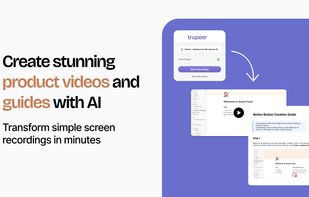



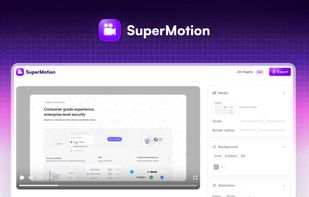
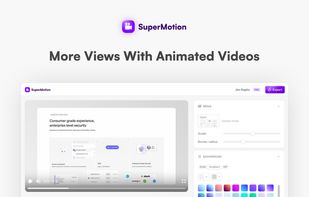
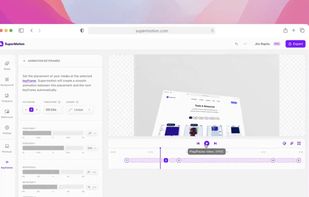
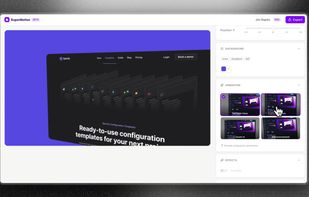
Turn static images or a boring video into captivating animated clips that really capture attention. Ideal for Dribbble shots, Twitter videos, landing page videos, feature announements.