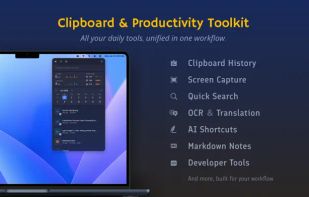
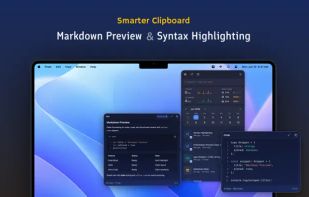
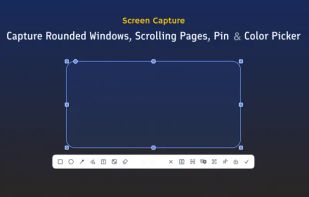
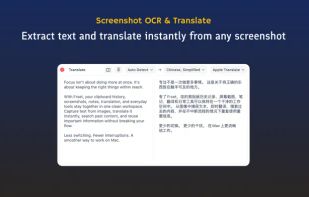
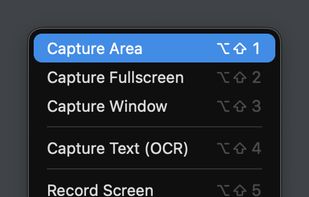
Frset is an all-in-one macOS productivity app combining clipboard management, screenshots, OCR, translation, AI shortcuts, and useful utilities in one place.
Cost / License
- Freemium
- Proprietary
Application typeApplication types
Platforms
- Mac



+9




Apps similar to Curate Draw include ShareX, which is free and open source. Other options are Flameshot, Gradia, macshot and Snipping Tool. You can choose from more than 10 Screenshot Capture Tools like Curate Draw for Mac, Windows, Linux and the web.
Frset is an all-in-one macOS productivity app combining clipboard management, screenshots, OCR, translation, AI shortcuts, and useful utilities in one place.

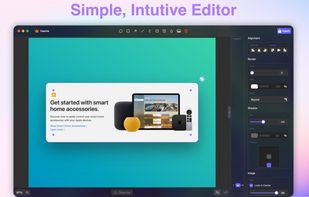
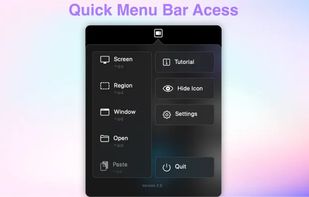
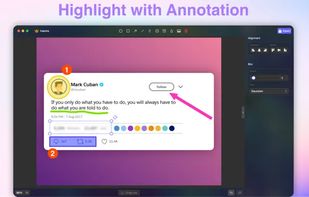
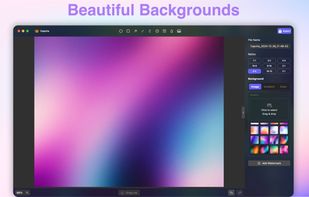

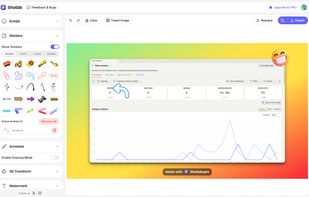
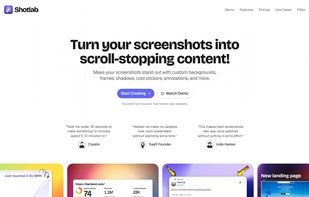
ShotLab is a lightweight screenshot editor built for creators, indie hackers, and marketers who want better engagement without spending hours on design.
 India
India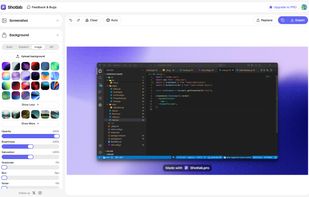


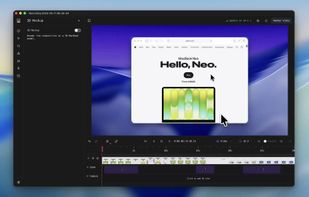
Screenshot and screen recorder app for macOS. One app instead of four. Capture multiple windows, annotate, zoom, add transitions, and drop your recording onto a 3D MacBook with a simulated lens. Everything stays local.
 Australia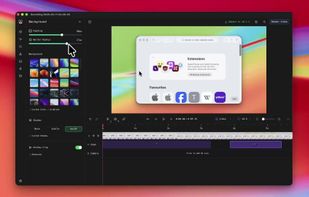
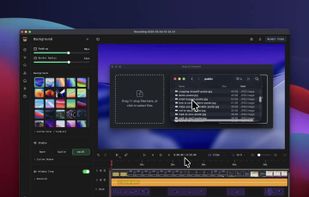
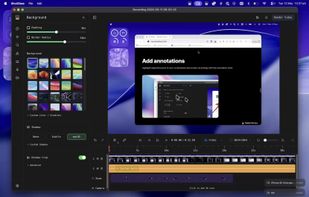


Capture full and partial screenshots, record screen or webcam videos with extensive editing tools, including annotations, video conversion to gif/mp4, and sharing options. Create step-by-step guides enhanced by AI, save in multiple formats, and utilize cloud storage integration.
 United States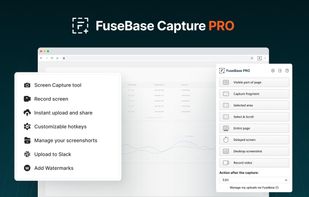
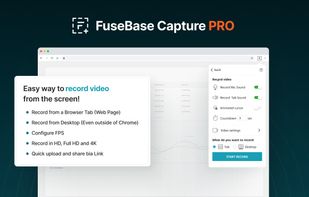
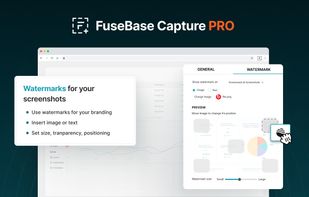
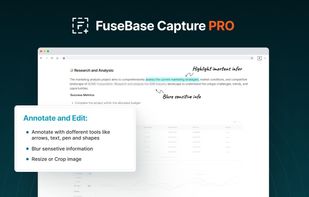


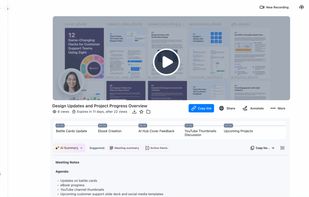
Enables screen and webcam capture, detailed video and screenshot editing, organized meeting notes, AI-powered transcription, and cloud-based instant sharing of annotated visual content via direct links or drag-and-drop integration with communication apps on Windows and Mac.
United States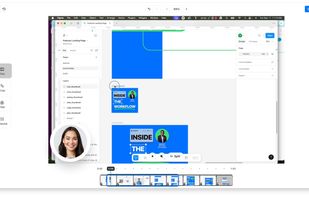
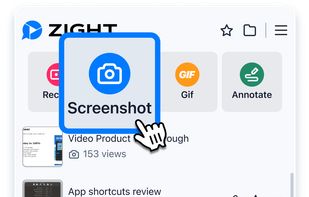


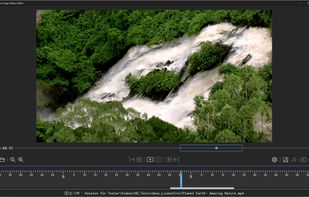
Capture screenshots or record videos with Ashampoo Snap’s efficient tools. Enjoy easy editing, multi-display support, OCR for 180 languages, and instant sharing capabilities. Revamp your projects with video cutting, annotations, and custom capture options.
 Germany
 EU
EU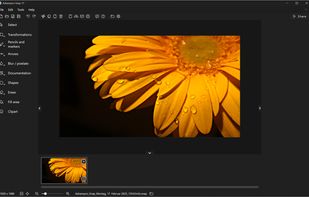



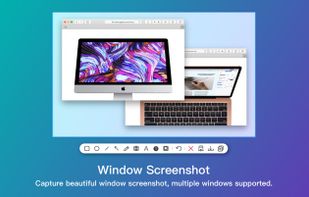
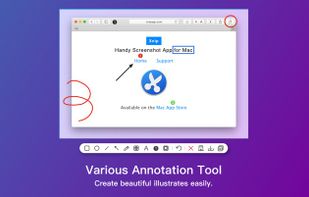
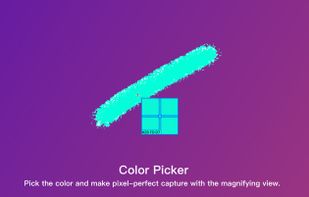
Screenshot app for macOS includes scrolling capture for full-page screenshots, multi-window selection, annotation tools, color picker, shadow effects, object measurement, pixel accuracy, and pinning images—ideal for code, chats, articles, and design references.
 China
China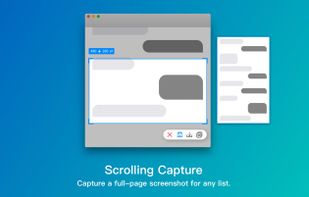

Capso is a free and open-source screenshot and screen recording app built natively for macOS in Swift. It offers annotation tools, scroll capture, GIF recording, OCR text recognition, and a smart OCR-powered highlighter. No Electron, no subscriptions, no watermarks.
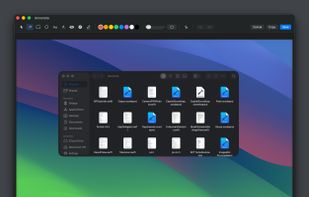
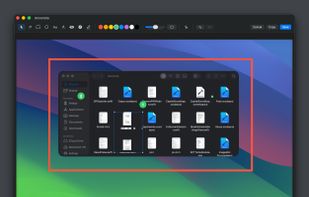
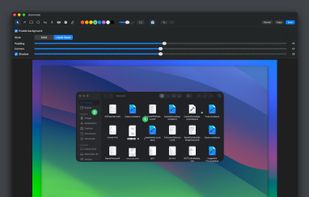


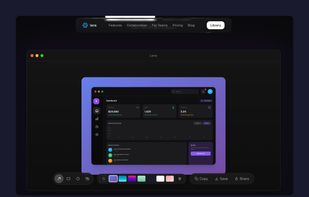
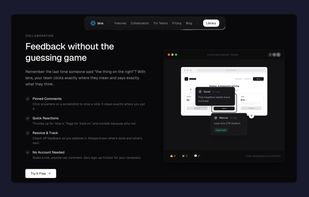
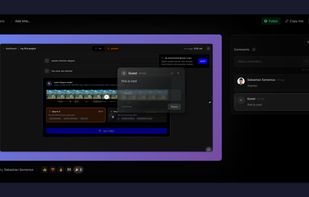
Capture screenshots, annotate, and share a link where your team pins feedback directly on the image — no sign-up needed for reviewers.
 RomaniaEU