

Cost / License
- Free
- Open Source (MIT)
Application type
Platforms
- Mac
 China
China



C


Apps similar to Coffee_FF include goguma app, which is free and open source. Other options are Amphetamine, Caffeine for Windows, Stimulator and PowerToys - Awake. There's no shortage of Prevent Sleep Mode Apps like Coffee_FF, with more than 25 alternatives for Mac, Windows, Android, Linux and the web.
China
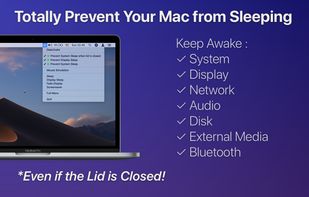
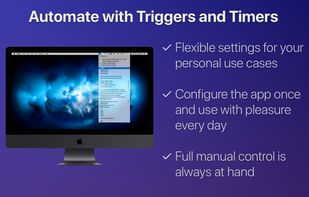
Prevent your Mac from falling asleep, dimming your screen or starting the screensaver. Theine keeps macOS awake just like caffeine does with you.
 Germany
 EU
EU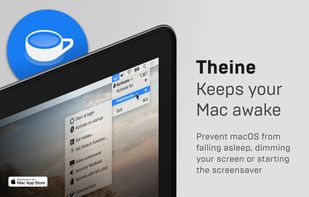
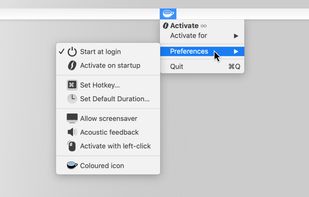
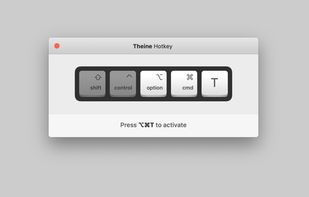
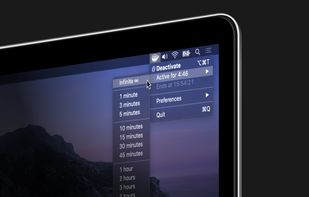


Coffee allows you to keep the display awake without having to change the device settings. It can be toggled at various places:
GermanyEU


Keep your screen on when your device is running your GPS application, favorite remote control, playing a movie or slideshow, etc... Perfect to keep your screen on without dimming for application development. Your screen will never go back to sleep until you want it to...
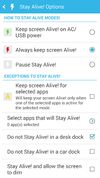
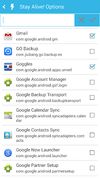
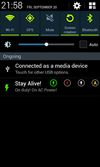


This software helps you keep Windows awake when the PC is in use. Windows will transition to standby if the keyboard and mouse is idle for a long time, except if something is blocking sleep. Programs can signal the system to avoid sleep.


Keeps your computer in an active state. No install required, fully portable and can run from a USB. Completely free for everyone.
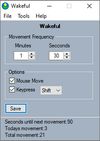
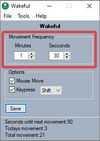
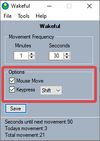


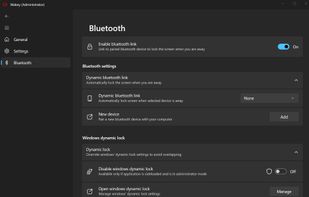
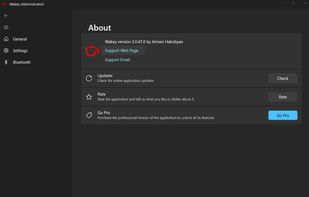
Wakey is my version of application which keeps your PC awake. It was inspired by Awake utility which was a part of Microsoft's PowerToys.
 Armenia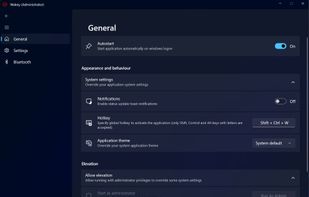
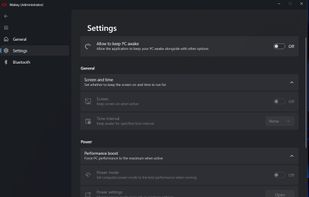


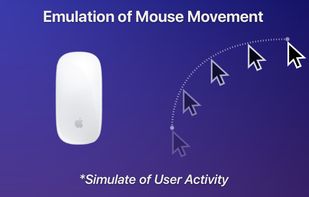


 ItalyEU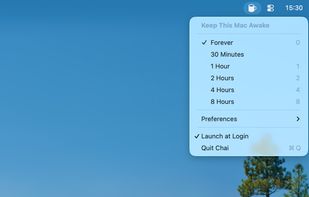


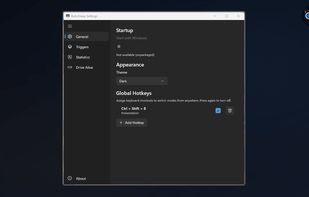
Provides Windows tray-based management for staying awake, preventing sleep, keeping displays on, or changing power plans. Includes session timer, hotkeys, and crash recovery with Pro-only smart triggers, stats export, Drive Alive for USB devices, and minimal resource use.
 Russia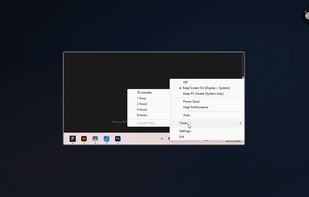



 France


 Canada