


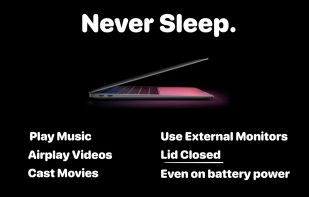
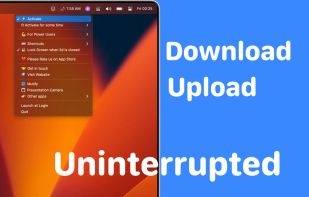
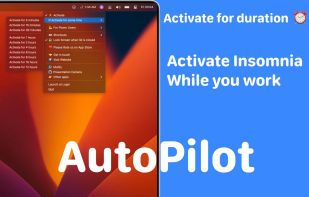
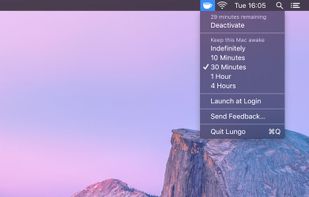
Use Mac with external monitors with lid closed even when you are on battery power. Play music, airplay movies, download/upload lid closed. Most modern and up to date app.
Cost / License
- Paid
- Proprietary
Application type
Platforms
- Mac



+4


C


Apps similar to Coffee_FF include goguma app, which is free and open source. Other options are Amphetamine, Caffeine for Windows, Stimulator and PowerToys - Awake. There's no shortage of Prevent Sleep Mode Apps like Coffee_FF, with more than 25 alternatives for Mac, Windows, Android, Linux and the web.
Use Mac with external monitors with lid closed even when you are on battery power. Play music, airplay movies, download/upload lid closed. Most modern and up to date app.

 Norway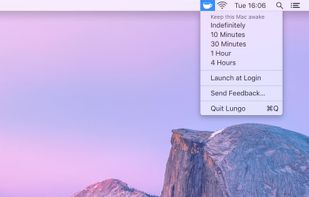


Don't Sleep is a small portable program to prevent system shutdown, Standby, Hibernate, Turn Off and Restart.
 Germany
 EU
EU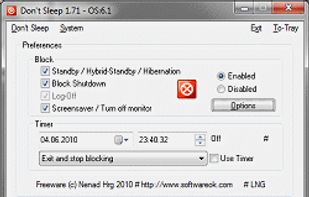


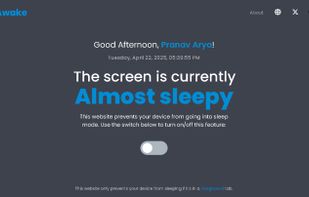
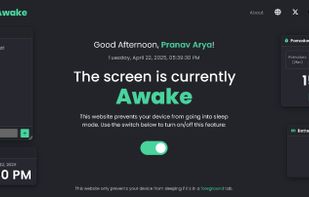
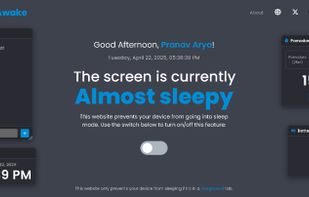
Need a quick coffee break ? But don't want your PC to sleep or Teams to go idle? Stay Awake keeps your screen on by keeping its own tab active. No need to change OS settings.
 India
India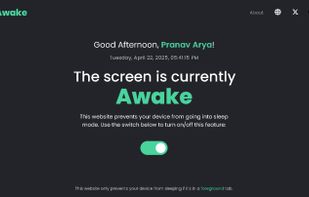


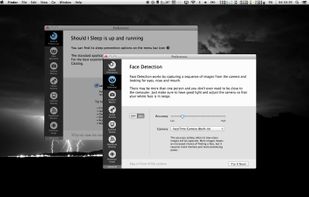
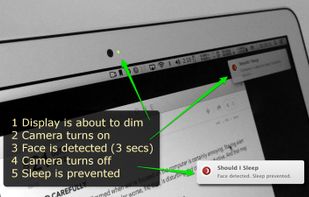
Annoyed by the display getting dim when you're reading or watching something? What if the computer could “see and hear” you?
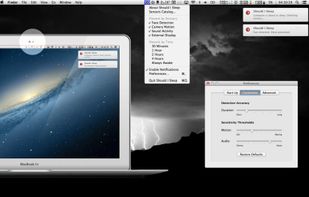
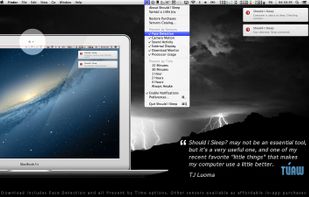


Clapet is a utility that aims to improve clamshell mode on your Macbook by automatically managing sleep when an external display is detected.


A small GNOME utility application to send Wake On LAN (WoL) magic packets to devices in a network.
GermanyEU


When it's not possible to change the screensaver settings in your Windows environment, then it's almost impossible to show things on your screen for a longer period without activating the screensaver.


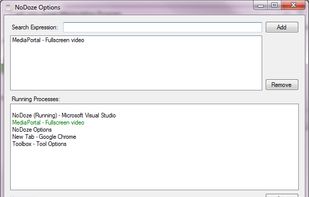
NoDoze simulates keyboard/mouse activity to keep the screensaver from activating. Its activity depends on currently running programs. You can use regular expressions or Windows wildcards to choose when the screensaver is deactivated.


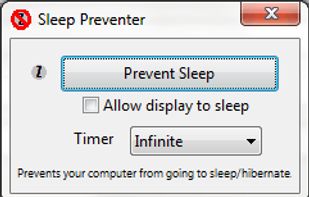
Prevents your computer from going to sleep, hibernate, dim the display or start the screensaver. Application runs in the system tray when closed. New in version v1.3: -Parameter support. v1.2: Option to let display fall asleep. v1.1: Sleep timer.
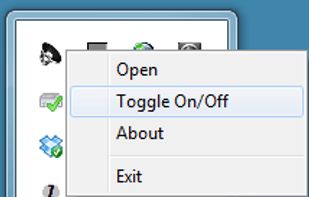




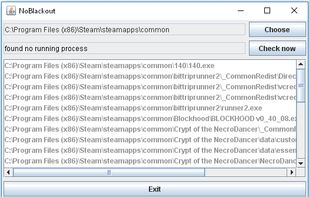
Simulates activity (=> disables screensaver and powersaving) while running programms (any .exe) from a choosen directory. Main purpose is to choose the steam directory to disable monitor powersaving while running steam games.


 United States


