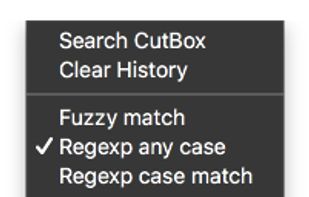
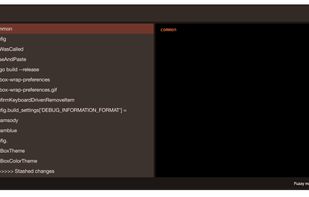
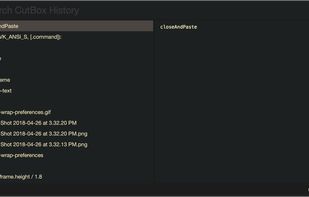
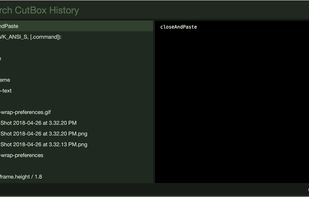
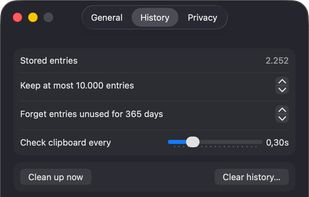
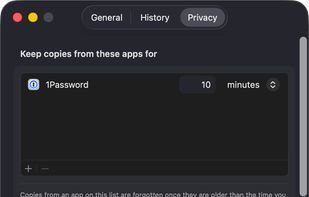
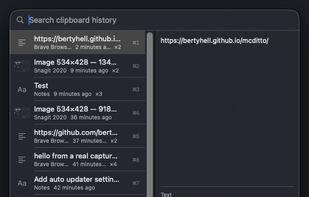
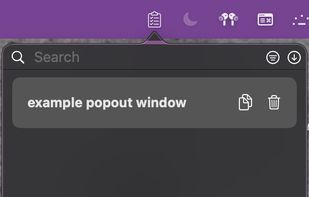
Pasteboard history for macOS done right. Using the proven UI style of Alfred, Spotlight etc. Use fuzzy searching to find what you want to paste.
Cost / License
- Free
- Open Source
Application type
Platforms
- Mac



+2


Apps similar to ClipClip include CopyQ, which is free and open source. Other options are Ditto, PasteBar, Maccy and Clipboard History IO. Clipboard Managers like ClipClip are a crowded field, with more than 50 alternatives for Windows, Mac, Linux, iPhone and iPad.
Pasteboard history for macOS done right. Using the proven UI style of Alfred, Spotlight etc. Use fuzzy searching to find what you want to paste.

Clipboard history and snippet manager for iPhone and Mac that keeps every copy ready to paste, stored on your device and synced through your own iCloud.
 Japan
Japan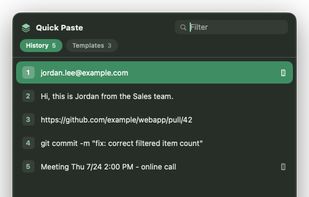
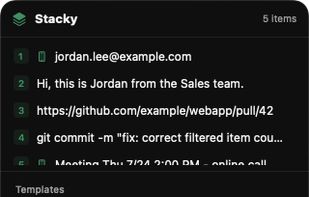
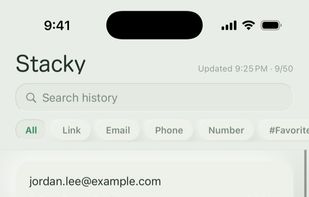
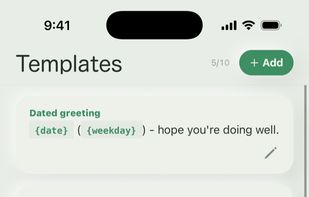

Ditto is a native macOS clipboard manager. Every copy — text, rich text, images, files — is kept, searchable and one keystroke away. It's the unofficial macOS sibling of the Windows classic Ditto.
 Belgium
 EU
EU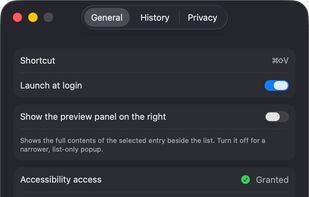

simple clipboard manager for Wayland, built in Rust. It saves a history of your clipboard content, and lets you paste things you've copied earlier. It also lets you configure "favorite" pastes for strings you need often.

CopyCharm is a Windows desktop app that helps users collect and reuse copied text, important clips, and saved prompts for AI work. It stores copied text locally and provides search and favorites to help users find useful material from past work.

Keyboard-driven multiple-clipboard manager for Windows: hold Ctrl, tap V to walk back through everything you have copied, release to paste - no window, no mouse. A .NET 10 + WPF reimplementation of Clipjump, shipped as one self-contained portable exe.
 India
India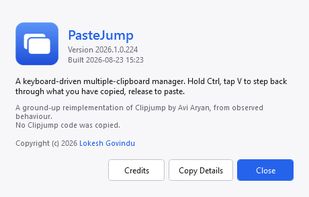
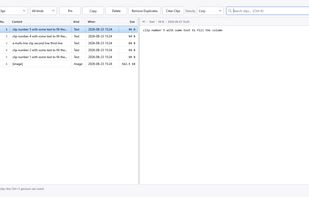
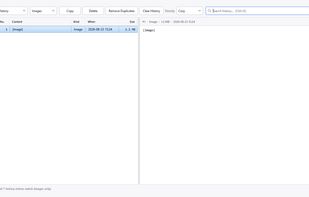
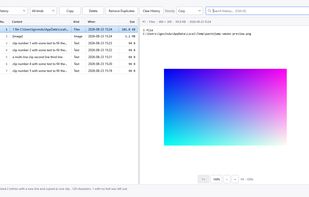

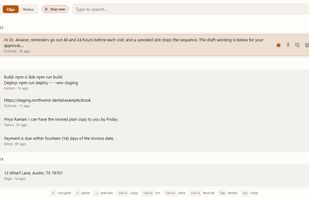
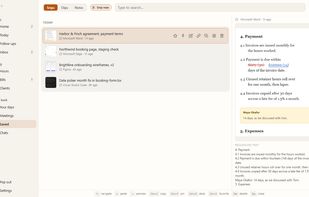
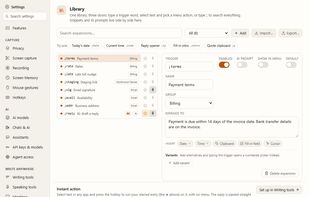
KeptInFlow is a Windows 10 and 11 app that stops you retyping what is already on your screen. It works where your cursor already is, in every app: Outlook, Word, Slack, your browser, your code editor.
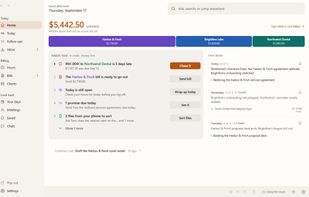


 United States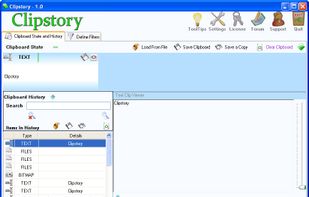


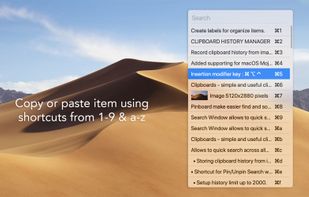
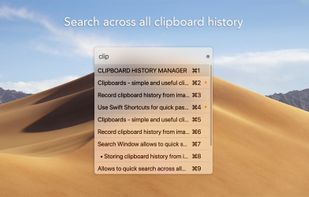


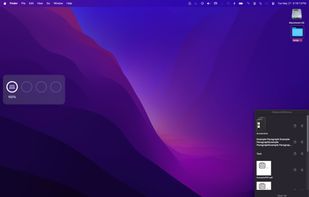
Mac clipboard history manager inspired by Windows, holding text, images, files, folders, and groups. Customize up to 50 items. Access via shortcuts and command keys. Opens at the bottom right, with a status menu bar icon. Provides comprehensive usage tips.
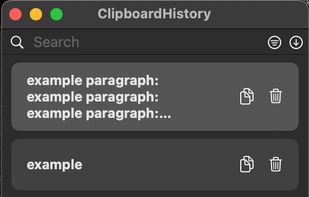



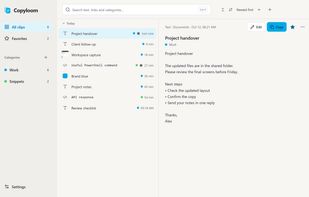
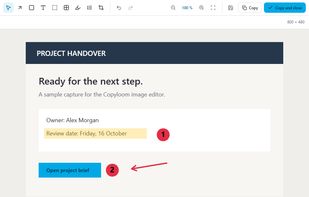
A clipboard history and image editor for Windows. Pick a clip from a small list that opens where you work, and it is pasted into the app you came from.