
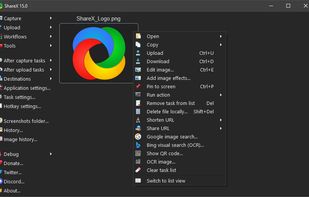
Open-source screen capture and file sharing tool with recording, editing, and annotation features. Supports 4K, dark mode, theming, offline use, and offers a lightweight, ad-free experience without tracking user data.
 United States



+9
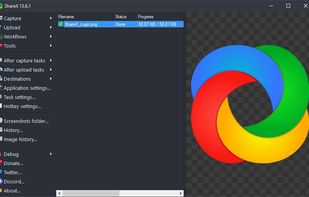




Open-source screen capture and file sharing tool with recording, editing, and annotation features. Supports 4K, dark mode, theming, offline use, and offers a lightweight, ad-free experience without tracking user data.
United States
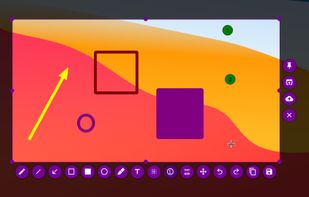
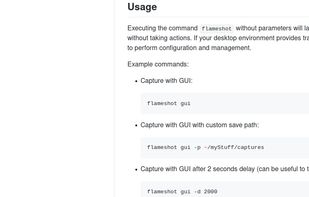
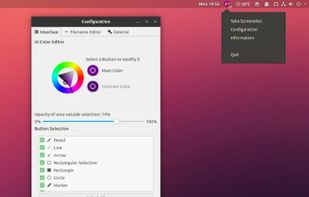
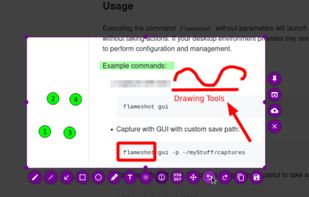
Flameshot is a free, open-source screenshot tool that is cross-platform compatible, offering customization, editing features, CLI scripting, and direct Imgur uploads for seamless sharing. It provides an intuitive user experience through features like area selection, annotations, and saving options.


Extends clipboard history by saving every copied item, including text, images, and HTML. Enables search, thumbnail previews, and secure network sync across devices. Accessible via tray or hotkey, supports Unicode, offers 17 translations, and uses SQLite storage.
United States


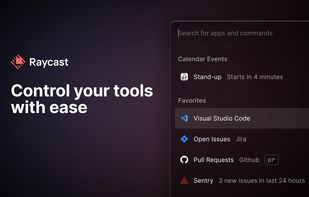
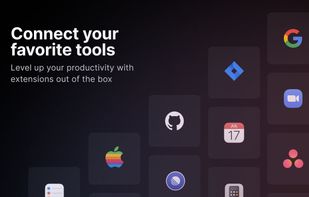
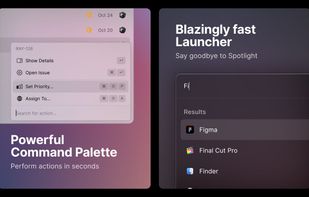
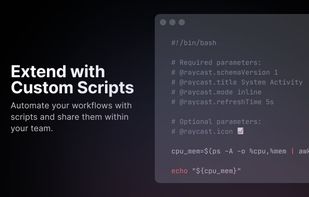
Raycast revolutionizes Mac productivity with AI-driven task automation, command shortcuts, and customizable workflows. Create snippets, manage clipboard history, translate text, and maintain sync across devices. Discover day planning, distraction-free focus, and versatile virtual assistance.
 United Kingdom


Clipboard manager storing unlimited history, supporting formatted text, images, HTML, quick search, previews, data grouping by type, editing, window pinning, and efficient organization for retrieving and managing clipboard content while saving data to disk.
 Ukraine



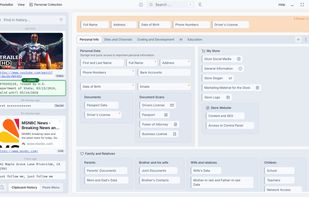
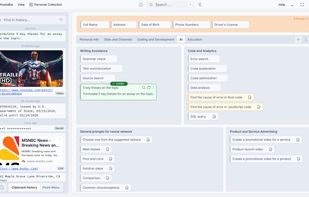
Free, open-source clipboard manager for Mac and Windows offering unlimited clipboard history, secure local storage, PIN protection, advanced backup and restore, collections, tabs, extensive workflow features, customizable keyboard shortcuts, and syntax highlighting.
United States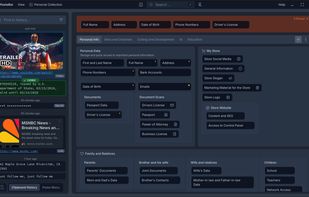


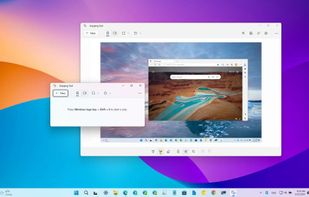
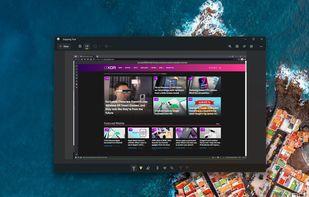
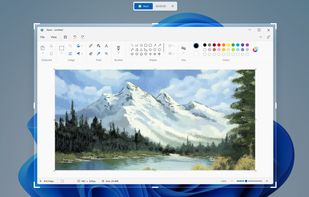
Snipping Tool is a screen capture utility that allows users to take screenshots of specific objects or full screens, annotate them, and save or share the captured images or videos.
United States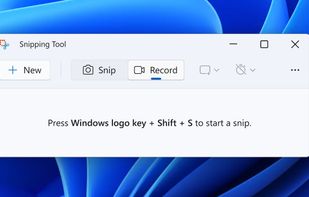

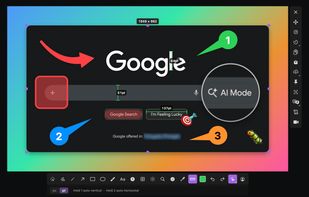
Feature-packed native macOS screenshot tool — annotate, auto-redact PII, record GIFs, OCR + translate, scroll capture, beautify, and more. No Electron, no subscription.
 Portugal
 EU

Keeps text, image, and link history encrypted and synced in real time across Mac, Windows, and Linux. Offers fast search, smart image text recognition, reliable cloud backup, offline access, minimal resource usage, and full end-to-end security.




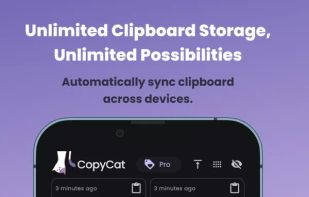
Sync clipboard across devices in real-time, organize unlimited items into collections, search clipboard history instantly, recover previous content, personalize settings, store text and links, and access a user-friendly interface across phone, tablet, and computer platforms.
United States

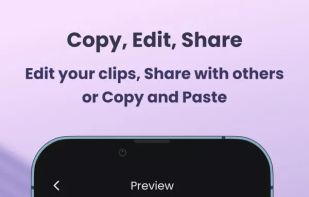


Lightweight clipboard tool for macOS storing all copy history locally, enabling fast keyboard-first navigation and search, minimal native interface, no logging of sensitive data, customizable settings, automation support, open source under MIT license, and privacy.
 Australia
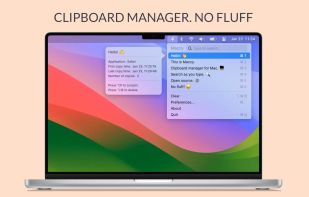


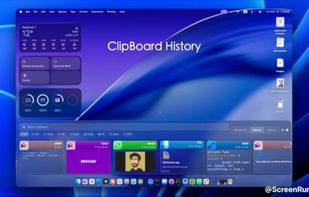
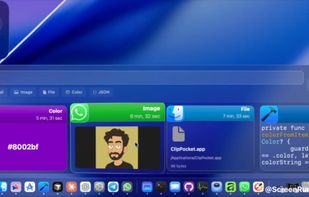
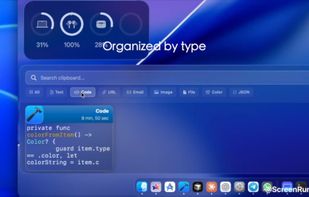
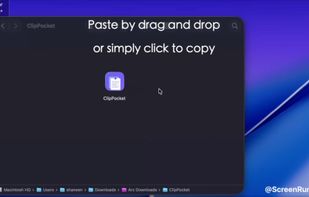
Clipboard manager for macOS that automatically saves all copied items, detects types like code, files, images, and URLs, offers local-only privacy, file copying, favorites, instant search, keyboard shortcuts, auto-updates, and a clean interface for all users.
 Iraq