

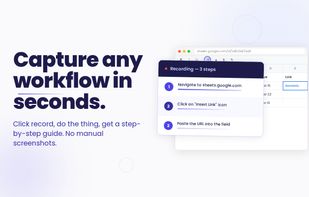
Auto-capture any browser workflow into a step-by-step guide with screenshots. Local-first, open source, bring your own AI key.
 United Kingdom





+1
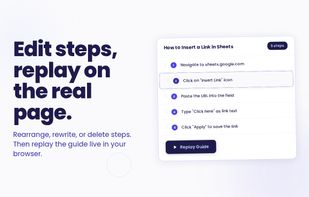




Auto-capture any browser workflow into a step-by-step guide with screenshots. Local-first, open source, bring your own AI key.
United Kingdom
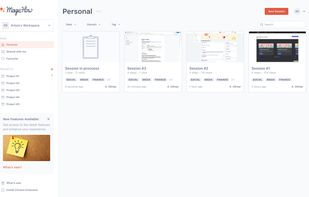
MagicHow is a free step-by-step guide creation tool for automatic process documentation and creating instructional documents like how-to guides, manuals, tutorials, and standard operating procedures (SOPs).
 Estonia
 EU

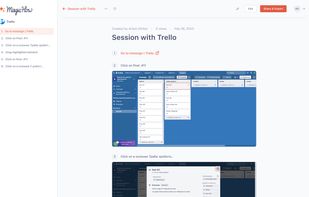


The fastest tool for creating step-by-step guides. A desktop tool to capture steps with every click of the mouse, customize screenshots, create annotations, and generate the final guide in HTML, .doc, PDF, and more.
 GermanyEU

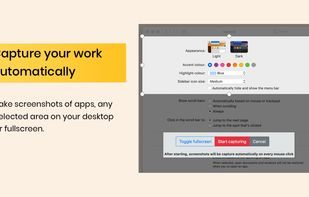
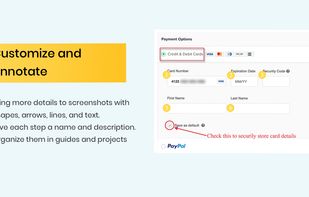
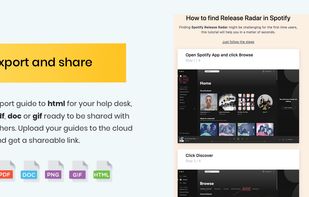


Generate instant video and document guides with generative AI, highlight automation, drag-and-drop editing, multi-language voiceovers, team collaboration, workflow integration, custom branding, sensitive data blurring, and browser-based sharing for fast training, support, and onboarding.
 United States

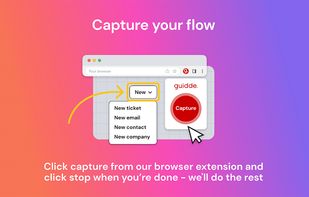
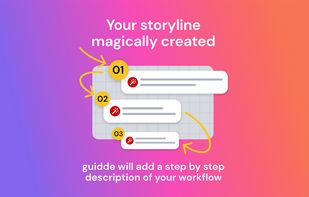
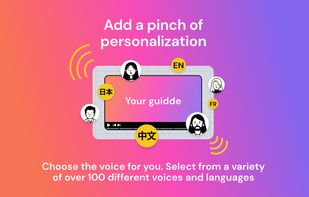


Automates step-by-step workflow guides by capturing browser or desktop actions, using AI to create editable, customizable manuals with screenshots, supporting sharing, integration, exporting to multiple formats, and enabling organizations to maintain up-to-date SOPs, training, and documentation.
United States
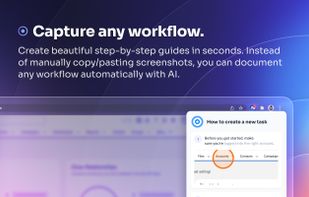

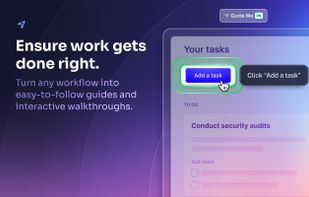


It creates workflows based on screenshots in a very simple and intuitive way. Tango is a magical tool for creating how-to guides.



Dubble watches how you work and translates your actions into written step-by-step guides, videos and screenshots - so you don’t have to.
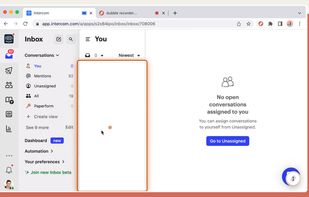
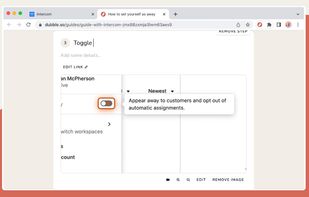


Fastest way to create step-by-step guides. Perfect for automatic process documentation, screenshot instructions, how-to guides and SOP documents! Great free alternative to ScribeHow or Guidde.
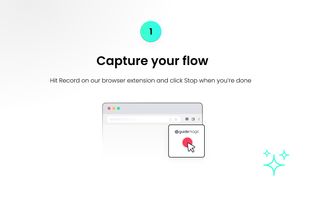
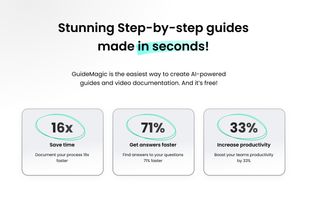


A Chrome extension that turns screen recordings into polished step-by-step SOPs. Record any workflow and instantly generate guides with annotated screenshots and contextual explanations.



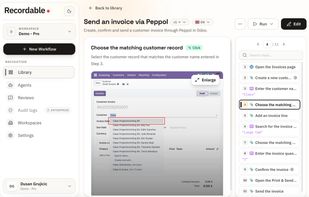
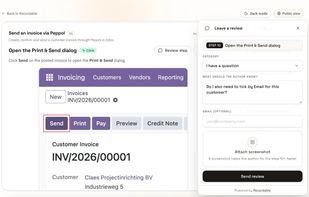
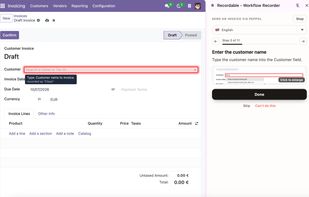
Record a task once, in the browser or in desktop apps, review the guide it creates, and let your team read it, follow it in their browser, or use it for a supervised AI run.
 BelgiumEU
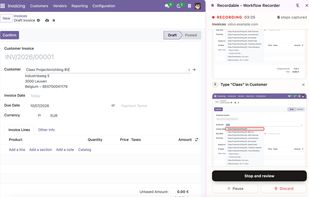


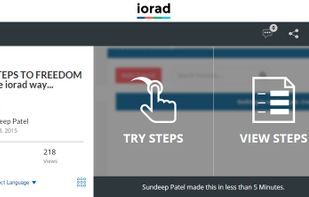
Do you copy/paste screenshots, fumble through screencasts or schedule web conferences to explain how to do something in an application? There's something better. In minutes with iorad, we capture your actions and magically transform it into step-by-step interactive tutorials.


Turn iPhone or iPad recordings and ordered screenshots into editable step-by-step guides. Add gesture markers, labels, captions, and redactions, then export PDFs, videos, images, or Markdown locally without an account or uploads.
 Myanmar (Burma)