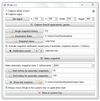
Seamlessly record your Mac's screen, microphone and camera. Edit your recordings and share them as movie or animated GIF/PNG.



+1
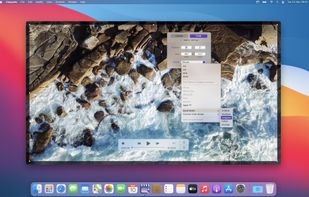


Apps similar to CleanShot X include ShareX, which is free and open source. Other options are Greenshot, OpenScreen, Recordly and Vorssaint. You're spoiled for choice with Screenshot Capture Tools like CleanShot X: we list more than 100 alternatives for Windows, Mac, the web, Linux and Android.
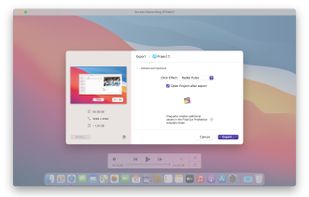
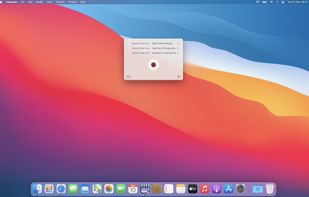
Seamlessly record your Mac's screen, microphone and camera. Edit your recordings and share them as movie or animated GIF/PNG.

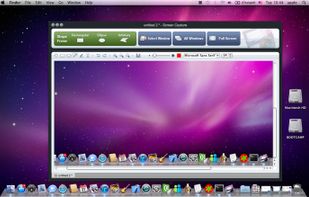
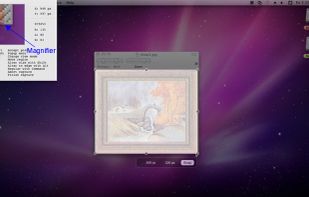
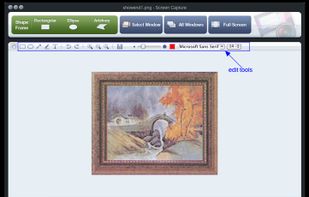
Onde Screen Capture for Mac is currently the most professional and powerful screen grabbing utility running on Mac OS, by which you can easily capture any part on your Mac desktop such as rectangular or ellipse region, freehand region, full screen, active window or all windows...
 United States


With Free Snipping Tool, not just you create snips, you can save your snips on major backup services like Imgur, Google Drive and Dropbox. Not just this you can also upload them via FTP or simple WebRequest.
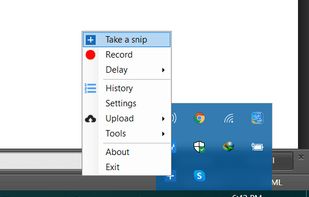
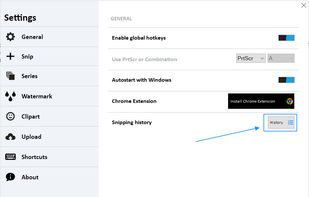
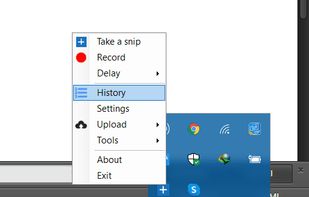


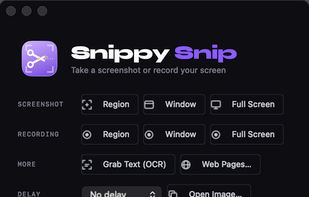
Snippy Snip is the snipping tool your Mac always needed: paste-ready screenshots that land on your clipboard instantly, a full annotation editor that keeps the clipboard in sync as you edit, and screen recording you can watch before you keep it.
United States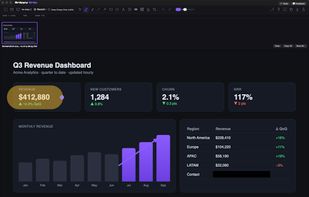


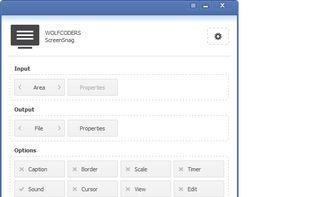
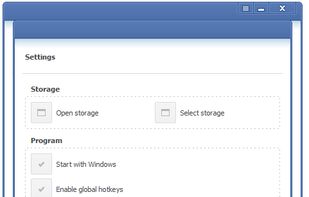
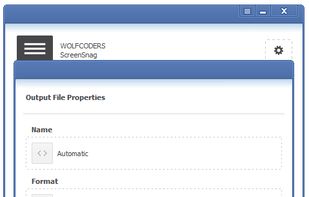
ScreenSnag provides a quick and easy way to take a photo of your computer screen. Capture the entire screen, a region of the screen, a window, or an element on the window with a single hotkey or click. You can also use Timer option to perform captures at intervals that you...


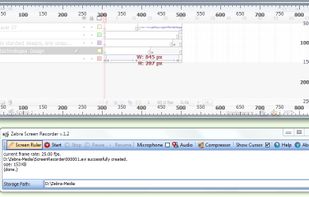
Zebra Screen Recorder captures your PC desktop activity into standard MPEG or AVI video files. It records everything you see on the computer screen, including the entire desktop, windows, menus, cursors - even video with sound.
 Ukraine


TPUCapture is an easy to use screenshot utility with a small memory footprint that resides in the system tray.
United States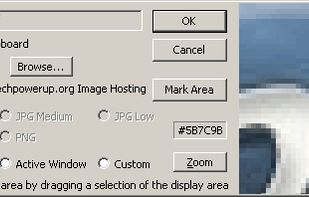

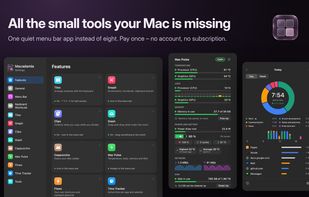
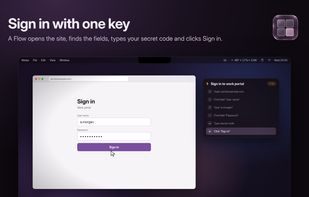
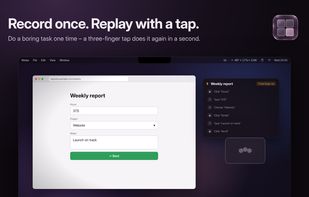
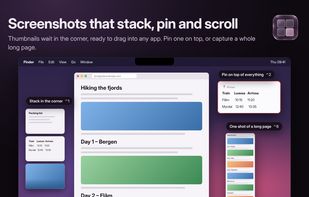
All-in-one menu bar app for Mac with custom shortcuts and automations, window tiling, a notch shelf, clipboard tools and screenshots.


GNOME Screenshot is a utility used in the GNOME desktop environment for taking screenshots. It was part of the GNOME Utilities (gnome-utils) package, but was split into its own package for the 3.3.1 version in 2011.
United States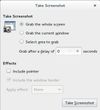


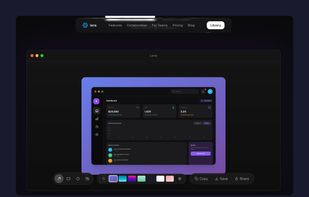
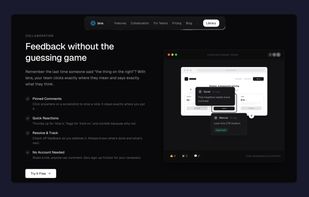
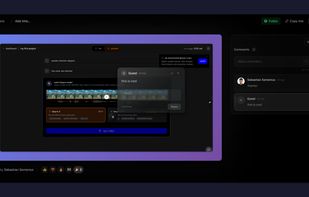
Capture screenshots, annotate, and share a link where your team pins feedback directly on the image — no sign-up needed for reviewers.
 Romania
 EU


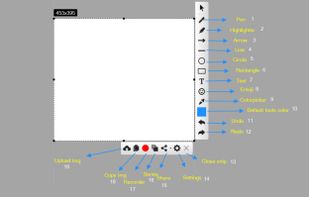
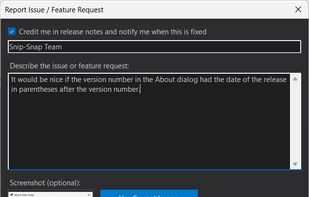
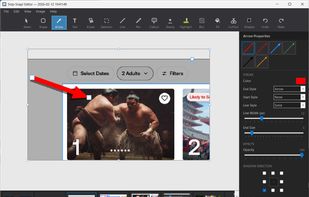
Snip-Snap! is a lightweight, privacy-focused screenshot utility for Windows 10/11. Capture regions, windows, or full screens with pixel-perfect precision using a built-in magnifier. Features a powerful editor with annotations (arrows, text, shapes, highlighters), quick styles...
United States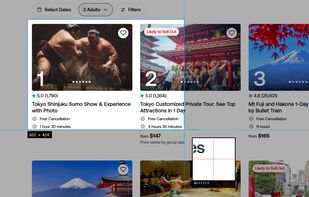



QuickScreenshot is a lightweight and very easy to use application that enables you to take screenshots of your desktop with a few mouse clicks. Just press the wanted screenshot key (or press it multiple times) and your screenshots are done!
 GermanyEU