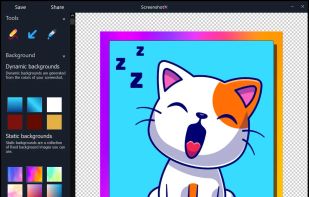
Beautiful screenshots with stunning backgrounds and powerful annotation tools. Create, edit, and share professional-quality screenshots with ease.
Cost / License
- Paid
- Proprietary
Application typeApplication types
Platforms
- Mac
- Windows
 Portugal
 EU
EU


C


Apps similar to Clarus include ShareX, which is free and open source. Other options are Greenshot, Flameshot, Snipping Tool and PicPick. Screenshot Capture Tools like Clarus are a crowded field, with more than 25 alternatives for Windows, Mac, Linux and the web.
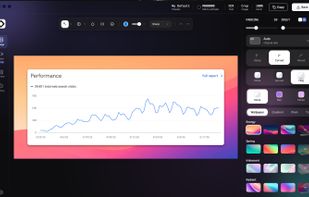
Beautiful screenshots with stunning backgrounds and powerful annotation tools. Create, edit, and share professional-quality screenshots with ease.
PortugalEU
Free AI-powered snipping tool featuring text extraction from images, instant translation in 100+ languages, screenshot question answering, and text-based editing. Annotate, summarize content, remove objects, or add highlights to captures—no editing skills needed.
 China
China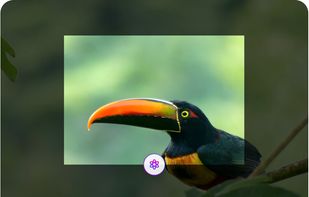

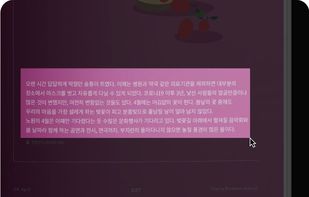


Gyazo lets you instantly grab the screen and upload the image to the web. You can easily share on Chat, Social, Email, or anywhere!
 United States


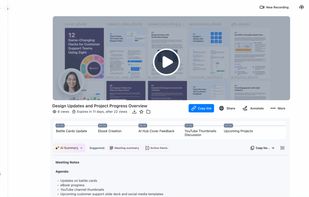
Enables screen and webcam capture, detailed video and screenshot editing, organized meeting notes, AI-powered transcription, and cloud-based instant sharing of annotated visual content via direct links or drag-and-drop integration with communication apps on Windows and Mac.
United States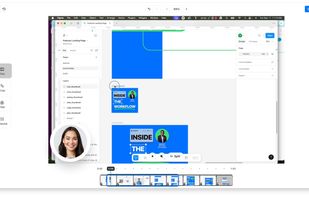
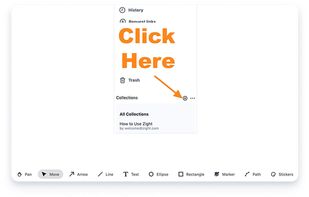


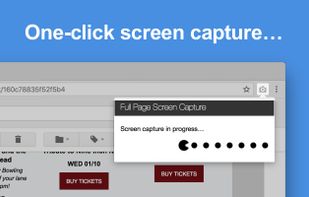
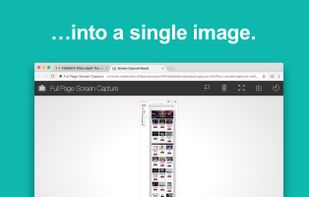
The simplest way to take a full page screenshot of your current browser window. Click on the extension icon (or press Alt+Shift+P), watch the extension capture each part of the page, and be transported to a new tab of your screenshot where you can download it as an image or PDF...
United States


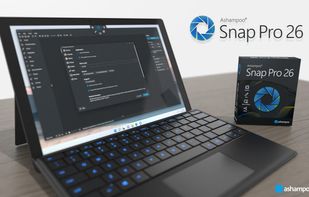
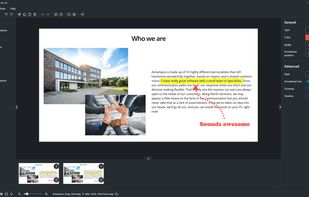
Capture screenshots or record videos with Ashampoo Snap’s efficient tools. Enjoy easy editing, multi-display support, OCR for 180 languages, and instant sharing capabilities. Revamp your projects with video cutting, annotations, and custom capture options.
 GermanyEU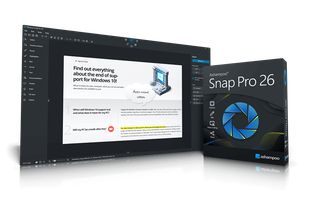


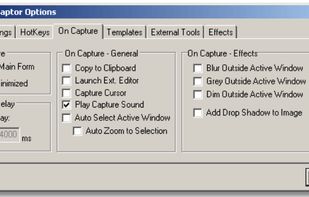
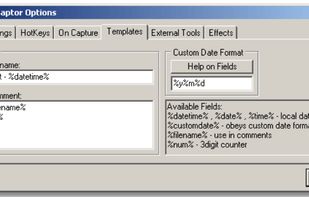
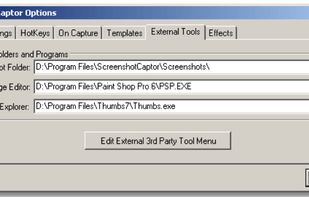
Screenshot Captor is a program for taking screenshots on your computer. Its different from other screenshot utilis in several notable ways:
United States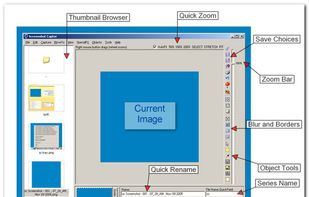


If you are using Windows, SnapInker is an easy way for beautifying your screenshots with effects such as Background Images, Shadow effects, and more.
 United Kingdom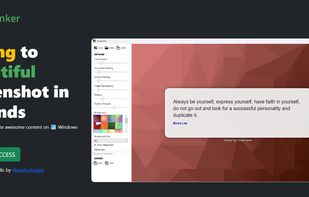


ScreenshotX is a new, lightweight app for Windows for creating beautiful screenshots. It's freeware, it doesn't come with any spyware and you can also share your screenshots without the need to register or any other nonsense.
United States


SnapTray is a tray-native screenshot and screen recording app for macOS and Windows. It is built for fast desktop workflows: capture a region, explain it instantly, keep references on screen, and turn the same moment into a shareable image or video.
 Taiwan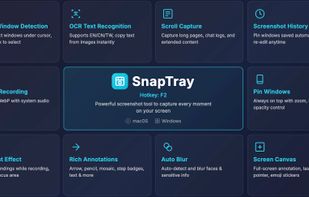


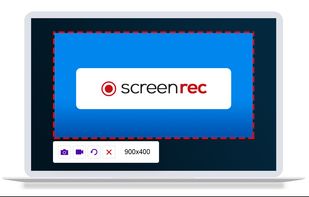
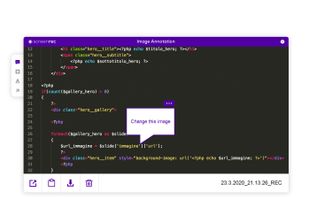
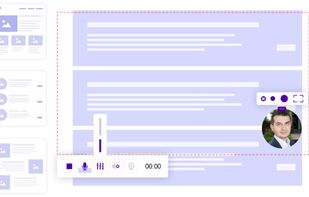
ScreenRec is a free screen recorder for Windows, Linux, and Mac with webcam, microphone, and system audio capture. Record without a watermark or time limit, store videos in free cloud storage, and share instantly with private links.
 BulgariaEU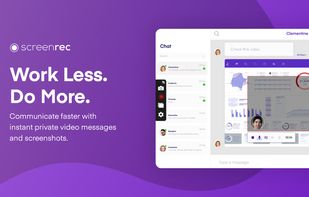


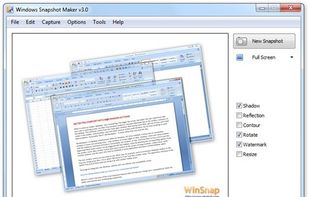
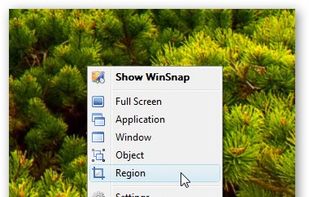
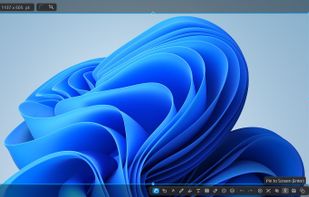
WinSnap is a small enhancement utility for taking and editing screenshots. Standard features include easy capture of non-rectangular windows with customized and transparent backgrounds, simple and automatic canvas transformations, coloring effects, and the addition of eye-candy...
 Russia