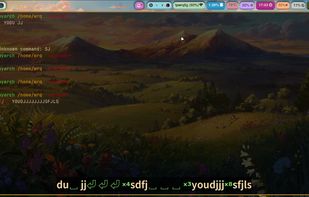
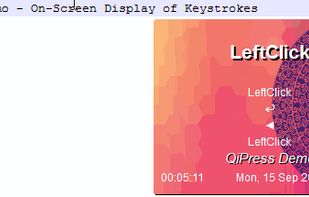
QiPress is a portable Windows program that displays key presses on the screen. The keyboard input display takes minimal space, and highly customizable.
Cost / License
- Freemium
- Proprietary
Application type
Platforms
- Windows

Q


Apps similar to Carnac include Keyviz, which is open source with a free version. Other options are SHARA, Screenkey, Key'n'Stroke and KeyCastr. You can choose from more than 10 Keystroke Visualizers like Carnac for Mac, Windows and Linux.
QiPress is a portable Windows program that displays key presses on the screen. The keyboard input display takes minimal space, and highly customizable.

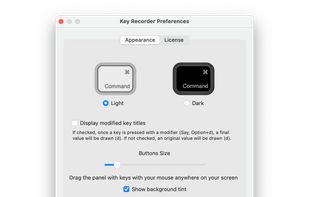
KeyDrawer draws keypresses on the screen of your Mac with a style that matches your Mac's look and feel. It will make your tutorial videos, video streams and presentations look elegant and professional.
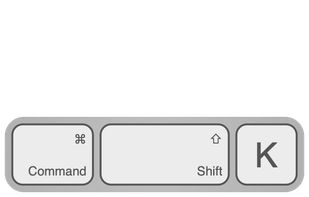
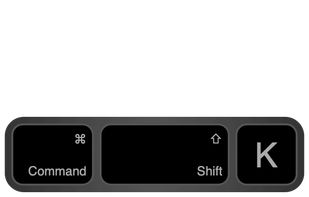


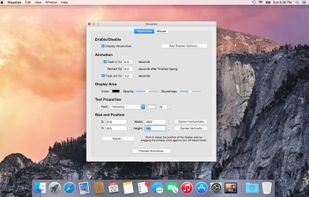
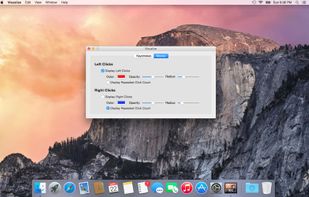
Visualize allows you to highlight your key presses and mouse clicks right on your desktop! The perfect tool for presentations or video tutorials, Visualize allows you to customize the look so your viewers can follow along with ease.


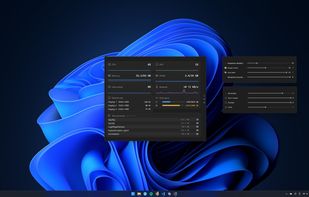
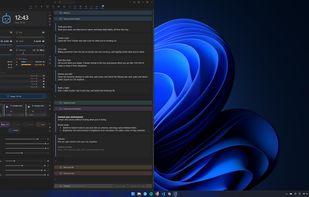
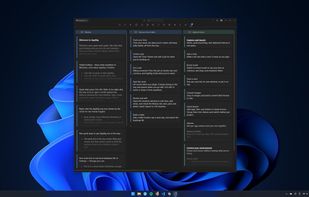
A local-first Windows tray app that bundles per-app volume, monitor brightness, sticky notes, time tracking and a dozen other tools in one place.
 United Kingdom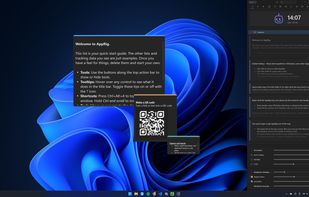


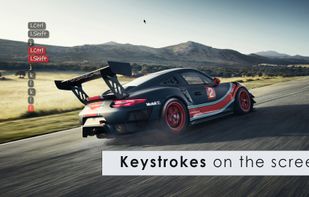
Keystrokes on screen, keyboard, mouse, draw on screen. Designed specifically for creating screencasts and tutorials. CSS Based keystroke on screen. Lots of predefined keystroke CSS themes. It's easy to create a theme yourself.





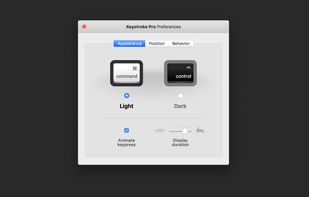
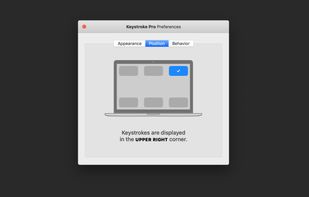
“Keystroke Pro” visualizes single and combined keypresses in an unique and elegant way. It’s the perfect companion for capturing tutorials, ?recording screencasts and performing presentations.
 Germany
 EU
EU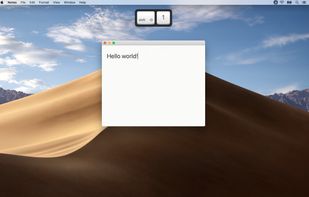
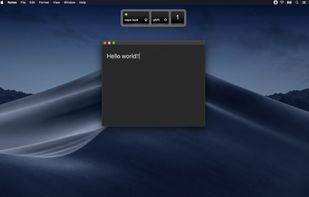

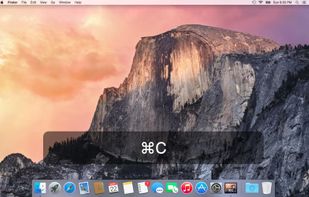
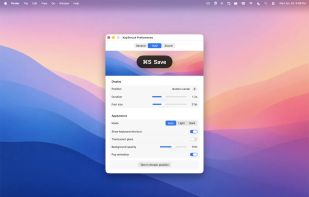
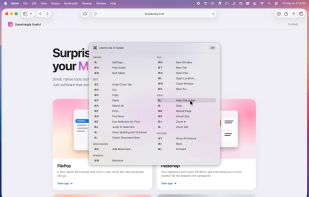
A floating glass HUD names every keyboard shortcut you fire — so you don't have to squint at the menu-bar flash to confirm.
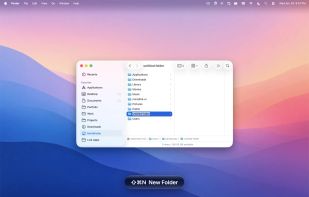
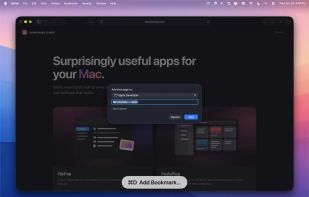


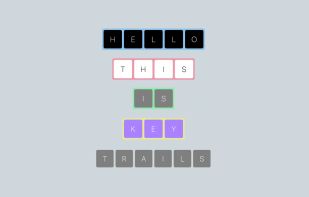
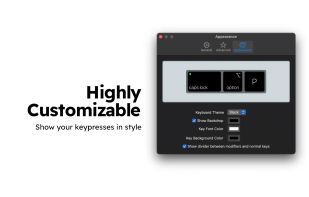
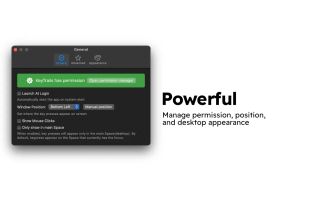
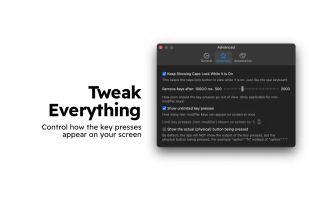
KeyTrails helps you present your keyboard input on your screen. Whether you are making a tutorial video, streaming your gaming session, or giving a business presentation, KeyTrails makes your content just a bit catchier.

Displays keypresses on screen on supported Wayland compositors (requires wlr_layer_shell_v1 support). Forked from https://git.sr.ht/~sircmpwn/wshowkeys