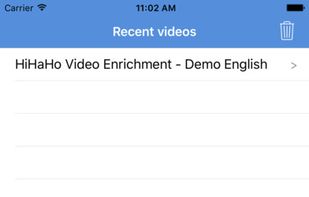
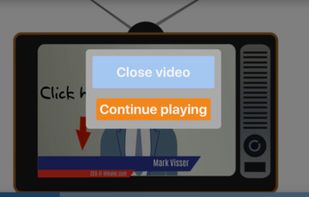
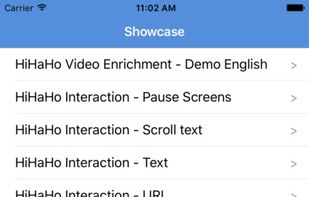
With HiHaHo, you can make any video interactive. Involve viewers by inserting interactions and integrate them into existing learning tracks.
Cost / License
- Paid
- Proprietary
Application type
Platforms
- Mac
- Windows
- Online
- iPhone
 Netherlands
 EU
EU



+1


Captura has been discontinued. One of the most popular alternatives is OBS Studio, which is free and open source. Other popular alternatives are ShareX, SimpleScreenRecorder, Bandicam and Camtasia. Screen Recorders like Captura are a crowded field, with more than 100 alternatives for Windows, Mac, Linux, the web and Android.
With HiHaHo, you can make any video interactive. Involve viewers by inserting interactions and integrate them into existing learning tracks.
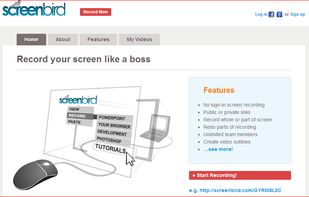
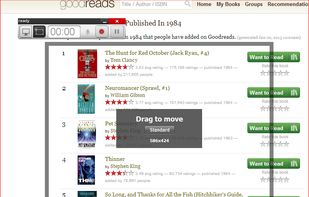
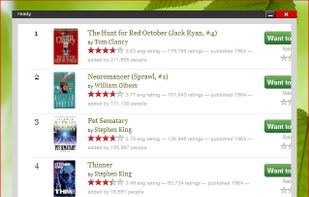
NetherlandsEUScreenbird is a browser based, no-sign in screen recorder. It's cross platform, and built for collaboration. From there you can push videos to Youtube, or create an outline for it, download a copy for backup.
 United States

informUp screen capture is a free screen capture software for you to easily take screenshots.


Captures the contents of the screen with a single keystroke. The captured screen can then be sent to the printer, or saved to disk as a file in 6 different graphics file formats. 15 languages.
United States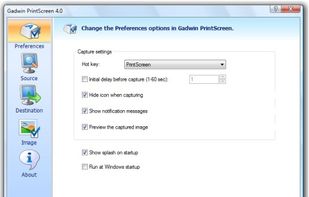


A small tool to capture things going on on an X-Windows display to either individual frames or an MPEG video similar to tools such as Lotus ScreenCam or Camtasia.
 GermanyEU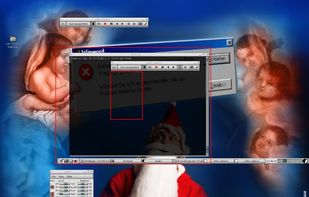


You grab Screens or Windows using the standard PrtScn and Alt-PrntScn keys and MGrab will intercept the saved data as it is sent to the clipboard and put it into your chosen folder as a BMP or JPG file leaving the clipboard free for you to take another screenshot.


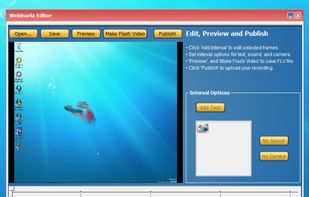
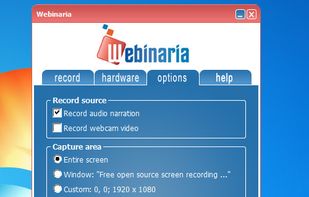
Webinaria is an easy to use screen recording and screen-casting tool. It allows you to record your screen or just a specific window. The integrated editor allows you to annotate your screen-cast before publishing it as a flash video.

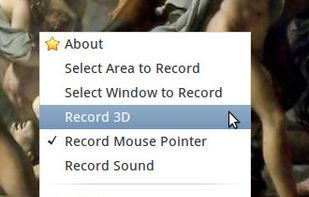
Istanbul is a desktop session recorder for the Free Desktop. It records your session into an Ogg Theora video file. To start the recording, you click on its icon in the notification area. To stop you click its icon again. It works on GNOME, KDE, XFCE and others.