


Cost / License
- Free
- Open Source (GPL-3.0)
Application typeApplication types
Platforms
- Linux
- Wayland
- GTK
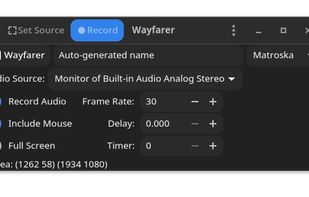


Apps similar to Cap include OBS Studio, which is free and open source. Other options are ShareX, OpenScreen, Recordly and SimpleScreenRecorder. There's no shortage of Screen Recorders like Cap, with more than 100 alternatives for Mac, Windows, the web, Linux and Android.

Record your screen with audio directly from your browser and share the video with your team, friends, and family.


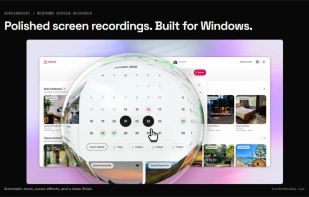
Windows screen recording with callout bubbles, AI captions, AI webcam background removal (Beta), sensitive information masks, 3D camera moves, editing during export, and shareable links. Free to try.


Snapclip is a tool that allows you to create a comprehensive knowledge base by training an AI assistant using your screen recordings and spoken explanations.
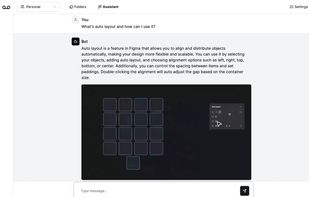
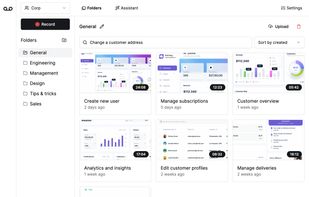
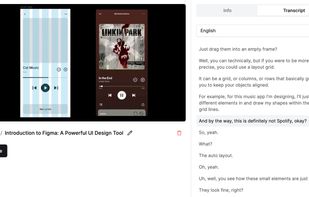

KlipKap is a desktop screen recorder and video editor for Windows, macOS that edits your footage automatically as you record. It captures your screen, webcam, and every audio source (microphone and system audio) perfectly in sync, then applies cinematic effects the moment you...
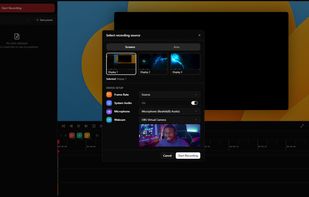
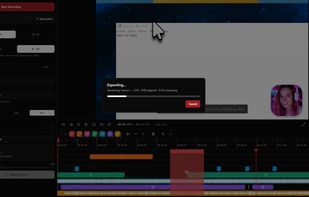
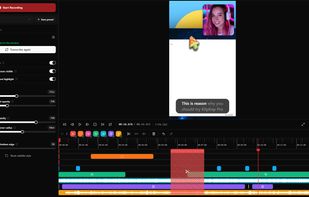
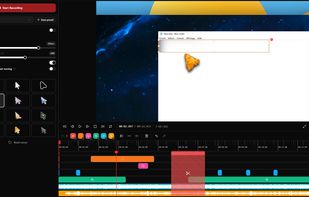

Mac screen recorder and multi-track video editor with separate camera clips, local background removal, animated titles, and MP4/MOV/WebM export.
 United Kingdom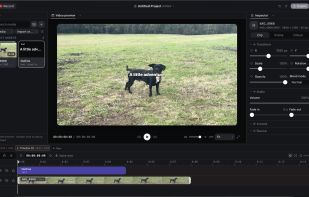


Capture screenshots, annotate, and share a link where your team pins feedback directly on the image — no sign-up needed for reviewers.
 Romania
 EU
EU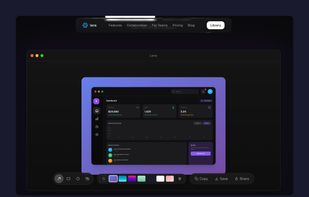
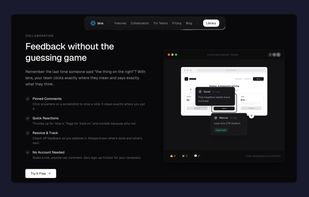
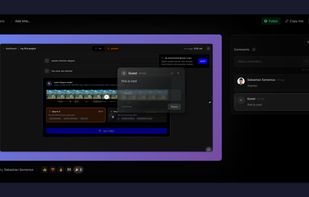


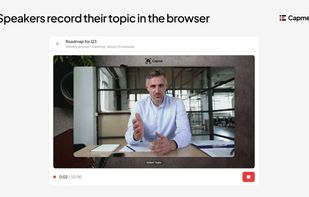
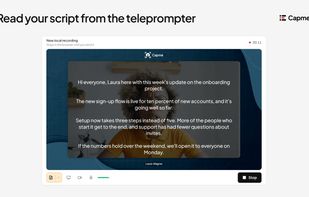
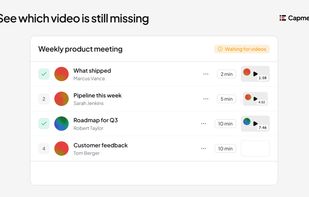
Capme is an asynchronous meeting platform for teams and organizations that want fewer status meetings.
 GermanyEU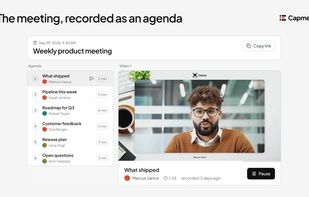


Videoyards is a lightweight, browser-based screen recorder that helps Chrome users create professional-quality demos without the need for bulky desktop software. It combines instant recording with smart editing features like auto zoom, cursor highlighting, and camera/microphone...
 India
India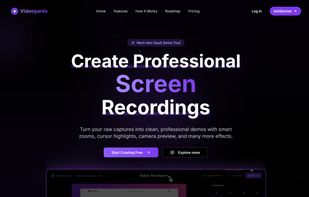

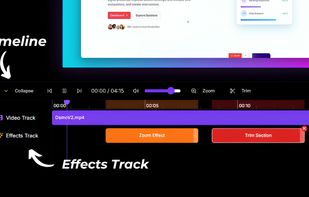
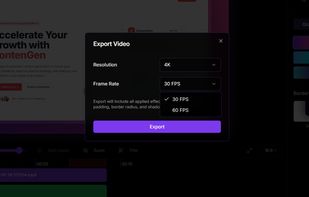


Creavit Studio is a macOS screen recording and video editing tool designed for creating professional-looking content quickly. It is a lightweight Screen Studio alternative with advanced tools for polished product demos, tutorials, launch videos, and social media content.
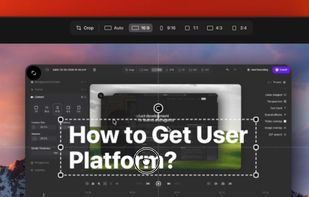
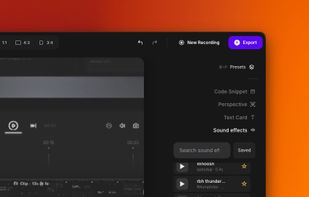
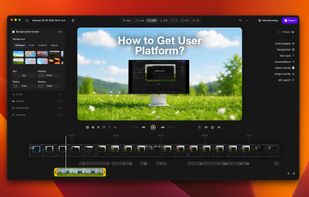
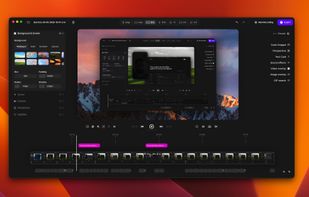


neetoRecord is a screen and webcam recording tool that helps you avoid unnecessary meetings. You can easily record your screen to create software demos, presentations, tutorials, feedback and more. This means you spend less time in meetings and more time getting work done...
India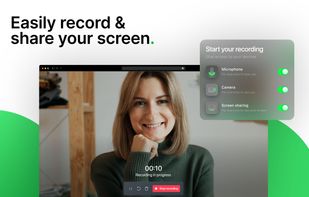
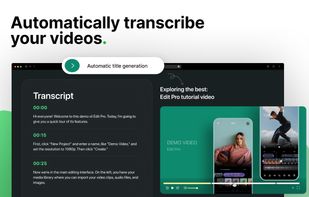
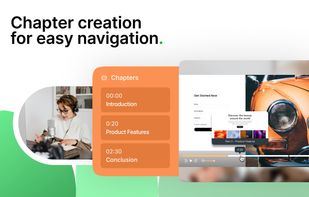
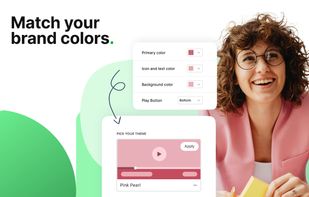


A screen recorder and video editor for creating studio-quality product demos and tutorials in minutes. Runs entirely in browser, cross-platform. Simple Record ? Edit ? Export workflow all in one place, without juggling multiple tools.
United Kingdom


