





ScreenBuddy
1 like
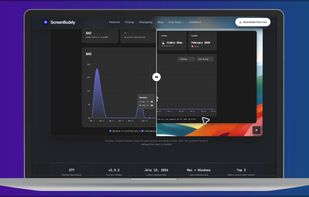
ScreenBuddy offers cinematic screen recording for macOS and Windows with rich features, including automatic zooming, a lightbox, spotlight, local AI captioning and an instant mode to develop quick demos without waiting for video export.

Cost / License
- Pay once
- Proprietary
Application typeApplication types
Platforms
- Mac
- Windows


Features
ScreenBuddy News & Activities
Highlights All activities
Recent activities
- Jiabins0303 updated ScreenBuddy
- Jiabins0303 liked ScreenBuddy
- Jiabins0303 updated ScreenBuddy
- Jiabins0303 added ScreenBuddy
 Jiabins0303 added ScreenBuddy as alternative to Screen Studio, OpenScreen, SimpleScreenRecorder, Cap and 3 more

ScreenBuddy information
Developed by
ScreenBuddyLicensing
Proprietary and Commercial product.Pricing
One time purchase (perpetual license) ranging between $30 and $49.Alternatives
7 alternatives listedBadge
Get an embeddable badge for ScreenBuddySupported Languages


No comments or reviews, maybe you want to be first?