Platforms
- Android
- F-Droid



Apps similar to Cap include OBS Studio, which is free and open source. Other options are ShareX, OpenScreen, Recordly and SimpleScreenRecorder. There's no shortage of Screen Recorders like Cap, with more than 100 alternatives for Mac, Windows, the web, Linux and Android.

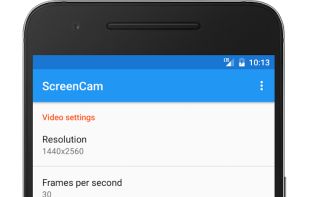
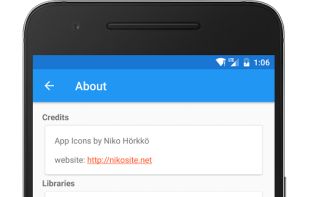
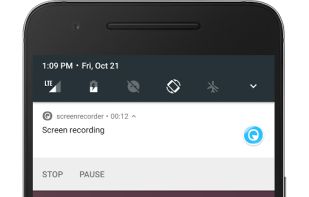
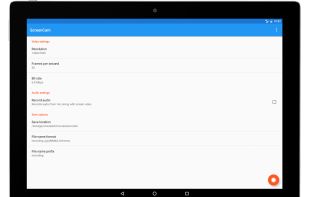
ScreenCam is a free and open-source Android app to record screen using native API and without root. It can record sound from the speaker and is configurable, letting you change the recording format and location of save files among other options.


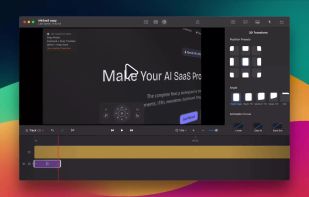
ScreenSage is a macOS screen recording and tutorial creation tool designed for high-quality video capture. It allows users to record their screen with smooth performance, add annotations, and edit directly within the app.
 China
China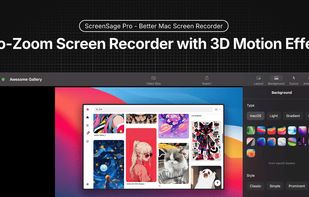
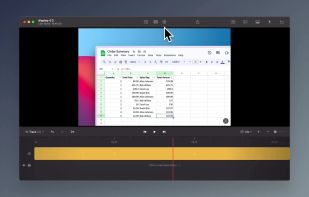
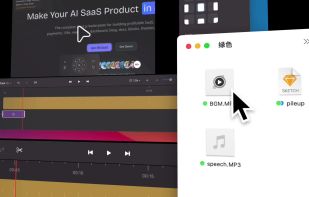


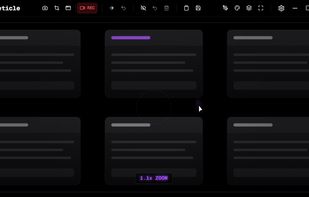
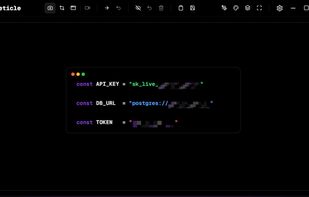
Free screenshot and screen recording tool featuring instant capture, advanced editor with annotation, blur, pixelation, history for re-editing, hotkeys, dark mode, multiple capture types, OCR, GIF/video export, multi-monitor support, and offline use.
 Russia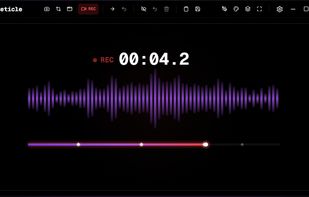


Screencast Capture Lite is a tool to continuously capture the desktop screen, storing this information in video files. The application supports recording from the primary screen, from a chosen window or from a fixed region.
 Brazil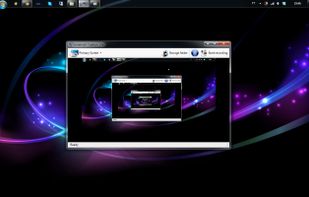


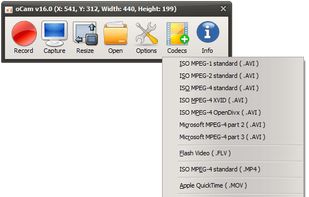
oCam is a video recording program that can record video to be played on the monitor via your PC.
 South Korea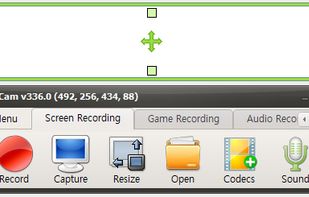


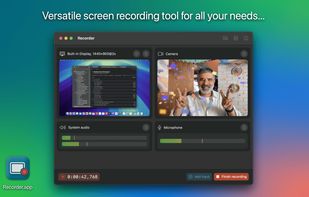
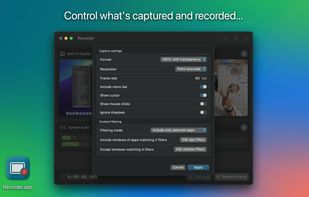
Recorder.app is designed to meet all your screen recording needs. Capture and record from multiple sources simultaneously. Record your entire screen, individual windows, camera video, microphone audio, and more.




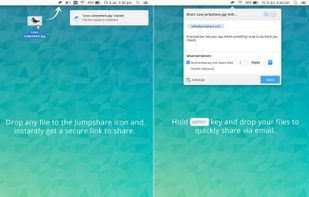
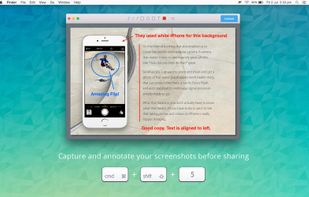
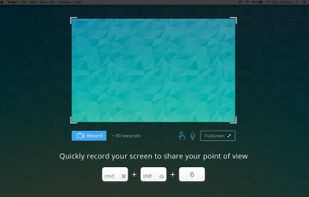
Jumpshare is fast file sharing built into the menu bar. Just drag a file to the Jumpshare icon in the menu bar and a link will be copied to your clipboard instantly, ready to be shared. If you’re looking for a more personal way to share your files, you can email them directly...
 United States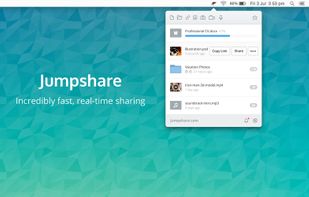


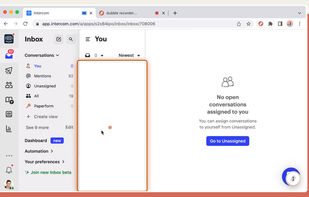
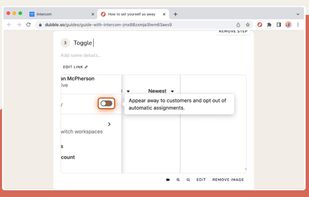
Dubble watches how you work and translates your actions into written step-by-step guides, videos and screenshots - so you don’t have to.


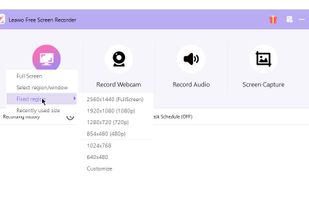
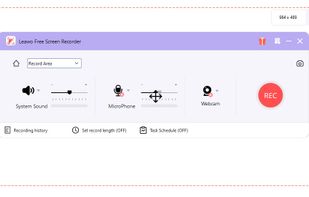
Leawo Free Screen Recorder is a 100% free screen recorder combo, allowing you to record videos with up to 4K quality from screen, webcam, system sound or/and Microphone.
China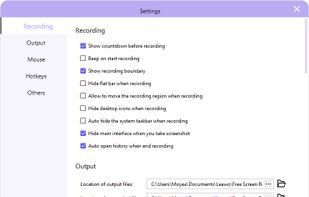


ScreenStudio is an easy screen recording that will let you create screencast or live streaming of your desktop. It does support multiple desktops, multiple webcams and text labels.
 Canada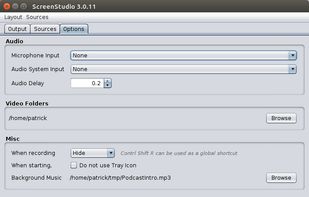

 South Korea