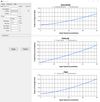
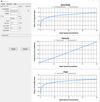
Raw Accel is a Windows 10 & Windows 11 x86-64 driver which allows for the acceleration of mouse input in the raw input stream.

+1


Apps similar to MOS include Smoothscroll for Windows, which is free and open source. Other options are SmoothScroll, LinearMouse, Mac Mouse Fix and ScrollToZoom. You can choose from more than 10 Mouse Remapping Apps like MOS for Mac, Windows, Linux, the web and Android.
Raw Accel is a Windows 10 & Windows 11 x86-64 driver which allows for the acceleration of mouse input in the raw input stream.

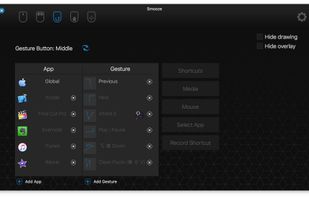
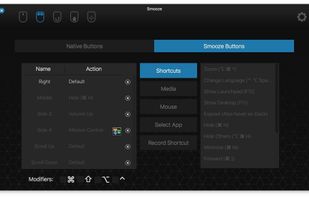
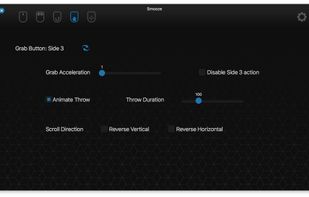
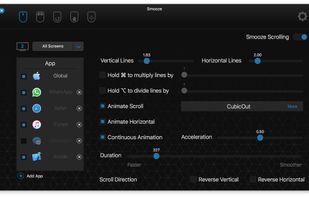
Smooze animates your scroll and adds functionality to your non-Apple mouse (scroll-wheel mouse).
Disable scroll acceleration in macOS, Save time by attaching mouse buttons to actions, Grab Scroll, Auto Scroll, Gestures and more.
 Singapore


With this extension, you can customize smooth scrolling behavior.
The extension is worth to use, if you are frustrated at:
Step size for scrolling by the cursor keys is so short. A built-in smooth scrolling is somewhat less sensitive and laggy. When you flick a wheel so quick.


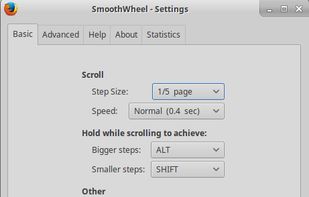
Smoothwheel is an addon for Firefox, Thunderbird and SeaMonkey, which scrolls the page smoothly when scrolling the mouse wheel (or keyboard arrows if enabled). It works on all platforms supported by these applications.



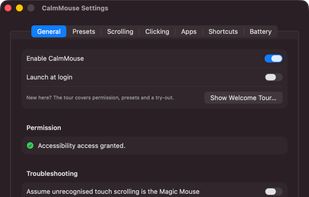
The Magic Mouse's whole top shell is a touch surface, and it stays live while you click. So every click is also a tiny swipe — you press down, your finger rolls half a millimeter, and the page jumps. Drag a window and the document scrolls out from under it.
 United States
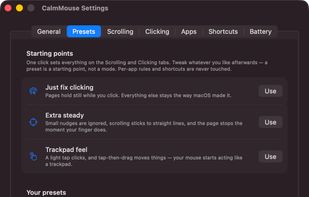
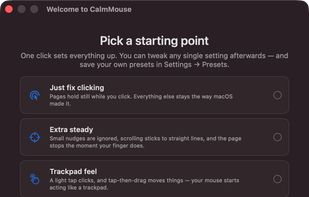


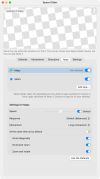
Maps sliding and tilting a SpaceMouse cap to smooth scrolling with adjustable speed and momentum. Pushing, pulling and twisting provide trackpad-style zoom and rotation. It applies only to chosen apps and includes defaults, per-app profiles and remappable movements.
 Germany
 EU




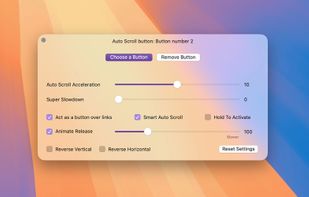
Liss lets you auto-scroll in any app on your Mac using your scroll wheel mouse. Smooth, customizable scrolling with a single button.


SmoothWheel is a native Swift macOS menu bar utility that smooths standard vertical and horizontal mouse-wheel scrolling. Choose Precise, Balanced, or Relaxed presets, tune speed and smoothing separately, reverse direction, and exclude individual apps.




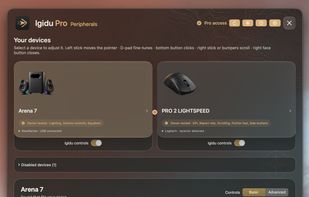
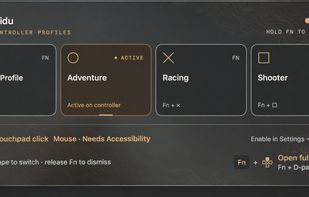
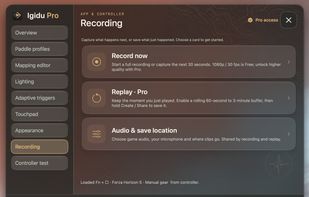
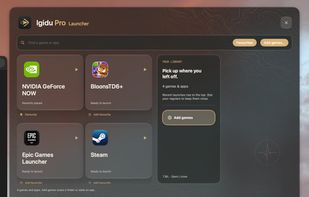
Mac gaming utility for supported peripheral DPI, lighting and sound controls; DualSense Edge paddle and onboard profile editing; adjustable mouse behavior; and local MP4 gameplay capture with manual recording or a rolling replay buffer.
United States