Powerful, Collaborative Online/Offline web IDE
The IDE component is also available as an open source project on GitHub: https://github.com/FriendCode/codebox.
Platforms
- Mac
- Windows
- Linux
- Online
- Chrome OS
- Google Chrome
 United States


Brackets is described as 'Open-source editor for web design and development built on top of web technologies such as HTML, CSS and JavaScript' and is a very popular Text Editor in the development category. There are more than 50 alternatives to Brackets for a variety of platforms, including Windows, Linux, Mac, Web-based and BSD apps. The best Brackets alternative is Notepad++, which is both free and Open Source. Other great apps like Brackets are Visual Studio Code, Sublime Text, VSCodium and Vim.
Powerful, Collaborative Online/Offline web IDE
The IDE component is also available as an open source project on GitHub: https://github.com/FriendCode/codebox.
United States
BabelPad is a free Unicode text editor for Windows that supports the proper rendering of most complex scripts, and allows you to assign different fonts to different scripts in order to facilitate multi-script text editing.
 United Kingdom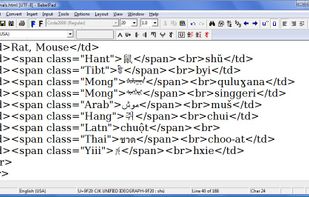


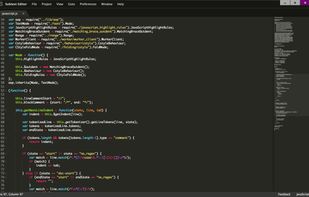


Text.app is a simple text editor for Chrome OS and Chrome. It's fast, lets you open multiple files at once, has syntax highlighting, and saves to Google Drive on Chrome OS.
United States
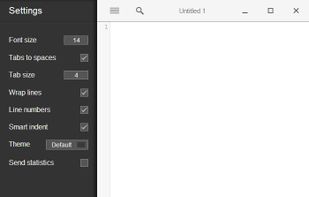


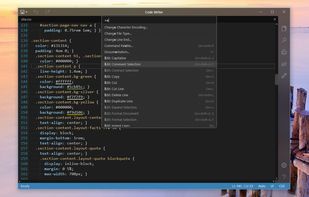
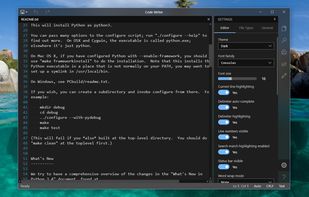
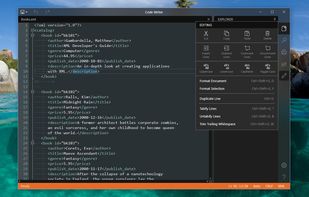
Code Writer is a free text and code editor app for the Windows platform, downloadable from the Windows Store. Use it as a replacement for Notepad and other quick edit apps.
United States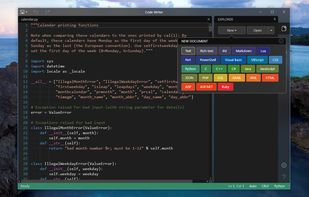


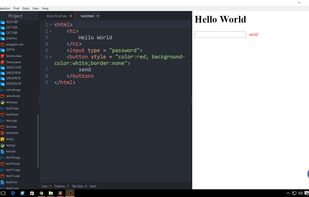
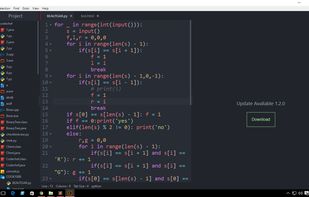
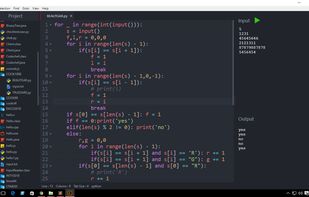
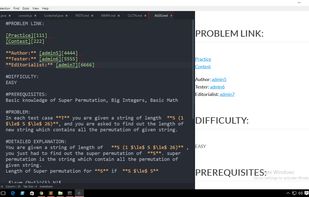

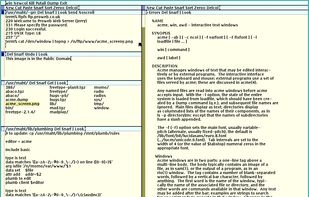
Acme is a powerful text editor, development environment and textual-user-interface platform developed by Rob Pike originally for Plan 9 from Bell Labs research operating system, and now has ports available for all major platforms.


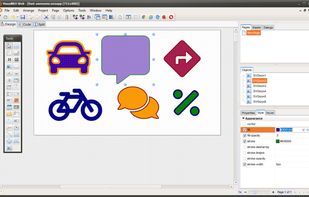
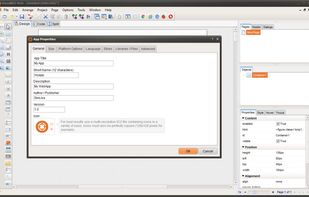
VisualNEO Web is the easiest authoring tool to develop Web Apps, for beginners and professionals. Drag and drop visual IDE. Use its simplified programming language (NeoScript), JavaScript or both for coding your Apps. Multilanguage interface.
 Spain
Spain EU
EU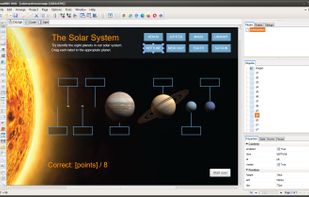
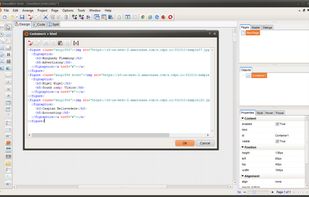


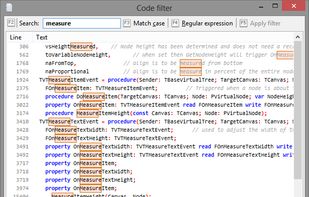
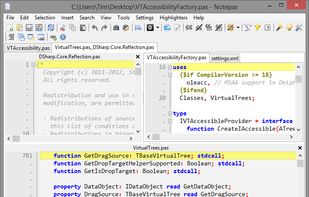
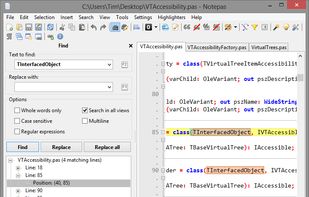
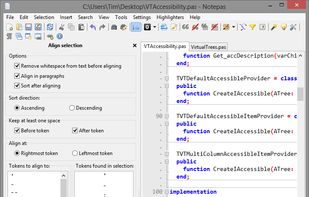
Notepas is a fast portable native multiplatform text editor written in Lazarus and can be compiled for multiple platforms and widget sets using the advanced native Free Pascal Compiler.


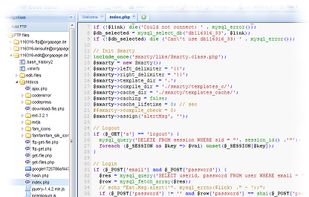
PHP Code Editor is a web based interface to edit your code. PHP Code Editor works in almost any web browser, that supports Javascript. You can either access your files directly on your FTP server, where your webpage is located at.


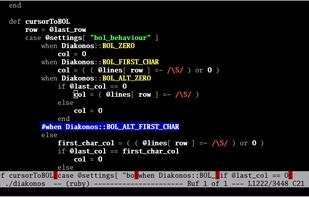


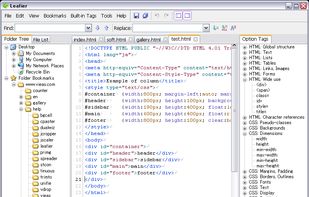
A simple, lightweight and easy to use HTML editor worth having when you need to view and edit what document you want, as well as insert new HTML and CSS tags.