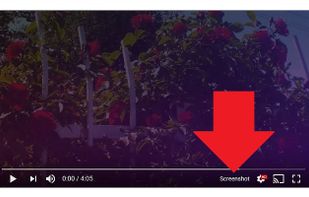
Adds a “Screenshot” button to the YouTube video player which saves a screenshot of the currently playing video as a file, or copies it to the clipboard, or both.
Cost / License
- Free
- Open Source
Platforms
- Google Chrome


Apps similar to Awesome Screenshot include ShareX, which is free and open source. Other options are Greenshot, Flameshot, PicPick and FastStone Capture. There's no shortage of Screenshot Capture Tools like Awesome Screenshot, with more than 100 alternatives for Windows, Mac, the web, Linux and Android.
Adds a “Screenshot” button to the YouTube video player which saves a screenshot of the currently playing video as a file, or copies it to the clipboard, or both.

WebShot allows you to take screenshots of web pages and save them as full sized images or thumbnails. Screenshots images can be output in the JPG, GIF, PNG, or BMP formats.
 United States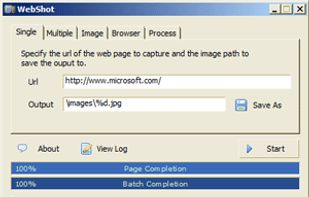


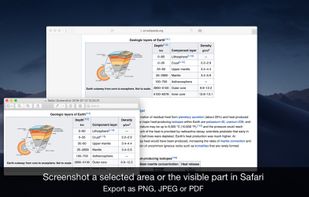
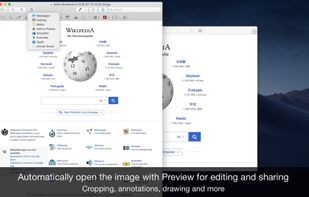
Page Screenshot for Safari is an awesome extension, just a click away, ready to use every time you need to capture a webpage screenshot, either the full page or just part of it.
 Romania
 EU
EU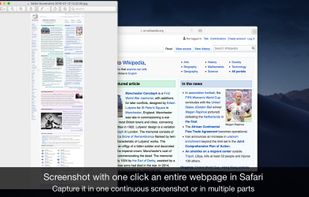


KnowMinder is an AI-powered personal knowledge management system designed to help users capture, and retrieve information efficiently.
 FranceEU


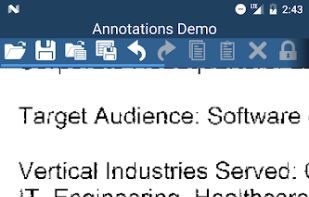
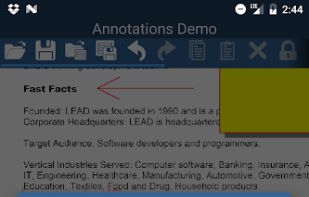
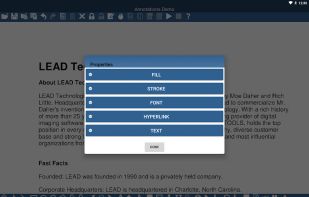
Annotate and Markup images and photos without changing the image data using the LEADTOOLS Annotation & Markup
United States


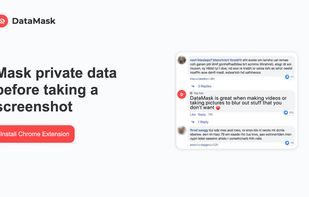
Take web screenshots without exposing private data. Scramble website text, blur sensitive data and blackout text


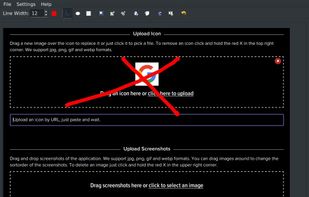
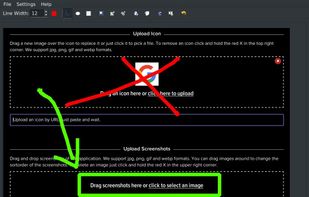


Capture full pages, visible areas, selections, and batches of URLs. Annotate, edit, and export as PNG, JPG, or PDF.
United States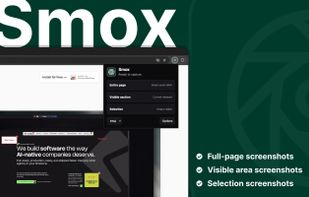
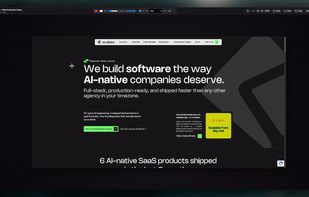


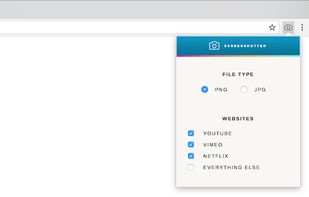
Capture full screenshots of video from YouTube, Netflix, Vimeo and the rest of the internet. No player controls or watermarks.



CutyCapt is a small cross-platform command-line utility to capture WebKit's rendering of a web page into a variety of vector and bitmap formats, including SVG, PDF, PS, PNG, JPEG, TIFF, GIF, and BMP.
 GermanyEU