Cost / License
- Paid
- Proprietary
Application type
Platforms
- Mac
 Brazil



+1
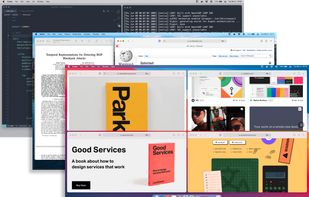


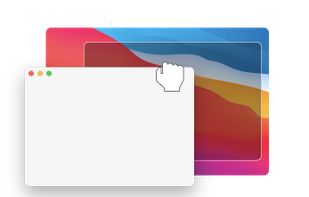
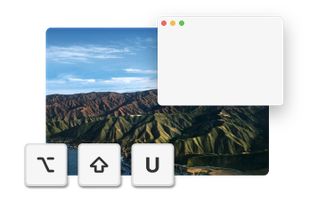
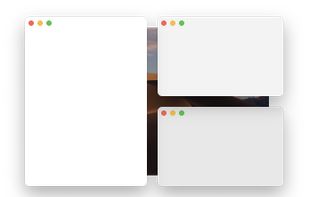
AquaSnap is described as 'Improve desktop organization with snapping, docking, and customizable shortcuts for high-resolution and multi-monitor setups' and is a popular Window Manager in the os & utilities category. There are more than 100 alternatives to AquaSnap for a variety of platforms, including Mac, Windows, Linux, KDE Plasma and Google Chrome apps. The best AquaSnap alternative is Microsoft PowerToys, which is both free and Open Source. Other great apps like AquaSnap are Rectangle, DisplayFusion, BetterTouchTool and Loop - Window Management.
Brazil
Deskovery is an OS X window manager. Windowshade, align, resize, change transparency of your windows.
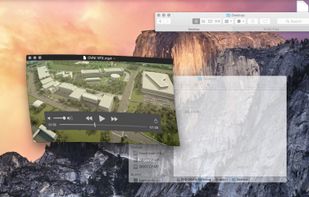
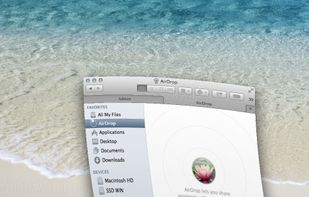


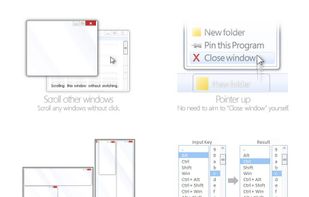
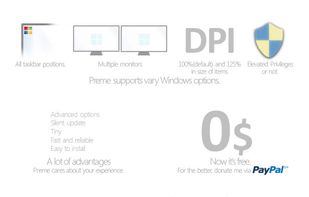
Preme is a free software for Windows which lets you add cool desktop features and enhances the desktop functionality.
 Thailand



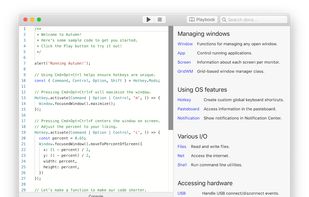
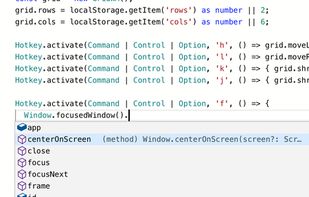
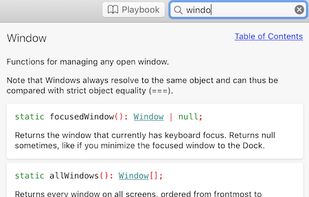
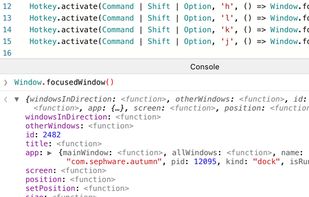
Autumn is a full customizable window manager for Mac with a built-in IDE for coders to configure everything with JavaScript or TypeScript.


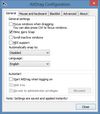
AltDrag allows you to move and resize windows much easier. When you have it running you can simply hold down the Alt key and then use your mouse to drag any window, and it doesn't matter where in the window you click.
 Sweden
 EU
EU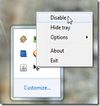


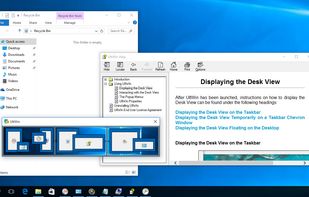
DeskScope is an easy-to-use window manager with the Desk View™, an interactive view of the desktop. DeskScope creates mini-windows on the Desk View to represent desktop applications and Windows 11 apps.


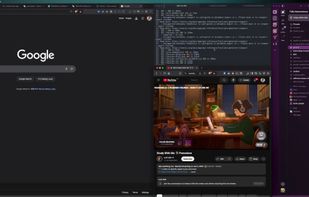
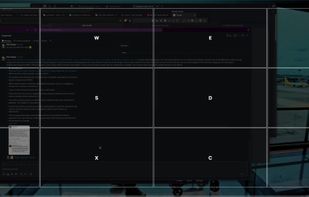
A native macOS menu bar app that provides quick window tiling with keyboard shortcuts and visual grid overlay. Just press QWE, ASD to tile your windows instantly. DRM-free, one-time purchase for all your Macs.


Access all native macOS window tiling commands in one place — the Tiling Panel. Customize keyboard shortcuts and use them on any keyboard, even third-party ones.
 PolandEU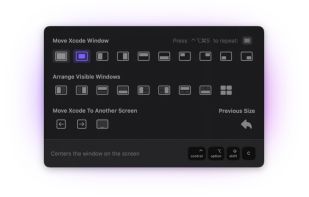


Stack is a productivity tool, that helps managing multiple open windows. It is most useful on big screens, very wide screens and multiple monitor configurations.
 United States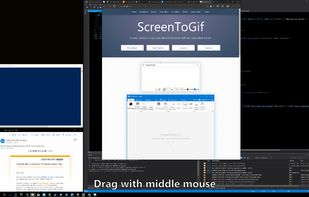


A lightweight utility for allowing you to quickly snap windows to a tiling grid under your existing Linux window manager. Can be triggered via keyboard shortcuts, the command line, or D-Bus calls.


Stack Window Manager With Manual Grid Tiling Layout Extended Desktop Area Left Hand Keyboard + Right Hand Mouse.