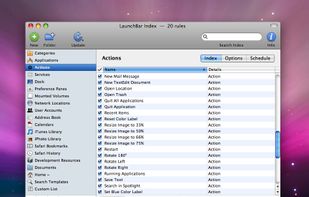
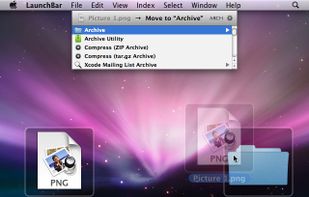
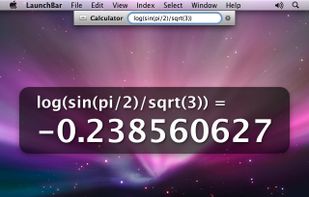
LaunchBar is a smart and powerful, keyboard driven productivity utility that lets you access and control every aspect of your digital life. Whatever you want to get done on your Mac – with LaunchBar it’s only a few keystrokes away.
 Austria
 EU




+4


There are many alternatives to Alfred for Mac if you are looking for a replacement. The best Mac alternative is Vicinae, which is both free and Open Source. If that doesn't suit you, our users have ranked more than 100 alternatives to Alfred and loads of them are available for Mac so hopefully you can find a suitable replacement. Other interesting Mac alternatives to Alfred are Raycast, Wox Launcher, ueli and Tuna.
LaunchBar is a smart and powerful, keyboard driven productivity utility that lets you access and control every aspect of your digital life. Whatever you want to get done on your Mac – with LaunchBar it’s only a few keystrokes away.
AustriaEU
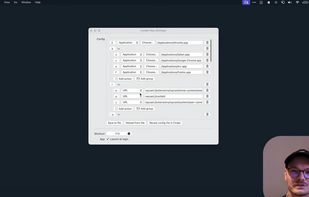
This macOS tool leverages fighting game style key combinations to expedite app launches, execute commands, or even activate fun features like confetti, providing a faster alternative to launchers like Spotlight, Alfred, and Raycast. It supports customization and seamless integration with existing tools.
 DenmarkEU


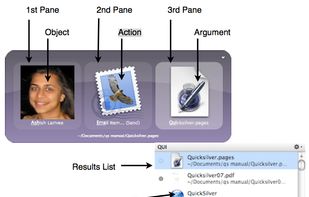
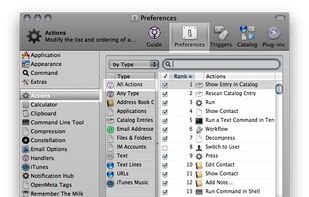
Quicksilver is a fast and free macOS productivity application that gives you the power to control your Mac quickly and elegantly.

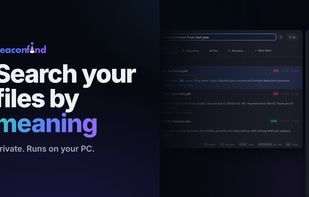
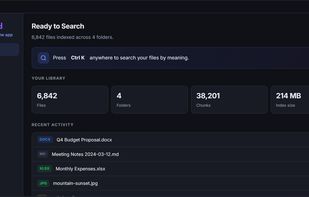
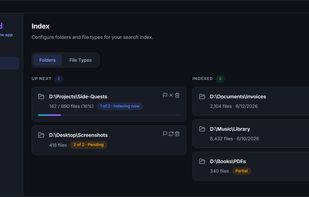
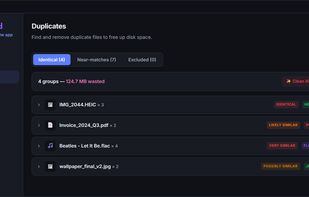
Semantic desktop search finds files, emails, and photos by meaning, running AI models locally on Windows. Supports 70+ file types, OCR image search, 50+ languages, instant document previews, AI chat, duplicate detection, and encrypted, private indexing.
 GermanyEU

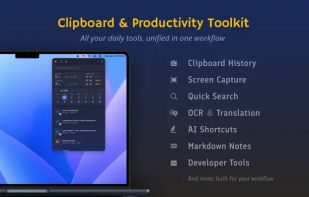
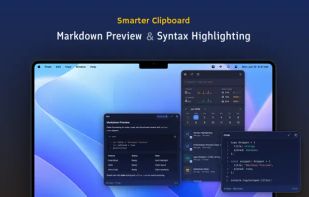
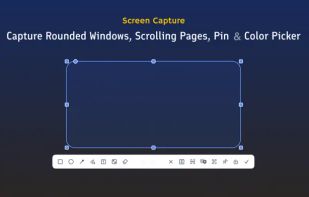
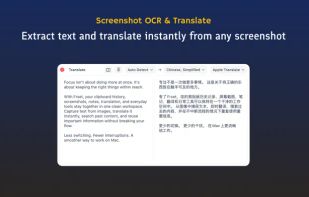
Frset is an all-in-one macOS productivity app combining clipboard management, screenshots, OCR, translation, AI shortcuts, and useful utilities in one place.

Spotlight is the system-wide desktop search feature built into Apple's OS X operating system since version 10.4 (Tiger). Backed by an index of all items and files on the system, it's designed to allow the user to quickly locate a wide variety of items on the computer...
 United States
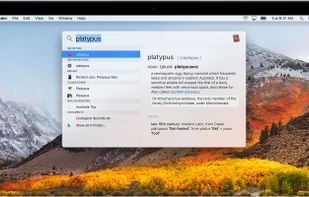
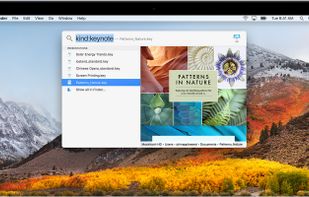
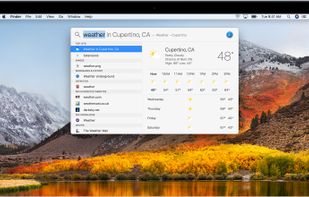
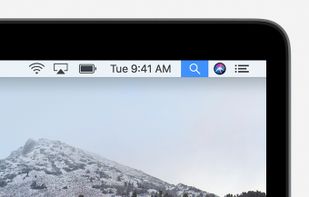


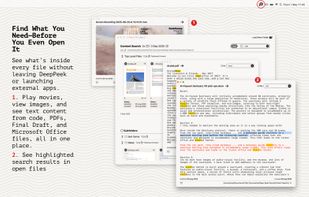
Seek, peek, and preview to find your work instantly — even if it's buried in folders, or you've lost track of it over the months.
 United Kingdom
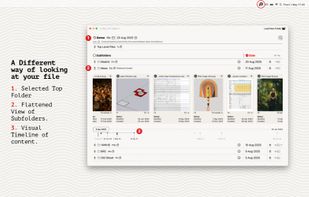
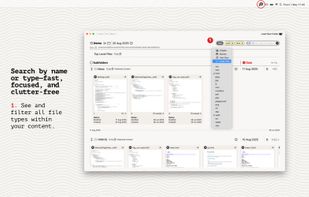
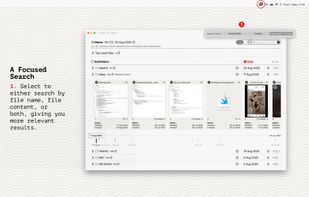


AI-powered assistant centralizing all data by searching files, folders, and cloud apps, creating custom automations, interacting with emails, calendars, and web, offering document summarization, organization, and content generation tools.
GermanyEU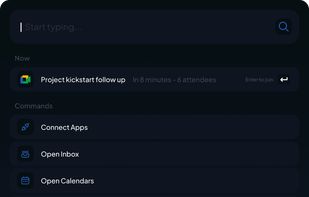
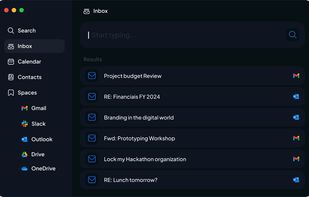
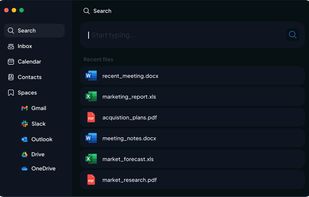
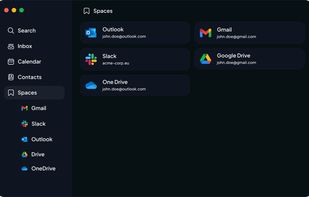


Designed for beginners and professionals alike, Monarch is a command center that makes it easier than ever to switch apps, run calculations, search clipboard history, take notes and more with only a single hotkey. No complicated setup or configuration required.
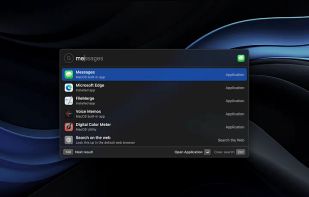

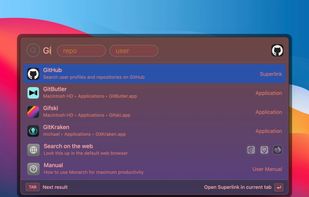


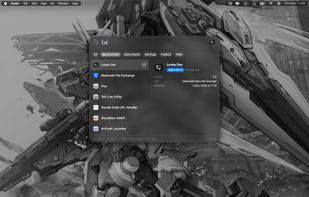
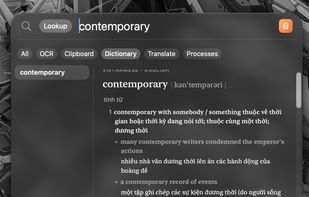
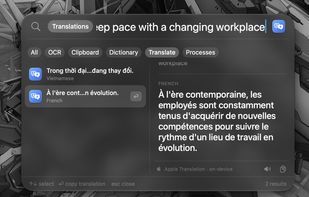
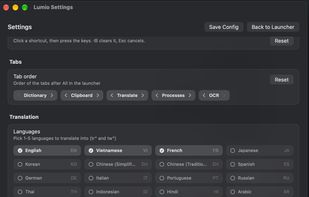
Keyboard-driven macOS launcher for finding apps, files, folders, bookmarks, browser history and open tabs, plus text within images, screenshots and scanned PDFs. Local fuzzy indexing supplements Spotlight; clipboard history, translation and process controls are included.
 Vietnam


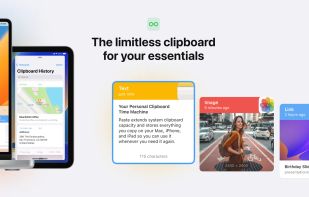
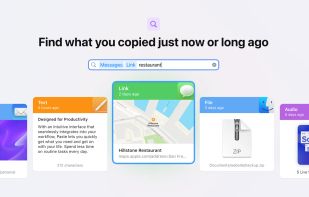
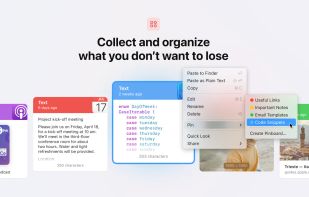
Paste stores everything you copy on your Mac, iPhone, and iPad, so it's always there whenever you need it again.
United States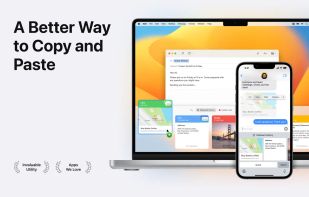

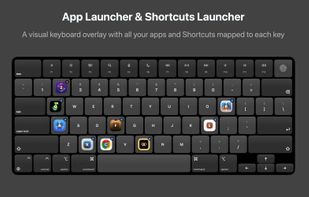
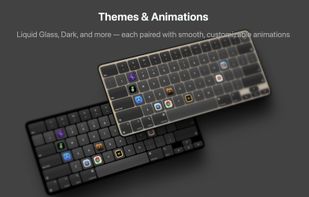
Floating macOS keyboard enables app and shortcut binding to any key, features customizable trigger key, theme and animation options, live previews for show and hide effects, quick access to automation workflows, single-tap AI tool launching, and Dock-free app launch.
 China