Cost / License
- Free
- Open Source (GPL-3.0)
Application typeApplication types
Platforms
- Linux
- Snapcraft
- Flathub
- Linux Mobile



+9


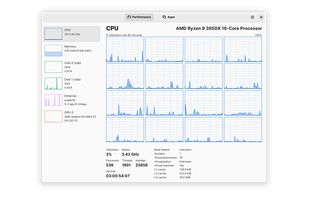
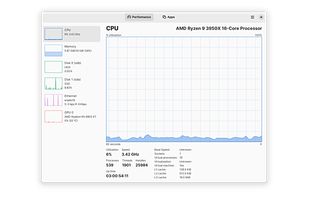
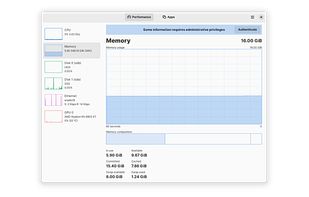
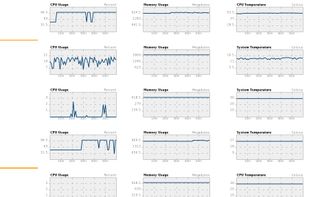
AIDA64 is not available for Linux but there are plenty of alternatives that runs on Linux with similar functionality. The best Linux alternative is Mission Center, which is both free and Open Source. If that doesn't suit you, our users have ranked more than 100 alternatives to AIDA64 and many of them are available for Linux so hopefully you can find a suitable replacement. Other interesting Linux alternatives to AIDA64 are OCCT, Resources, Geekbench and CPU Info.

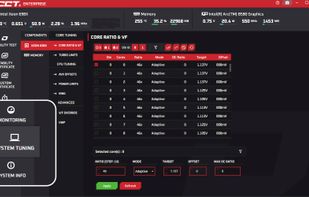
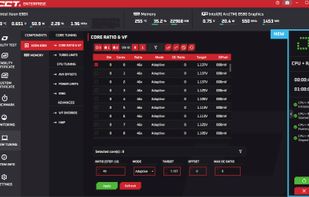
OCCT allows you to thoroughly monitor, test and certify your system, ensuring a comprehensive assessment of its stability.
 France
 EU
EU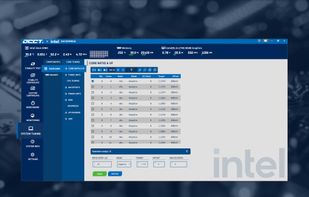


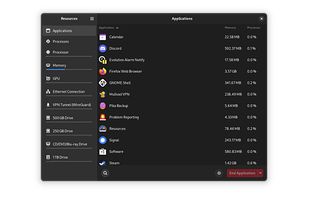
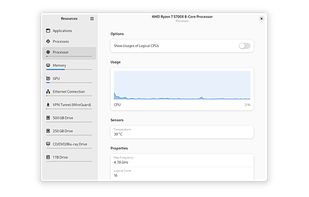
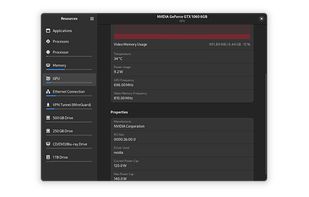
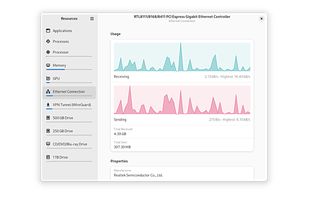
Resources is a simple yet powerful monitor for your system resources and processes, written in Rust and using GTK 4 and libadwaita for its GUI.


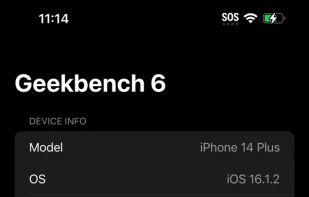
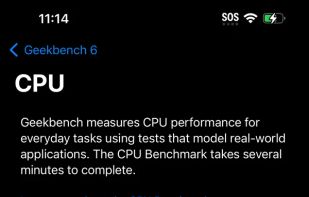
Geekbench 6 is a cross-platform benchmark that measures your system's performance with the press of a button. How will your mobile device or desktop computer perform when push comes to crunch? How will it compare to the newest devices on the market?
 Canada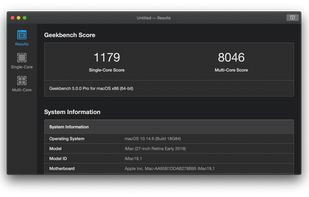



CPU Info provide main information about hardware and software of your device. You can get:
 PolandEU



FurMark is a very intensive OpenGL benchmark that uses fur rendering algorithms to measure the performance of the graphics card. Fur rendering is especially adapted to overheat the GPU and that's why FurMark is also a perfect stability and stress test tool (also called GPU...
FranceEU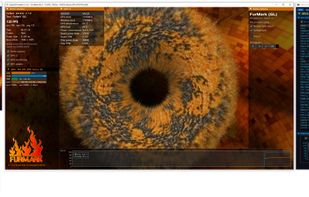


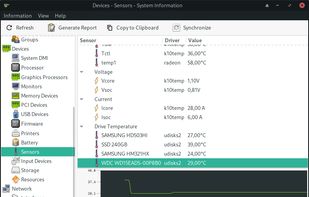
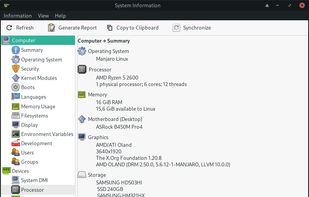
Hardinfo is a system information and benchmark tool for Linux. It shows detailed system info, including hardware, environment, and kernel. It can use lm_sensors and ACPI for temperature and battery information. It also has four CPU banchmarks and two FPU benchmarks.
 Brazil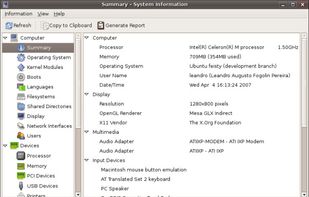


UNIGINE benchmarks can be effectively used to determine the stability of a GPU under extremely stressful conditions, as well as check the cooling system's potential under maximum heat output.
 United Arab Emirates





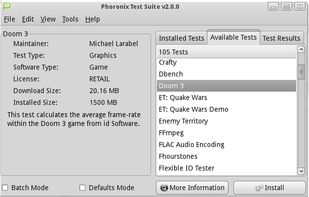
The Phoronix Test Suite carry out automated tests. It is open source. It has access to more than 450 test profiles and over 100 test suites. These tests range from battery power consumption monitoring for mobile devices to multi-threaded ray-tracing benchmarks and span the CPU...
 United States


hwinfo/libhd are used to probe for the hardware present in the system. It can be used to generate a system overview log which can be later used for support.
 GermanyEU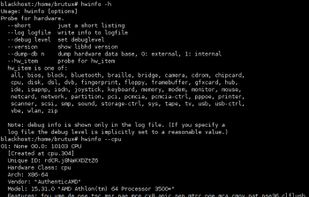


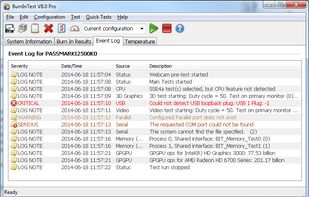
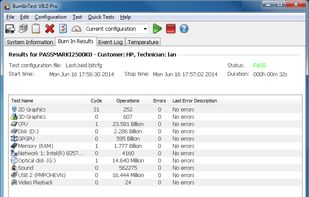
PassMark BurnInTest is a software tool that allows all the major sub-systems of a computer to be simultaneously stress tested for endurance, reliability and stability.
 Australia



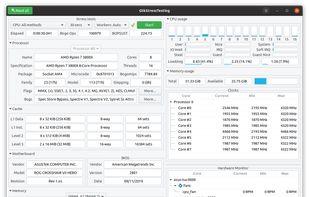
GST is a GTK system utility designed to stress and monitor various hardware components like CPU and RAM.
 ItalyEU