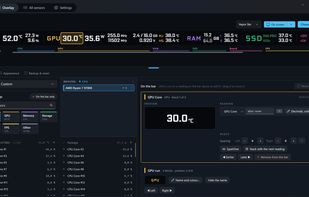
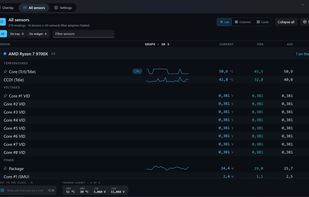
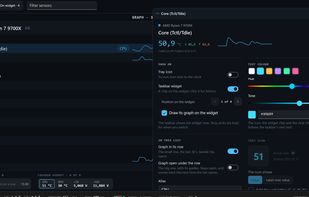
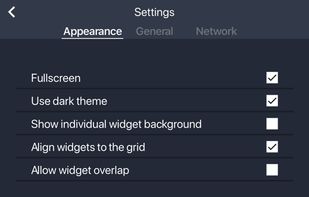
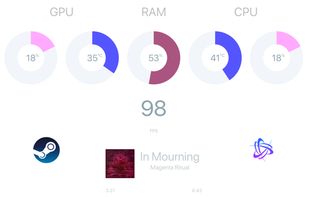
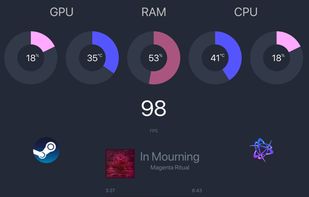
Pitikapp provides highly customizable modules to monitor your computer and to interact with it.
Cost / License
- Free
- Proprietary
Since
- Since 2022



+2
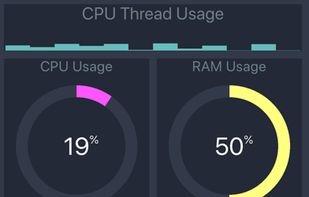


Apps similar to AIDA64 include CPU-Z, which is free. Other options are HWiNFO (32/64), Speccy, Libre Hardware Monitor and GPU-Z. You're spoiled for choice with System Information Utilities like AIDA64: we list more than 100 alternatives for Windows, Linux, Android, Mac and iPhone.
Pitikapp provides highly customizable modules to monitor your computer and to interact with it.

Monitor your system in a fast,complete and advanced way is very simple with System Monitor.


WMI Tools is a free toolkit from AdRem Software designed to access WMI information. It includes views for general info, processes, services, event log, hardware, operating systems and a WMI explorer for defining and using custom WMI queries.
 Poland
 EU


A portable multifunctional application that includes performance tests and additional tools for obtaining information about the system.


 Russia
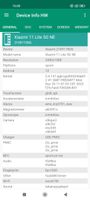
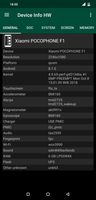
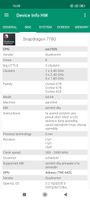


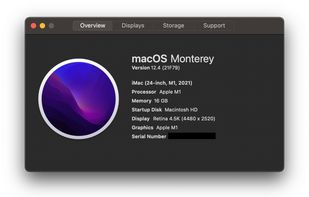
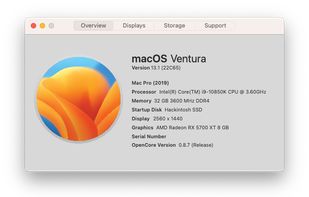
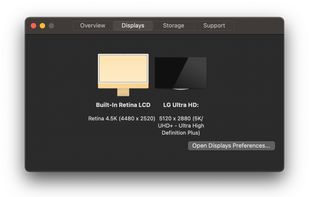
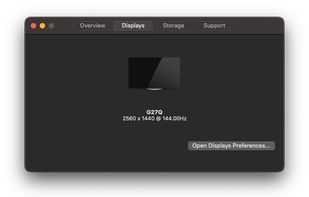
A simple application to view your exact hardware on macOS. Similar to About This Mac, but with more features, including AMD Processor Support, display resolution, and more! It retains the old "About This Mac" design language and is supported on both Hackintoshes and...


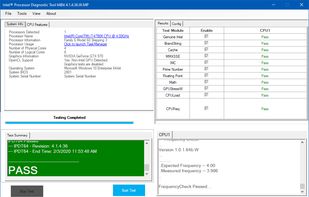
The purpose of the Intel® Processor Diagnostic Tool is to verify the functionality of an Intel® microprocessor.
 United States

 Russia


Track Mac fan speed, target speed, minimum and maximum speeds, number of fans, and CPU or GPU temperature in real time from the Notification Center or Menu Bar using a compact widget designed to provide hardware stats without workspace clutter.
United States


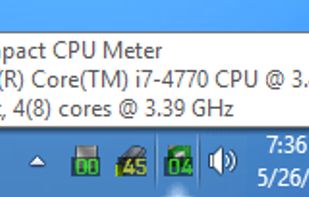
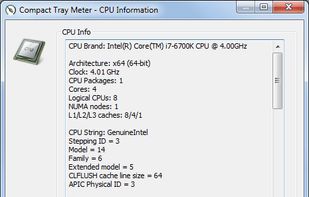
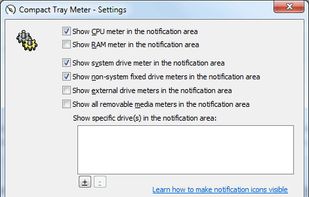
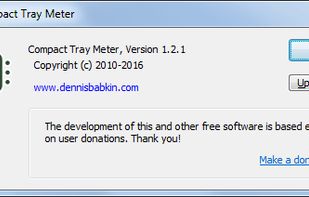
This compact utility displays real-time CPU, RAM and disk drives usage meters right on the taskbar notification area, or next to the system clock, that is always visible.


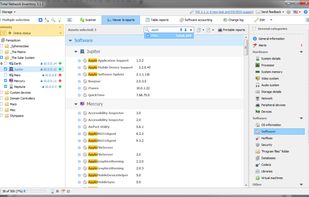
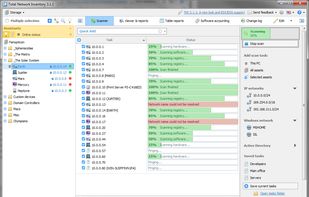
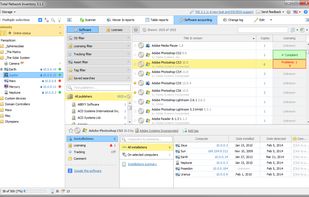
Total Network Inventory is a PC audit and network inventory software for office and large-scale enterprise networks. Total Network Inventory interrogates all computers and notebooks on a network and reports back with complete information about the OS, service packs, hotfixes...
 Belarus


See your PC's temperatures and fan speeds on top of your game without leaving it. Opens with Win+G and shows the sensors you pick, at the size and transparency you want.
 Colombia