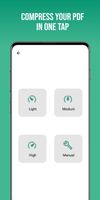
An all in one PDF tools app. Create PDF, Capture PDF, Compress PDF, Merge PDFs, Split PDF, Delete Pages, Rotate Pages, and much more all in one single app.
Cost / License
- Free
- Proprietary
Platforms
- Android






Apps similar to Adobe Scan include FairScan, which is free and open source. Other options are OSS Document Scanner, MakeACopy, Tesseract and CamScanner. There's no shortage of Document Scanners like Adobe Scan, with more than 100 alternatives for Android, iPhone, the web, iPad and Windows.
An all in one PDF tools app. Create PDF, Capture PDF, Compress PDF, Merge PDFs, Split PDF, Delete Pages, Rotate Pages, and much more all in one single app.

Free OCR to Word is text recognition software that performs all your tedious retyping and recreating work at lightning speed into Word documents you can edit on your PC or archive in a document repository.
 India
India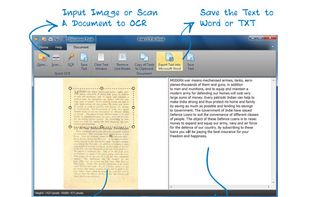


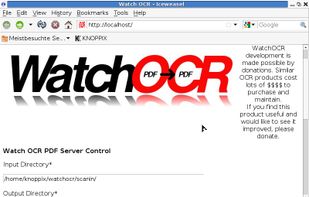
WatchOCR is an open source OCR server that creates searchable pdfs from images in a watched folder.


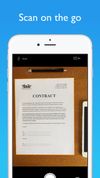
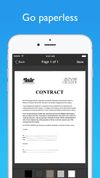
JotNot Scanner uses the phone's camera to scan documents and pictures into electronic PDF files that can be saved on the phone. The application also processes the images to make them clearer.



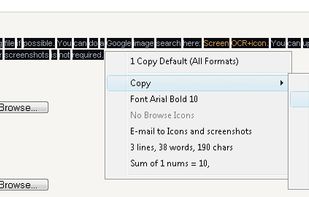
Screen OCR is a screen capture and character recognition tool. You can use Screen OCR in any way you are most comfortable with. It can be window selection, scrolling capture, simple cursor capture or rectangular selection.

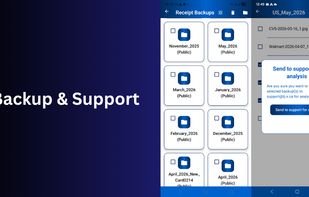
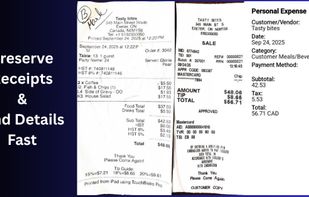
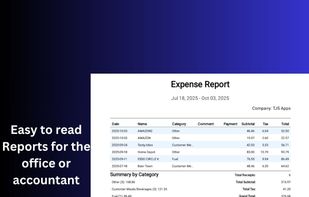
Offline Android receipt scanner with on-device OCR, fiscal periods, and PDF, CSV, and ZIP exports. 60-day trial, then one-time lifetime purchase.
 Canada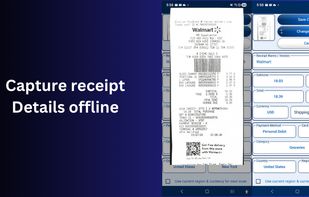


Boxoft Screen OCR is fast and easy-to-use software which helps to extract any area on your screen, recognize every character and then save as TXT file. Price: 27 USD. The smart tool enables you to select text from anywhere on the screen, including areas that you cannot highlight...
 China
China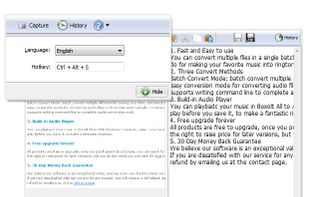


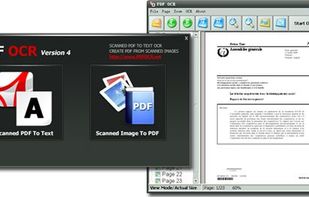
PDF OCR is a software that converts scanned PDF documents into editable text files in just two clicks. Its OCR engine operates 92% faster than other software, giving users the option to select specific pages for OCR.


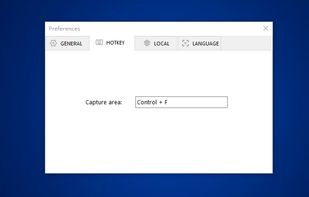
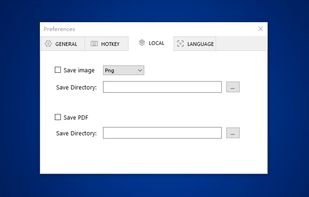
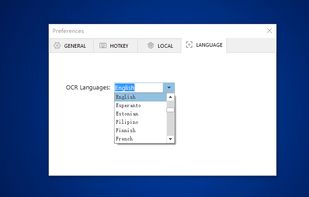
You can use Easy Screen OCR to capture a snapshot and start OCR process. this program will detect the text from the image and start OCR process immediately. You can extract the text to copy and paste in seconds.
China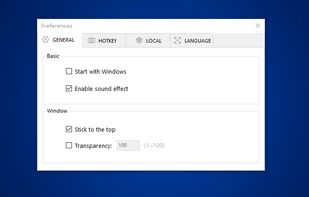


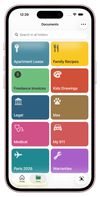
The document scanner for iPhone that gives your important documents a proper home.




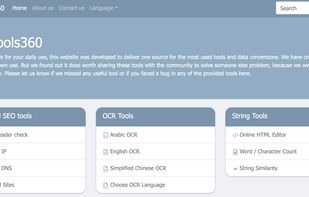
The swiss knife for your daily use, this website was developed to deliver one source for the most used tools and data conversions.


An intelligent OCR image text recognition software. Support PDF file recognition, image text recognition, screenshot recognition, ticket recognition, image to Excel and other functions, one-click analysis, efficient recognition.
China