Illustrator Alternatives Filtered by 'Portable'

The best alternative to Adobe Illustrator is Inkscape, which is both free and Open Source. If that doesn't suit you, our users have ranked more than 50 alternatives to Adobe Illustrator and eight of them are so hopefully you can find a suitable replacement. Other interesting alternatives to Adobe Illustrator are MyPaint, Karbon, LazPaint and sK1.

filter to find the best alternatives

Adobe Illustrator alternatives are mainly Vector Graphic Apps, but if you're looking for Digital Painting Tools or Color Picker Tools you can filter on that. Other popular filters include Open Source, Mac, Free, Windows + Free, Android, Linux and iPad. You can also filter by region, for example EU-based alternatives if you prefer software developed in the European Union. These are just examples - use the filter bar below to find more specific alternatives to Adobe Illustrator.
Copy a direct link to this comment to your clipboard
Adobe Illustrator alternatives page was last updated

Alternatives list

  1. Inkscape icon
     2294 likes
    Copy a direct link to this comment to your clipboard

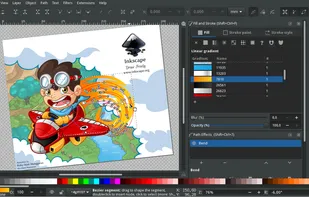
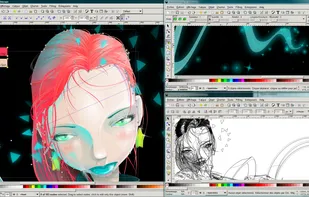
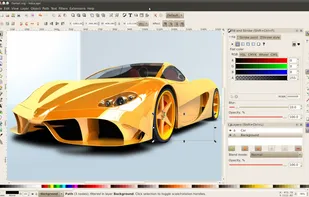
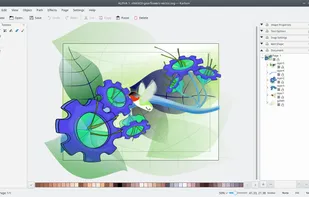
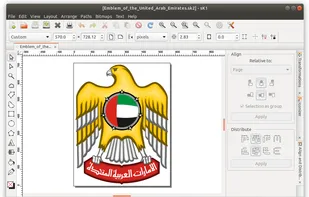
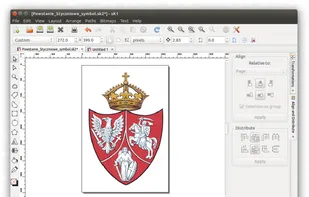
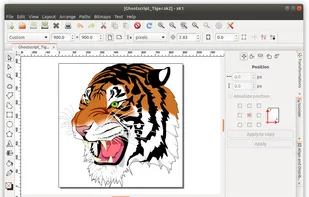
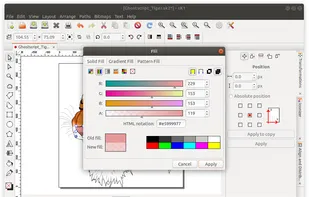
    Unlike Illustrator, Inkscape is completely free and open source, and it uses Scalable Vector Graphics (SVG) as its native format. This lightweight app is usually recommended if you don't have a powerful computer, as it also has many of the useful features from illustrator, including layers, grouping objects, drawing, shape, calligraphy, pencil tools, path simplification with variable threshold, bitmaps, and boolean operations. Plus, you can open or import a wide range of file formats including SVG, PDF, EPS, CDR, or even AI (Adobe Illustrator).

    122 Inkscape alternatives

    Cost / License

    • Free
    • Open Source

    Platforms

    • Mac
    • Windows
    • Linux
    • BSD
    • Snapcraft
    • Flathub
    • PortableApps.com
    • Haiku
     
    |
    38
    548
    Comments about Inkscape as an Alternative to Adobe Illustrator
    Comment summary: Adobe Illustrator is praised for its comprehensive features and professional capabilities in vector art but criticized for slowing down with large files. Alternatively, Inkscape is appreciated for being free, open-source, and user-friendly with a robust SVG support. However, it faces criticism for performance issues, especially on macOS, and lacks some advanced features available in Illustrator. Despite its limitations, many consider Inkscape capable and recommend it for SVG-related projects.
    Top Positive Comment
    Paulo Coghi
    13

    It's feature complete, professional and as capable (or even more capable) than Illustrator

    Top Negative Comment
    arlenwh
    0

    Slows Down and lags if the file your working on is too large. So if you go ahead and turn a bitmap image into a vector and that image requires too many paths. The application basically becomes useless. Look else where if you need to turn large bitmap images into vector images.

    Guest
    Negative
    0

    I love how fast it operates and some of the cool color palettes (Munsell) but the functionality made it almost useless. Too many steps to change and quick copy objects. Like changing font or color and weird tool names/keyboard shortcuts.

    Review by a new / low-activity user.
    Show more comments
    3 of 38 comments
    Adobe Illustrator Icon
    Inkscape icon
    • Almost everyone thinks Inkscape is a great Adobe Illustrator alternative.

    • Inkscape is the most popular Windows, Mac & Linux alternative to Adobe Illustrator.

    • Inkscape is the most popular Open Source & free alternative to Adobe Illustrator.

    • Inkscape is Free and Open SourceAdobe Illustrator is Paid and Proprietary
    • Inkscape is Customizable, Privacy focused and LightweightAdobe Illustrator is not according to our users
  2. MyPaint icon
     387 likes
    Copy a direct link to this comment to your clipboard

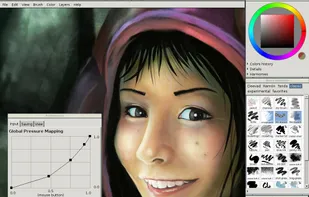
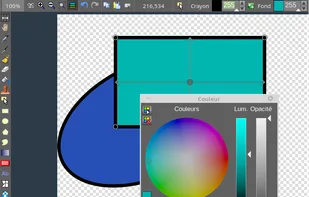
    The biggest difference with Illustrator is that MyPaint works with bitmaps instead of vector graphics. It's open source software designed mainly to illustrate and draw with a digitizer tablet. It has a simple interface, where almost all the basic drawing functions are assigned to keyboard shortcuts, which improves workflow speed. In addition, you can hide the entire graphical interface and focus all attention on the drawing without being distracted by unnecessary or complex buttons or palettes. It's a good option if you are interested in digital illustration without too many overwhelming features.

    126 MyPaint alternatives

    Cost / License

    • Free
    • Open Source

    Application type

    Platforms

    • Mac
    • Windows
    • Linux
    • PortableApps.com
     
    |
    5
    Comments about MyPaint as an Alternative to Adobe Illustrator
    Top Positive Comment
    Dmitrii Kunicin
    -2

    the application is suitable for use by children, simple

    Review by a new / low-activity user.
    Top Negative Comment
    lauraess
    2

    Illustrator is a vector image editing app. I can import bitmaps but those are more likely to be traced as vectors. This is a drawing program and is bitmap based.

    mackenziecarr
    Negative
    1

    It is more accurately considered an alternative to Adobe Photoshop rather than Illustrator, due to the distinguishing features of raster graphics editing in Photoshop versus vector graphics editing in Illustrator.

    Show more comments
    3 of 5 comments
    Adobe Illustrator Icon
    MyPaint icon
    • This alternative is disputed. MyPaint is a legitimate Adobe Illustrator alternative, but it might have issues that some users think are important.

    • MyPaint is Free and Open SourceAdobe Illustrator is Paid and Proprietary
  3. Karbon icon
     56 likes
    Copy a direct link to this comment to your clipboard

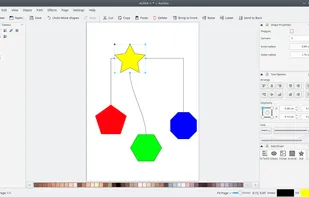
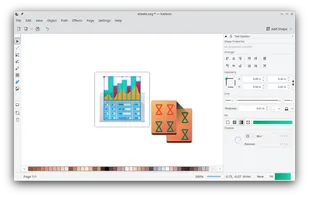
    Karbon is a vector drawing application with a user interface that is easy to use, highly customizable and extensible. That makes Karbon a great application for users starting to explore the world of vector graphics as well as for artists wanting to create breathtaking vector art.

    42 Karbon alternatives

    Cost / License

    • Free
    • Open Source

    Platforms

    • Linux
    • KDE Plasma
    • Flathub
    • Flatpak
     
    |
    18
  4. LazPaint icon
     45 likes
    Copy a direct link to this comment to your clipboard

    Raster & vector graphic editor with many tools and filters, written in Lazarus. Portable, 32bit & 64bit versions, ORA format & 16384x16384 image support. In app 3D import & rendering.

    41 LazPaint alternatives

    Cost / License

    • Free
    • Open Source

    Platforms

    • Mac
    • Windows
    • Linux
    • BSD
    • PortableApps.com
    • Flathub
    • Flatpak
     
  5. sK1 icon
     37 likes
    Copy a direct link to this comment to your clipboard

    sK1 is an open source cross-platform vector graphics editor like CorelDRAW, Adobe Illustrator, or Freehand. The major feature of sK1 is a professional precise printing and prepress ready PDF output.

    32 sK1 alternatives

    Cost / License

    • Free
    • Open Source

    Alerts

    • Discontinued

    Platforms

    • Windows
    • Linux
     
    |
    9
  6. RealWorld Paint icon
     23 likes
    Copy a direct link to this comment to your clipboard

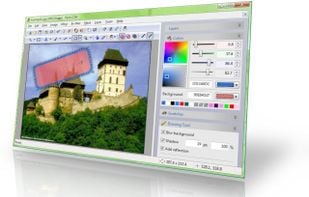
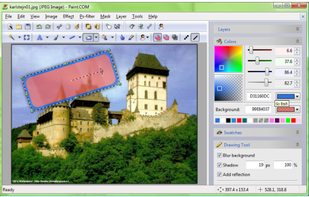
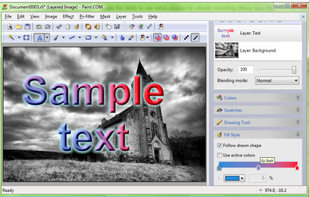
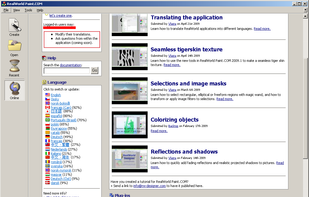
    RealWorld Paint is an free portable image/photo/animation editor. It supports layers with styles and can import and export Photoshop, GIMP and Paint.net images with layers.

    Cost / License

    • Free
    • Proprietary

    Platforms

    • Windows
     
  7. Copy a direct link to this comment to your clipboard

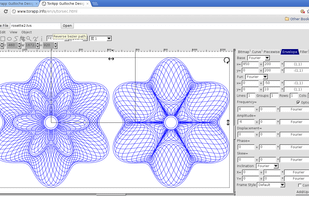
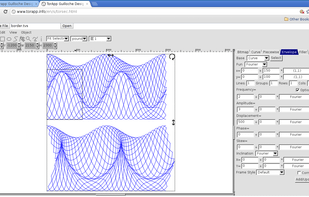
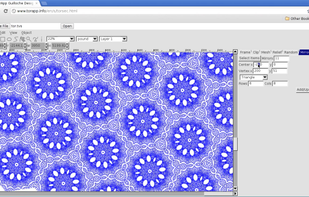
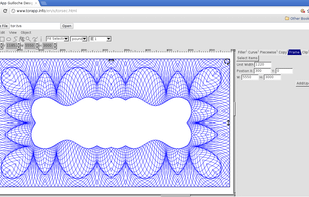
    Torapp guilloche designer is a full-featured web-based vector graphic editor for security printing. It runs in Chrome on all major OSes including linux, OSX and all versions of windows, and is the most innovative and flexible tool available to design guilloche patterns against...

    32 Torapp guilloche designer alternatives

    Cost / License

    • Free
    • Proprietary

    Alerts

    • Discontinued

    Platforms

    • Mac
    • Windows
    • Linux
    • Online
    • Windows Mobile
     
8 of 8 Adobe Illustrator alternatives