


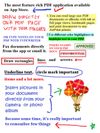
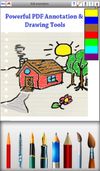
This application allows you to CREATE, READ or ANNOTATE PDF documents or CONVERT documents to PDF on your iPhone or iPad.
Cost / License
- Paid
- Proprietary
Platforms
- iPhone
- iPad
 Pakistan




Apps similar to Adobe Acrobat DC include PDF-XChange Editor, which has a free version. Other options are PDFgear, Stirling PDF, PDF24 Creator and PDF-XChange Viewer. There's no shortage of PDF Editors like Adobe Acrobat DC, with more than 100 alternatives for Windows, the web, Mac, Linux and iPhone.
This application allows you to CREATE, READ or ANNOTATE PDF documents or CONVERT documents to PDF on your iPhone or iPad.
Pakistan
Edit, convert, annotate, protect, merge, split, compress, and sign PDF files on Mac.
 Hong Kong SAR China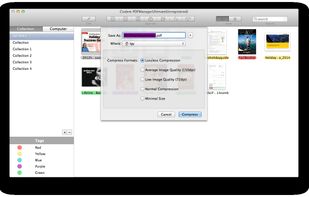
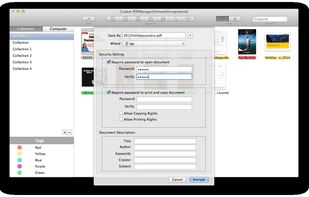
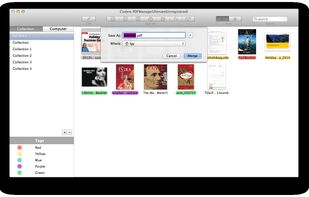
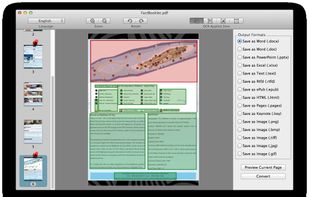


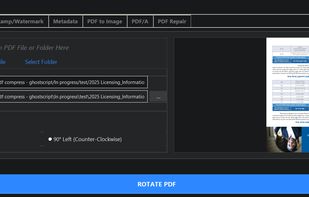
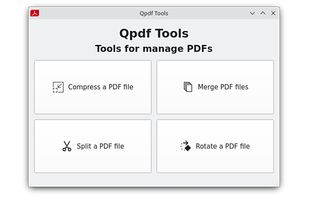
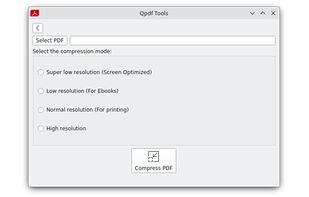
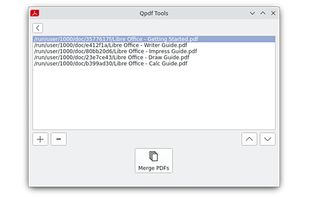
Comprehensive PDF utility enabling advanced lossy, lossless, and archival compression, high-resolution image conversion, page rotation or deletion, merging, splitting, and batch processing, all with a minimal interface, offline operation, and cross-platform support.
 United States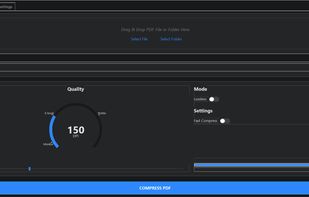


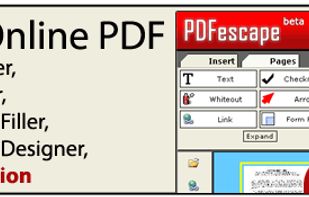
PDFescape is your free, online PDF reader, editor, form filler, & form designer. Without required downloads or installations! Without watermarks! Without required registration!
 United Kingdom


VeryPDF PDF Editor is an easy-to-use application designed for users familiar with Microsoft Office and similar applications. VeryPDF PDF Editor provides tools to enable you freely write your own comments to the PDF document and share the comments with others.
 China
China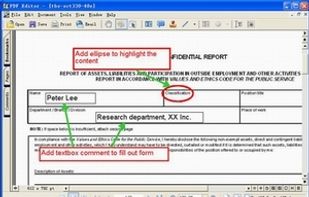


 Germany
 EU
EU


APIs to view, convert, annotate, compare, sign, assemble, and search documents in your .NET or Java applications. Free 30-day trial.




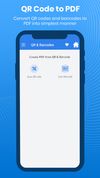
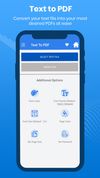
Text to PDF, scan QR & Barcode to PDF, excel to PDF. It’s easy to use and 100% free.
This app is like a one-stop solution. Try it now!



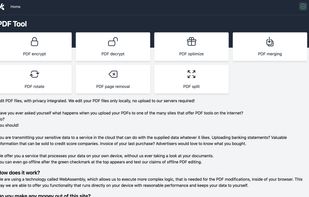
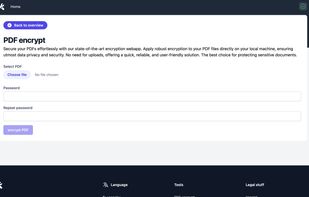
A privacy-first PDF online editor, perform simple PDF modification without the need to install a application to your pc. Open the Website, turn of the wifi internet and start editing pdfs! Everything is processed locally only!


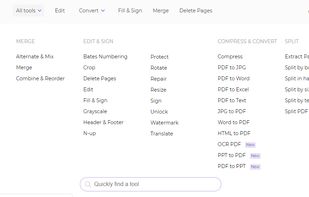
An all-in-one free online PDF editor that does not require subscriptions or installations! DeftPDF is a free online tool that makes editing and converting PDF easy in just a few clicks!.
United States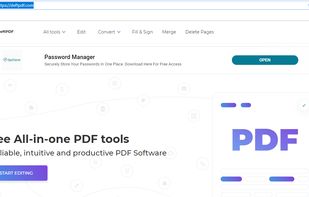


Cloud-based PDF viewer and annotation tool for your browser. Perfect for Chromebook 1:1 schools. View, export, print and share your PDF files straight from your browser. Kami works on all browsers and works best with Google Chrome.


 New Zealand