


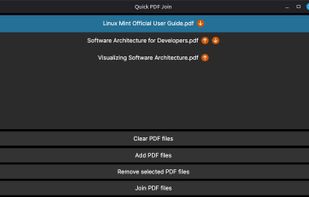
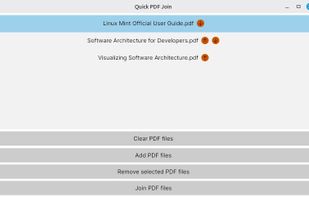
Quick PDF Join is a cross-platform, simple application that joins multiple PDF files together.
Cost / License
- Free
- Open Source (GPL-3.0)
Application type
Platforms
- Windows
- Linux
- Flathub
- Flatpak
 Romania
 EU
EU



Apps similar to Adobe Acrobat DC include PDF-XChange Editor, which has a free version. Other options are PDFgear, Stirling PDF, PDF24 Creator and PDF-XChange Viewer. There's no shortage of PDF Editors like Adobe Acrobat DC, with more than 100 alternatives for Windows, the web, Mac, Linux and iPhone.
Quick PDF Join is a cross-platform, simple application that joins multiple PDF files together.
RomaniaEU
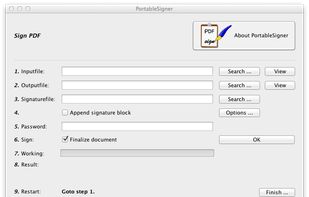
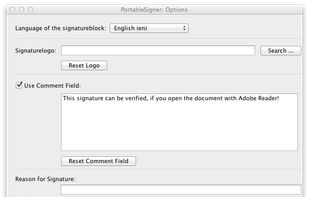
PortableSigner is a signing (with X.509 certificates) program for PDF files. It's platform independent and runs (tested) under Windows (2000, XP, ...), Linux, and macOS.


Complete suite for document Scanning. Any source: scanners, multifunction printers, e-mails, fax machines, web services or folders. Automatic document classification Data entry with assisted auto fields. Extract text from PDF Files and convert to indexed data. Export data to any.


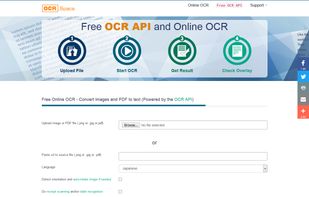
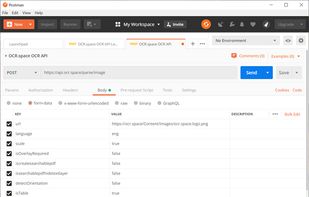
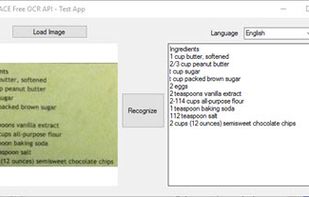
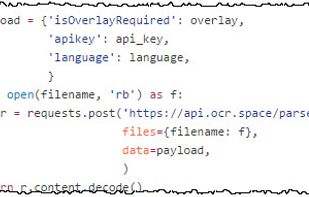
Best free OCR API, Online OCR and Searchable PDF (Sandwich PDF) Service. Try instantly, no registration required. The Cloud OCR API is a REST-based Web API to extract text from images and convert scans to searchable PDF. Free OCR software as a hosted service and as download.


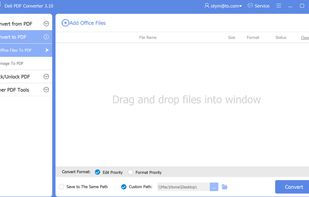
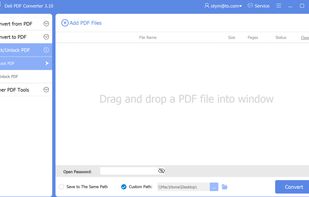
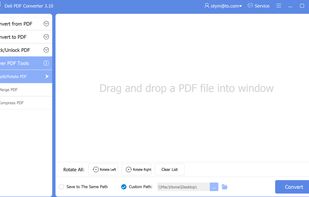
Deli PDF Converter is a Windows PDF converter software capable of converting PDF documents to various file formats, such as PDF to Word, PDF to image, PDF to Html, PDF to Flash, etc., besides, it can turn other file formats to PDF document.
 China
China


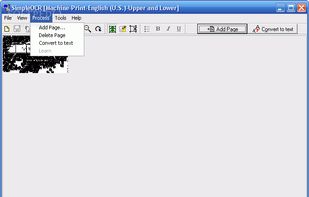
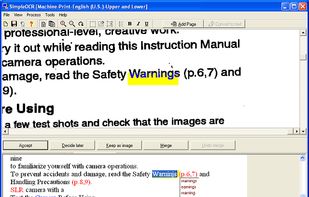
SimpleOCR is the popular freeware OCR software with hundreds of thousands of users worldwide. SimpleOCR is also a royalty-free OCR SDK for developers to use in their custom applications.
 ItalyEU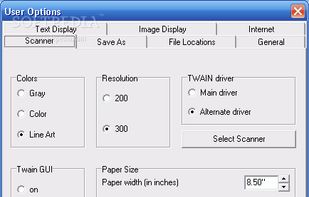


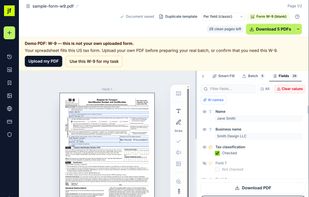
Detects form fields in flat or scanned PDFs and exports fillable PDFs, fills forms from your data and from Excel or CSV files.
 PolandEU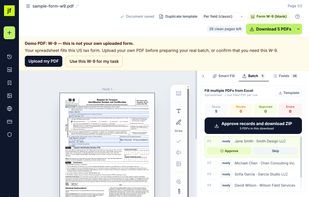


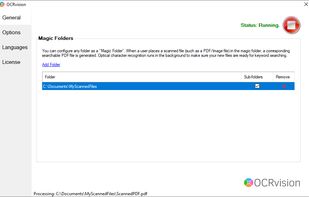
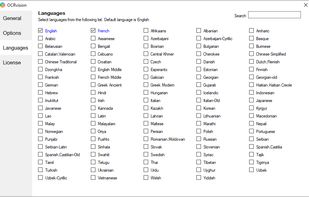
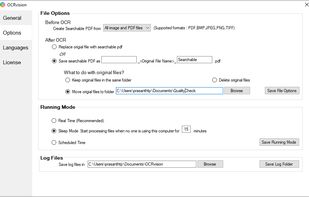
OCRvision is an optical character recognition software which monitors a pre-configured folder and OCR any newly scanned files to searchable PDFs.


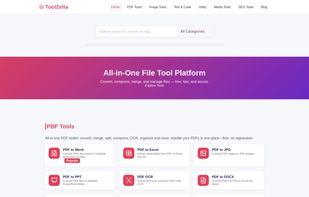
A powerful collection of 100% free online tools for PDF conversion, image compression, text utilities, calculators, and more — all in one fast, ad-free platform.


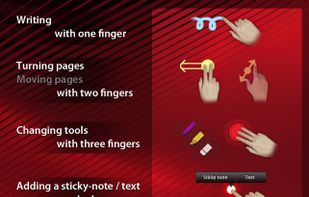
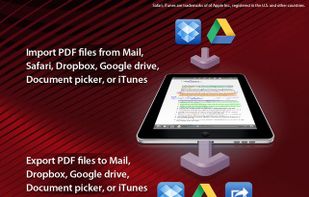
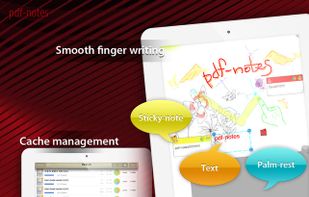
Utilize pdf-notes to manage all the pdf files on your iPhone and iPad. Fast display, quick page-turning even a thousand pages, useful finger-writing and email your notes to your friends.
 United Kingdom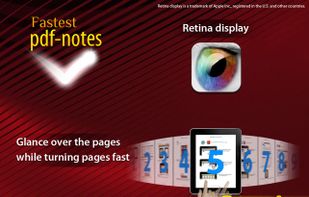


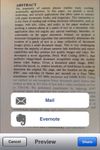
ImageToText app allows you to extract editable ASCII text from images, and share the results by EMAIL or EVERNOTE.
 United States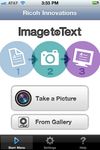


 Switzerland


