


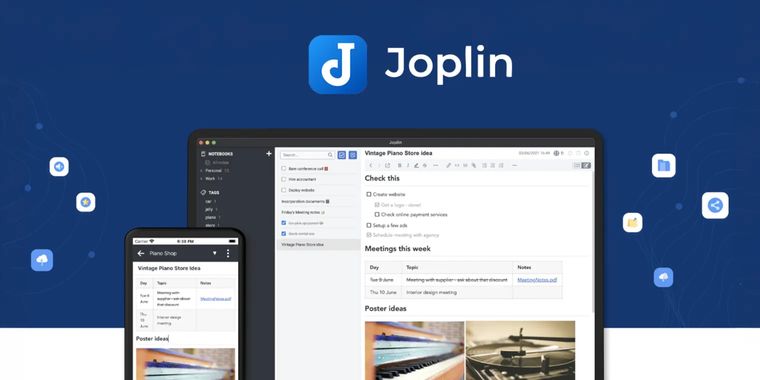

Joplin 3.7 brings AI tools, semantic search, an MCP server, whiteboards, and faster sync
Joplin 3.7 has been released as the latest version of this secure and open source app that lets you capture and access your notes from any device. This release introduces AI tools on desktop. A chat panel beside the active note can answer questions, summarize or edit content, and read note images. Users can connect Joplin Cloud AI, OpenAI, Anthropic, or a local model. In addition, semantic search reaches the sidebar and Go To Anything, and plugin authors can access the AI features as well. Its Model Context Protocol (MCP) server lets external AI assistants read and write notes.
Alongside the AI work, Joplin adds desktop whiteboards for arranging notes, files, and free-form cards on an infinite canvas, with labelled arrows to connect items. The Markdown editor also gains an interactive table editor, whose context menu can add or delete rows and columns. Syncing is now faster and more reliable, while avoiding unnecessary plugin-file processing at startup cuts launch times for installations with several plugins.
For migration and publishing, desktop and command-line users can import Obsidian vaults. The Evernote importer now resolves many cross-notebook links, and the OneNote importer receives further fixes. Joplin Cloud users can now publish an entire notebook as a public page, rather than only individual notes.
Elsewhere on desktop, configuration now has a search box and TLS connections support post-quantum cryptography. Moreover, the Linux AppImage packages no longer depend on libfuse2. On mobile, the interface redesign continues. Refactoring the native crypto module speeds encryption and decryption, and users can choose notebook-list ordering from the settings.





- Note-taking Tool
- Freemium
- Open Source
Related news
External links
- What's new in Joplin 3.7Joplin • Official source
Comments
Granted it's in Beta and you can connect it to an LLM of choice, I sure hope the AI features are disabled by default.
Yet another Notes app trying to capture the buzz of LLMs, which are just a hammer in search of a nail. I would prefer they focus on real features rather than pointless LLM integration.
It must have been 10 years that I didn't heard of Joplin (not Janis). Nice to see it is progressing, slowly but theses last releases seem solid.
AI (still in beta) integration isn't (yet) fully baked into the app so like Only Office, you can rid of it just by unchecking a single setting. It's more complex to disable it completely in Evernote.
We haven't asked for AI features in note app