


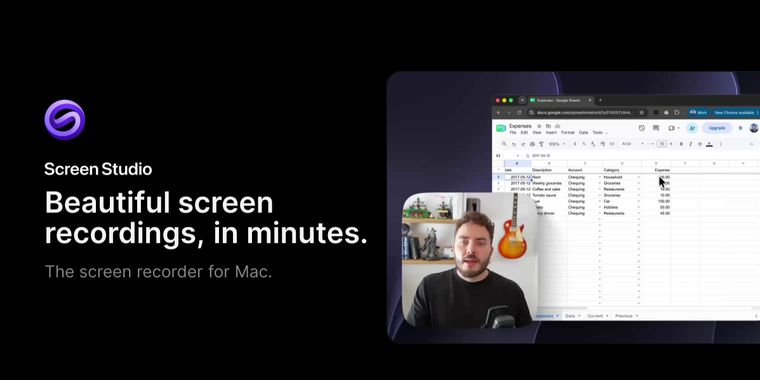

Screen Studio 4.1 introduces privacy features, ProRes export, and faster MP4 & GIF exports
Screen Studio has shipped version 4.1, an update that puts privacy tooling at the front of its feature list. The macOS screen recorder now includes a “Hide sensitive data” toggle that automatically covers emails, phone numbers, card numbers, and keys appearing anywhere in a recording, with no manual masking required: the covers track text as you scroll and type and blend into the video. Users can also add custom phrases, such as client or colleague names, to the same hiding list. A companion “Hide faces” option blurs avatars, photos, and people on video calls, with each blur staying locked to its face as the page moves. According to the release notes, all of this processing happens locally on the user's device.
On the export side, 4.1 adds ProRes output for editors working in Final Cut Pro, DaVinci Resolve, or Premiere Pro, with a choice of 422 LT, 422, 422 HQ, or 4444 profiles and a .mov file carrying uncompressed audio. MP4 exports are described as up to three times faster thanks to a new in-house H.264 encoder built specifically for screen recordings that runs alongside the Mac's hardware encoder, while GIF exports are said to be roughly a third of the size at better quality and several times quicker. The company also rebuilt its audio engine from the ground up, which it says enables click-free scrubbing, reverse playback at any speed, live auditioning of volume changes while paused, two new microphone modes (“Loud” and “Off”), and automatic lip-sync correction via a camera-delay setting. Notably, preview and export now share a single audio path, so what you hear while editing matches the exported file at the binary level.
The rest of the update is polish aimed at day-to-day editing feel. Context menus have been redesigned as native macOS menus with switches, sliders, color palettes, and segmented controls that preview an option on hover. Zooms are sharper at high magnification, with an AI model that upscales up to 4x, including small third-party cursors from apps like Photoshop, and the camera cutout is more accurate around hair, AirPods, and earbuds, flickers less, and no longer retains bits of chairs or desks. The developers say the cutout is also faster, so results appear in the editor without waiting for the full webcam feed to process, alongside what they describe as many smaller improvements and bug fixes.




- Screen Recorder
- Paid
- Proprietary
Related news
External links
- Screen Studio 4.1.0 releasedScreen Studio • Official source
No comments so far, maybe you want to be first?