



Screen Studio 4.0 adds transcript editing, a camera cutout tool, and project sharing beta
The popular screen recorder and video editor for Mac, Screen Studio, has launched version 4.0 with transcript based editing, new camera tools, sharper zooms, and faster exports. Users can now edit recordings by deleting sentences from the transcript, remove detected filler words, and shorten long pauses. Optional cloud transcription is also available for higher quality transcripts and more precise timing.
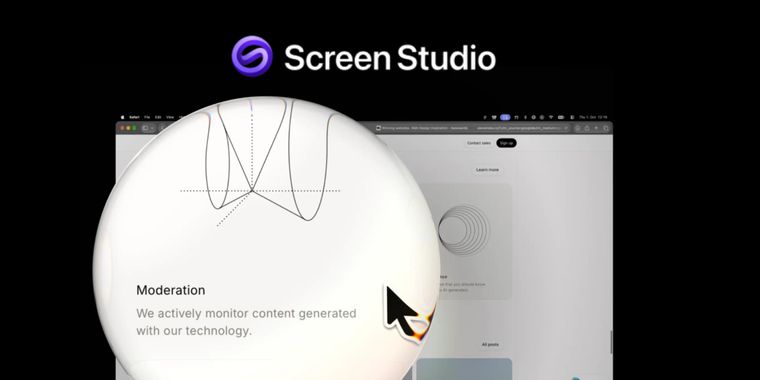
For camera recordings, the beta Camera cutout removes backgrounds locally without a green screen, while split screen layouts can place the presenter beside or above the recording. Face tracking keeps the presenter centered, Hide during silence automatically hides the camera when they are not speaking, and new camera controls include 12 color grading looks, custom presets, LUT imports, and cropping. Glass Loupe can also magnify selected areas without hiding the rest of the screen, while zoomed text is sharpened using a custom AI model that runs locally on the Mac.
Screen Studio 4.0 also expands caption controls with customizable fonts, colors, positions, timing, and animations. On Apple silicon Macs, the company says exports can be up to three times faster, while new recordings can use up to 50% less storage. Finder and Quick Look can now preview projects, the beta Share project feature lets users send complete projects through a link, and every save keeps a backup of the previous project version




- Screen Recorder
- Paid
- Proprietary
Related news
External links
- Glass Loupe, camera cutout, edit by transcript, split screen, and moreScreen Studio Changelog • Official source
No comments so far, maybe you want to be first?