

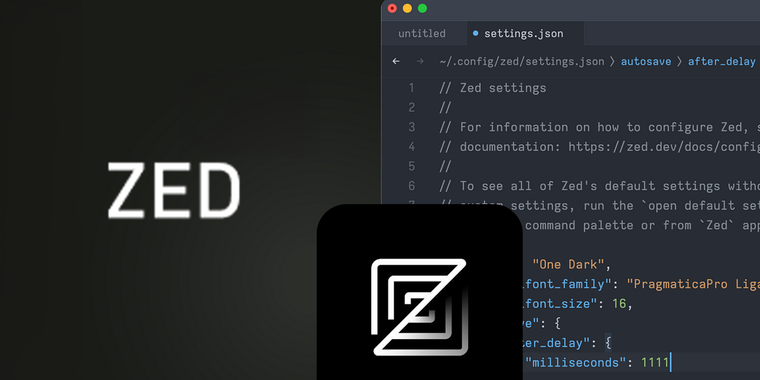
Zed Code Editor v0.148: Slash commands, REPL enhancements, and new configuration panel
The Zed Editor has released version 0.148, introducing the addition of slash commands in the assistant panel, such as /fetch for retrieving webpage source code, /file for importing content from specified directories, and /diagnostics for integrating project errors into the assistant panel's context.
A new configuration panel (assistant: show configuration) has also been introduced, streamlining the setup process for multiple LLM providers like Ollama, OpenAI or Google Gemini. Enhancements to the REPL include support for Markdown output and improved dynamic data display capabilities with update_display_data.
Additionally, Zed Preview v0.149 introduces image support in the assistant panel for macOS users, improved indentation, and a new /workflow command. Users can apply and revert workflow steps and view context token counts directly from the assistant panel. Other updates include actions for toggling scroll positions, enhanced input handling with editor::HandleInput, and several Vim enhancements such as range syntax support and prefilled commands in visual mode.

- Code Editor
- Freemium
- Open Source
Related news
External links
- Zed's Thread on X@zeddotdev on X • Official source