• Fog Panther icon
  • Patchy Image Editor icon
  • photobaer icon
  • PhotoClone icon
  • PhotoCraft icon
  • +6

Photoshop clones

celcel11 appsUpdated
Copy a direct link to this comment to your clipboard

might contain fully vibecoded AI slopware

Clones

  1. Professional raster editor offering non-destructive layer editing, 18 retouching tools, full Unicode text support, advanced filters, format versatility, and CMYK.

    Cost / License

    • Paid
    • Proprietary

    Application type

    Platforms

    • Linux
    • Snapcraft
    • Flathub
    • AppImage
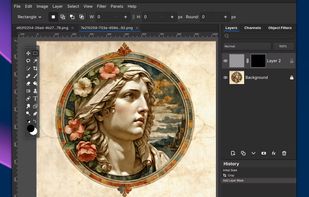
    Fog Panther screenshot 1
    Fog Panther screenshot 1
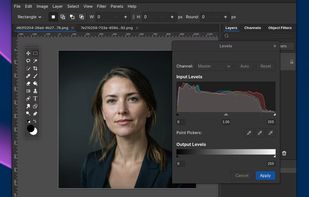
    Fog Panther screenshot 2
  2. Patchy is a free, open-source image editor for Windows, macOS, and Linux, built for accurate PSD and PSB editing and round trips with Adobe Photoshop. It supports editable text and vectors, masks, layer styles, Smart Objects and Smart Filters, legacy 8BF plug-ins, JavaScript...

    Cost / License

    • Free
    • Open Source

    Application type

    Platforms

    • Mac
    • Windows
    • Linux
    • Online
    • Flatpak
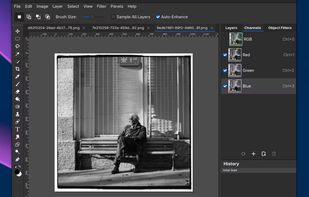
    Patchy Image Editor screenshot 1
    Patchy Image Editor screenshot 1
    Patchy Image Editor screenshot 2
  3. photobaer icon
     Like

    photobaer is a free, open-source photo editor that runs in your web browser. It works offline and can be installed as an app. Your images are edited on your device and are never uploaded. No account, no ads, no subscription.

    Cost / License

    • Free
    • Open Source

    Application type

    Platforms

    • Online
    • Self-Hosted
    Curves adjustment layer with the Properties and Layers panels
    Layered PSD file reopened with its group, layer effects and adjustment layer
    Layer Style dialog with Stroke and Drop Shadow
    +2
    Free Transform with numeric options on a styled layer
  4. PhotoClone is a powerful, browser-based raster graphics and photo editor designed as a free, lightweight alternative to desktop editing suites. Running 100% on modern HTML5, Canvas, and WebGL technologies, it allows designers, content creators, and casual users to edit images...

    Cost / License

    • Free
    • Open Source

    Platforms

    • Online
    WebGL filters and real-time image adjustment tools.
  5. Layers, masks, adjustment layers, layer styles, type, vectors and brushes in a native app written entirely in Rust. Open source, offline, and yours.

    Cost / License

    • Free
    • Open Source

    Application type

    Platforms

    • Online
    • Linux
    • AppImage
    • Fedora
    • Debian
    • Windows
    • Mac
    PhotoCraft screenshot 1
    PhotoCraft screenshot 1
    PhotoCraft screenshot 2
    +1
    PhotoCraft screenshot 3
  6. PhotoGIMP icon
     Like

    Open-source patch transforms editing interface and shortcuts to match Adobe’s design, optimizing workspace and settings for users familiar with Photoshop.

    Cost / License

    • Free
    • Open Source

    Application type

    Platforms

    • Mac
    • Windows
    • Linux
    PhotoGIMP screenshot 1
  7. Photopea icon
     Like

    Browser-based editing supports complex layers, masks, and adjustment tools, opens PSD, XCF, Sketch files, and exports in over 40 formats, all client-side for privacy.

    Cost / License

    • Freemium
    • Proprietary

    Application type

    Platforms

    • Online
    • Software as a Service (SaaS)
    Photopea screenshot 1
    Brush parameters.
    Editing text, many fonts available.
    +2
    Layer styles.
  8. PhotoSir icon
     Like

    PhotoSir is a powerful and professional photo editor, which is also a user-friendly alternative to Photoshop. With the brand-new product design and latest built-in AI algorithm, each individual user is competent to create their own arts faster and easier.

    Cost / License

    • Freemium
    • Proprietary

    Application type

    Platforms

    • Mac
    • Windows
    PhotoSir screenshot 1
  9. A completely free and open-source desktop image editor faithfully replicating classic Adobe Photoshop with 1:1 native PSD/PSB compatibility.

    Cost / License

    • Free
    • Open Source

    Application type

    Platforms

    • Mac
    • Windows
    • Linux
    Start screen & New Project
    Layer Style
    Camera RAW Adjustments
    +3
    Lens Correction

Not Clones

  1. GIMP icon
     Like

    Free open-source suite with advanced photo retouching, composition, batch processing, plugin extensibility, custom scripting, and wide file format compatibility.

    Cost / License

    • Free
    • Open Source

    Application type

    Platforms

    • Mac
    • Windows
    • Linux
    • BSD
    • Snapcraft
    • Flathub
    • PortableApps.com
    • Haiku
    • Flatpak
    • AmigaOS
    • AppImage
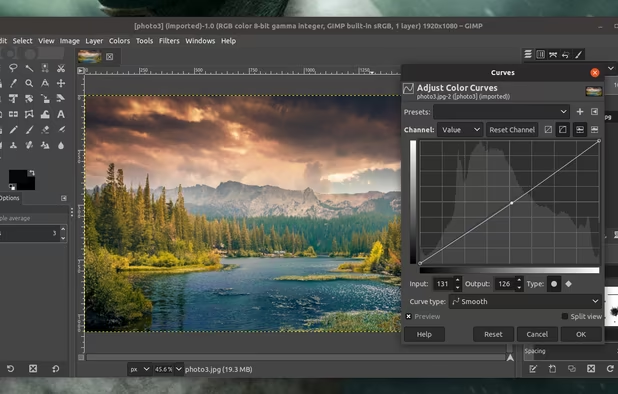
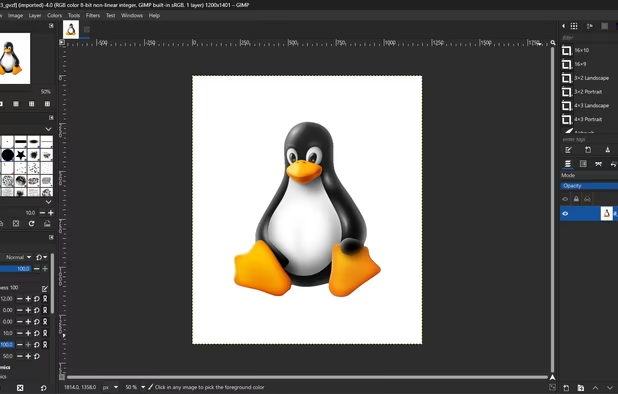
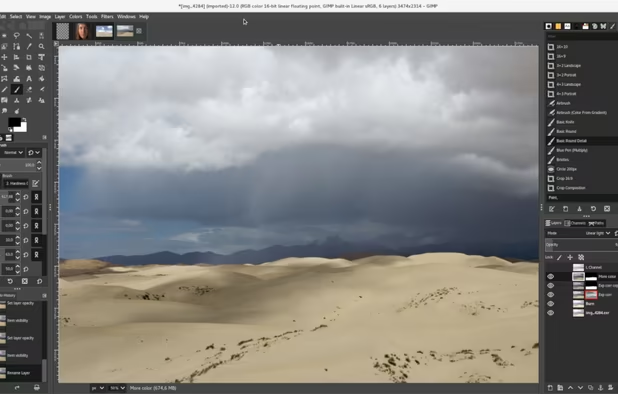
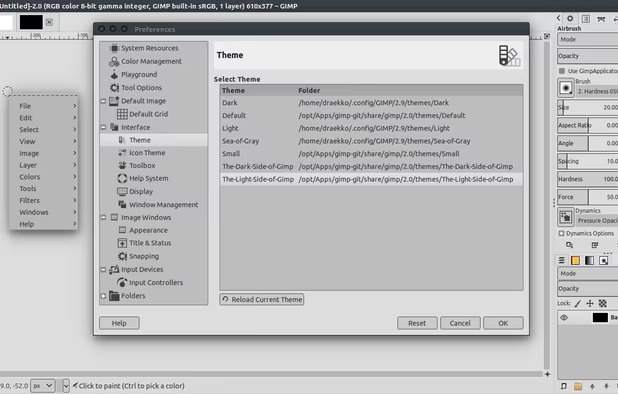
    GIMP screenshot 1
    GIMP 2.99.18 on Windows, non-default theme.
    GIMP screenshot 2
    +5
    GIMP screenshot 3
  2. PaintFE icon
     Like

    A fast, lightweight raster image editor for Windows. Features layers, blend modes, GPU-accelerated filters, gradients, mesh warp, brushes, selection tools, adjustments, animated GIF/APNG support, and a built-in Rhai scripting engine. Single portable executable, no install required.
    Cost / License

    • Free
    • Open Source

    Application type

    Platforms

    • Windows
    • Linux
    PaintFE screenshot 1
    PaintFE screenshot 1

No comments so far, maybe you want to be first?