Hardened Android Browsers

These are some of the best browsers on Android that let you take back your digital privacy. The list is descending from best to worse in terms of protection. This is not to say that the best option is not private and is still better than, for example, Goolag Chrome.

undeniably_lizard
undeniably_lizardList by undeniably_lizard, last updated 
Copy a direct link to this comment to your clipboard
  1. The Tor Browser unarguably provides the utmost privacy and anonymity. However, it may be hard for everyday use since it breaks many websites even on the least safe mode. Recommended to use when you can.

    Cost / License

    • Free
    • Open Source

    Platforms

    • Mac
    • Windows
    • Linux
    • Android
    • OpenBSD
    • Tor
    Tor Browser screenshot 1
    Tor Browser 10.0.3 is now based on the new version of Firefox for Android.
    Tor browser for android alpha
  2. Bromite icon
     Like

    A major down-step compared to Tor, Bromite is still an awesome choice. It includes patches from multiple great browsers like Vanadium and provides an ungoogled experience out-of-the-box. Moreover, you can harden and configure it according to your needs. If you don’t like Firefox based browsers, this is the choice.

    Cost / License

    • Free
    • Open Source

    Application types

    Platforms

    • Android
    • Android Tablet
    • F-Droid
    Bromite screenshot 1
    Bromite screenshot 2
    Bromite screenshot 3
  3. Mull icon
     Like

    Mull is what I would recommend if you want to support Firefox based browsers. I personally trust this more because it is not related to the Mozilla Foundation in any way. Since it is developed by DivestOS, there is no data collection. Plus, you can of course harden it and configure it according to your needs. This is like Bromite but for Firefox.

    Cost / License

    • Free
    • Open Source

    Application type

    Platforms

    • Android
    • F-Droid
    Mull screenshot 1
  4. While Fennec is better than the vanilla Firefox, it still is developed by the Mozilla Foundation. You can expect some data collection by default (can be turned off) and some redundant things like syncing with Firefox accounts. If you do not need to sync your tabs between devices, (and want to support Firefox), you should definitely use Mull.

    Cost / License

    • Free
    • Open Source

    Platforms

    • Android
    • F-Droid
    Start page
    Fennec F-Droid  screenshot 2
    Extension support
  5. Most people do not know this browser but this is in fact very customizable. You can configure and tweak just about everything to match your privacy needs. It is in fact so customizable that you can easily break most websites. You can easily disable javascript and cookies, filter dns requests, change the user agent and more. However, it is based on the default rendering engine so it might not include the simple Chromium layout and settings.

    Cost / License

    • Free
    • Open Source

    Application type

    Platforms

    • Android
    • F-Droid
    monocles browser screenshot 1
    monocles browser screenshot 2
    monocles browser screenshot 3
  6. Like Monocles browser, FOSS browser is also based on system web view. But unlike it, this one provides less privacy options and tweaks while providing a beautiful material ui. Seriously, this is the best browser in terms of looks. Still, it is a bit hard to use since it is not based on Chromium and you will have a hard time learning which settings is where. If you like it though, I find it pretty much usable and would recommend it.

    Cost / License

    • Free
    • Open Source

    Application type

    Platforms

    • Android
    • Android Tablet
    • F-Droid
    FOSS Browser screenshot 1
    FOSS Browser screenshot 2
    FOSS Browser screenshot 3
  7. Brave icon
     Like

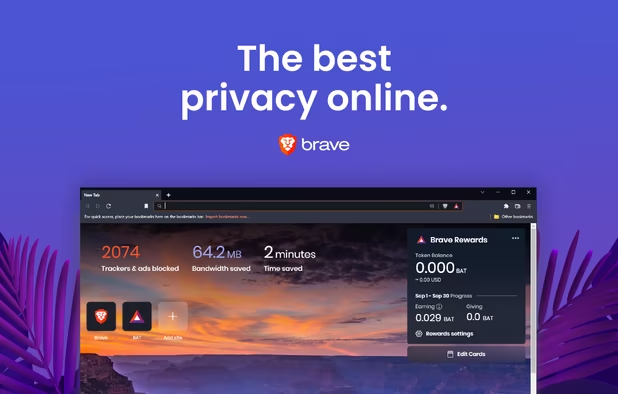
    I personally like Brave’s philosophy and think it is a great option for beginners. Nevertheless, I would argue that the application is a bit bloated. There is all these crypto stuff, some data collection by default, tab syncing, crypto wallets, Brave news, and whatnot. If you like the company, go for this browser. But if you prefer a simpler Chrome experience, go for Bromite.

    Cost / License

    • Free
    • Open Source

    Application types

    Platforms

    • Mac
    • Windows
    • Linux
    • Android
    • iPhone
    • Android Tablet
    • iPad
    • Snapcraft
    • Flathub
    • Homebrew
    • Chocolatey
    Brave screenshot 1
    Brave screenshot 1
    Brave screenshot 2
    +4
    Brave screenshot 3
  8. Yes, you can add extensions, escape the Chromium monopoly and have a different UI. But you don’t have to use Mozilla Firefox to do this. You can use a hardened version like Fennec or Mull. This is because there is (by default) some data collection by Mozilla. There is a reason why this browser is not officially available in F-droid: it simply includes too much proprietary components and bits. Again, I recommend using Fennec instead of this.

    Cost / License

    • Free
    • Open Source

    Platforms

    • Mac
    • Windows
    • Linux
    • Android
    • iPhone
    • Android Tablet
    • BSD
    • iPad
    • AppImageHub
    • Snapcraft
    • Flathub
    • Samsung Galaxy Store
    • PortableApps.com
    • Haiku
    • Flatpak
    • Homebrew
    • Chocolatey
    • Gecko
    Firefox Desktop (Light Theme)
    Firefox Desktop (Dark Theme)
    Firefox iOS (Light Theme)
    +7
    Firefox iOS (Dark Theme)
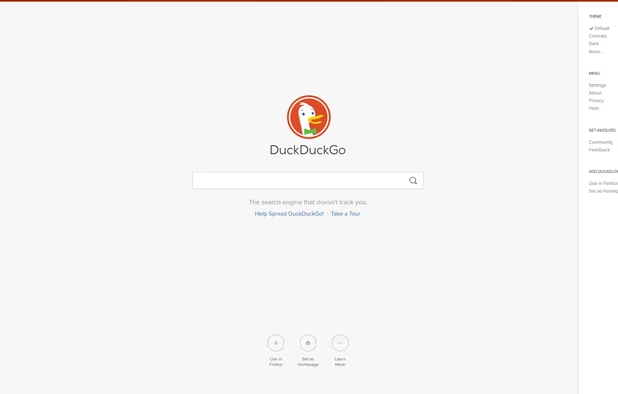
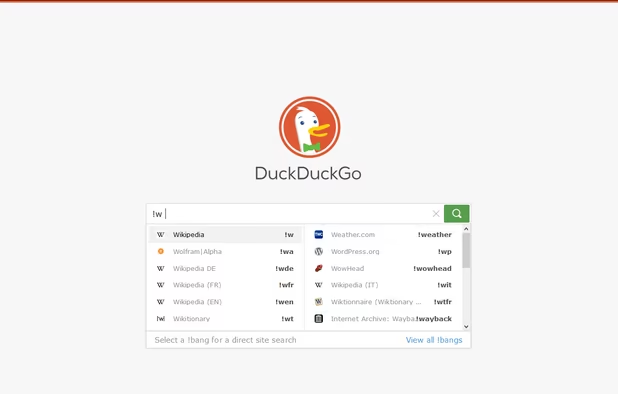
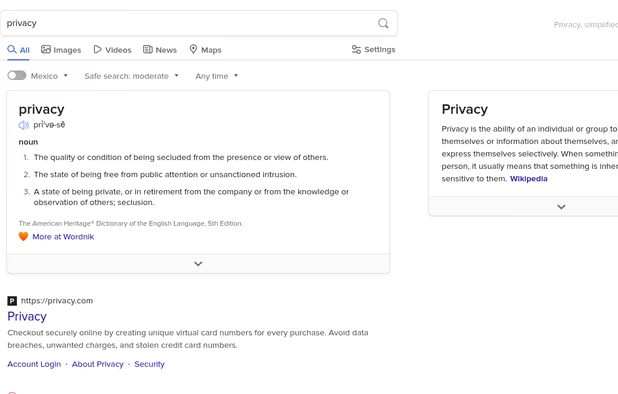
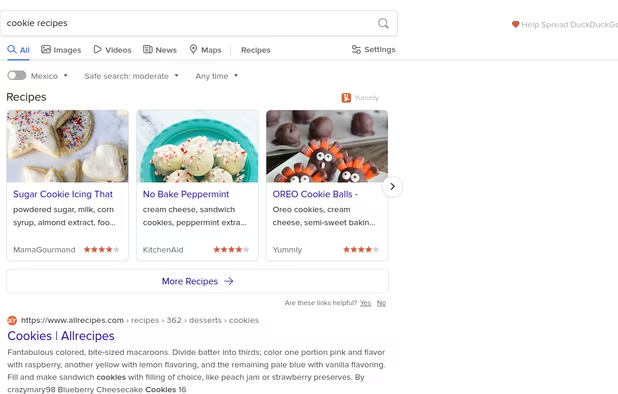
  9. In my opinion, this is the bare minimum browser you should be using on your phone. It has so little customization that you literally cannot break anything even if you tried to. It is literally foolproof. Plus, it includes some services like email protection and some sort of a VPN. It will block most trackers and is an excellent place to start your privacy journey. I would recommend this for literally anyone wanting to use something more private.

    Cost / License

    • Free
    • Proprietary

    Platforms

    • Online
    • Android
    • iPhone
    • Android Tablet
    • iPad
    • Microsoft Edge
    • Vivaldi
    • Google Chrome
    • Safari
    • F-Droid
    • Yandex Browser
    • Tor
    • Opera
    • Mozilla Firefox
    DuckDuckGo Homepage
    DuckDuckGo screenshot 1
    DuckDuckGo screenshot 2
    +16
    DuckDuckGo screenshot 3

Thanks for reading my guide. These browsers are a good place to start on Android. As I wrote, you should at least be using DuckDuckGo’s Android browser instead of a random OEM browser preinstalled on your phone and Goolag Chrome. Please comment any suggestion you have down there.

No comments so far, maybe you want to be first?
Gu