Reduce Distractions

St
Steven List by Steven , last updated 
Copy a direct link to this comment to your clipboard
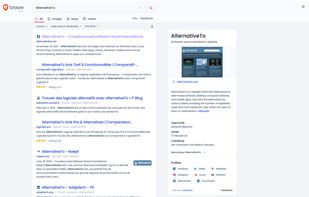
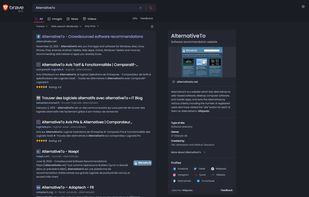
  1. Delivers private, independent search with an exclusive index, no tracking or profiling, transparent result ranking, browser integration, and image search.

    Cost / License

    • Freemium
    • Proprietary

    Platforms

    • Online
    • Tor
    Brave Search screenshot 1
    Brave Search screenshot 1
    Brave Search screenshot 2
    +2
    Brave Search screenshot 3
  2. Brave icon
     Like

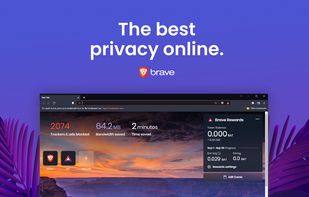
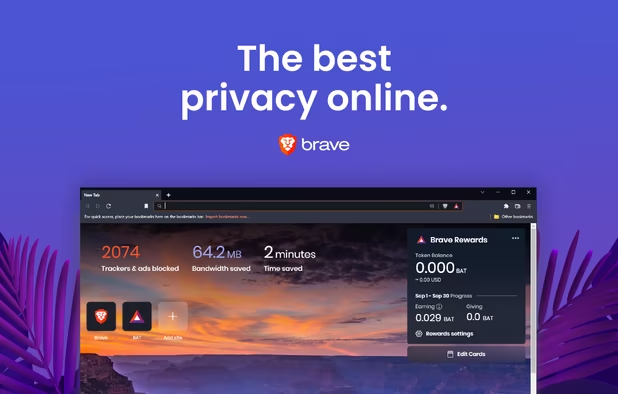
    Fast, secure browser with built-in ad block, privacy controls, and global tracking protections. Optimizes data, speed, and battery life.

    Cost / License

    • Free
    • Open Source

    Application types

    Platforms

    • Mac
    • Windows
    • Linux
    • Android
    • iPhone
    • Android Tablet
    • iPad
    • Snapcraft
    • Flathub
    • Samsung Galaxy Store
    • Homebrew
    • Chocolatey
    Brave screenshot 1
    Brave screenshot 1
    Brave screenshot 2
    +7
    Brave screenshot 3
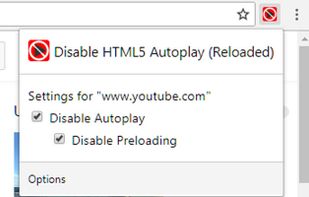
  3. Disable autoplay and preloading of HTML5 video and audio players.

    Cost / License

    • Free
    • Proprietary

    Platforms

    • Mac
    • Windows
    • Linux
    • Online
    • Chrome OS
    • Microsoft Edge
    • Vivaldi Browser
    • Google Chrome
    • Opera
    Disable HTML5 Autoplay (Reloaded) screenshot 1
    Disable HTML5 Autoplay (Reloaded) screenshot 1
    Disable HTML5 Autoplay (Reloaded) screenshot 2
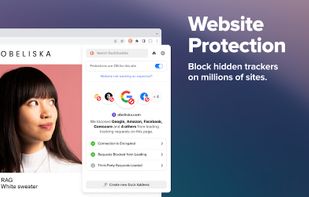
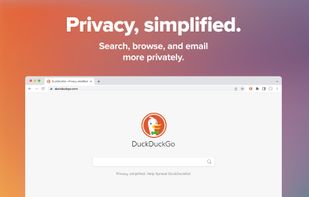
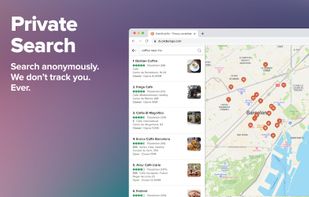
  4. Privacy, simplified. Our add-on provides the privacy essentials you need to seamlessly take control of your personal information, no matter where the internet takes you: tracker blocking, smarter encryption, DuckDuckGo private search, and more.
    Cost / License

    • Free
    • Open Source

    Application types

    Platforms

    • Microsoft Edge
    • Google Chrome
    • Opera
    • Mozilla Firefox
    DuckDuckGo Search & Tracker Protection screenshot 1
    DuckDuckGo Search & Tracker Protection screenshot 1
    DuckDuckGo Search & Tracker Protection screenshot 2
    +2
    DuckDuckGo Search & Tracker Protection screenshot 3
  5. Bitwarden icon
     Like

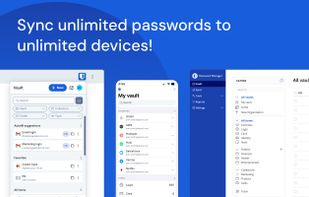
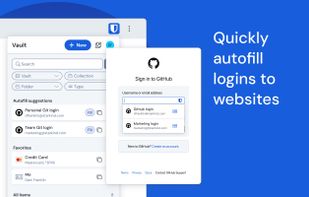
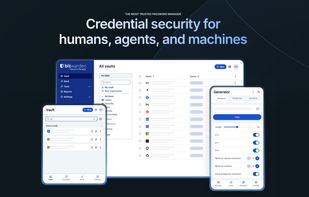
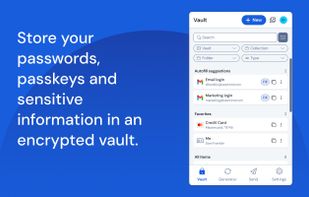
    Open-source password manager with AES-256 encryption and device sync. Store and access encrypted logins across platforms like iOS and Android.
    Cost / License

    • Freemium
    • Open Source

    Platforms

    • Mac
    • Windows
    • Linux
    • Online
    • Android
    • iPhone
    • Android Tablet
    • iPad
    • Self-Hosted
    • Apple Watch
    • Snapcraft
    • Microsoft Edge
    • Vivaldi
    • Google Chrome
    • Flathub
    • Microsoft SQL Server
    • Tor Browser
    • Safari
    • F-Droid
    • Software as a Service (SaaS)
    • Flatpak
    • Cloudron
    • Docker
    • Opera
    • Chocolatey
    • Mono
    • Brave
    • AppImage
    • Mozilla Firefox
    Bitwarden screenshot 1
    Bitwarden screenshot 1
    Bitwarden screenshot 2
    +11
    Bitwarden screenshot 3
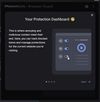
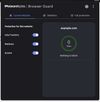
  6. Filters out annoying ads and scams while blocking trackers that spy on you. Download free for Chrome, Edge and Firefox browsers.
    Cost / License

    • Free
    • Proprietary

    Application type

    Platforms

    • Google Chrome
    • Mozilla Firefox
    • Microsoft Edge
    • Safari
    Welcome screen.
    Website screen.
    Statistics screen.
    +6
    Full protection screen.
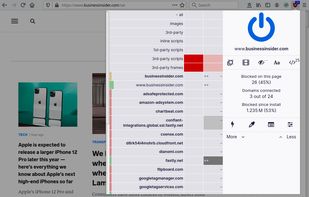
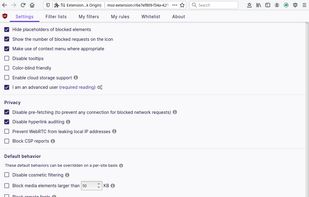
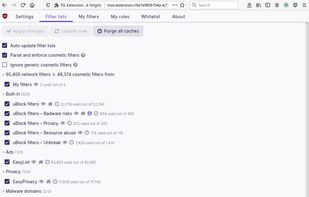
  7. uBlock Origin (uBO) is a CPU and memory-efficient wide-spectrum content blocker. It blocks ads, trackers, coin miners, popups, annoying anti-blockers, malware sites, etc., by default using EasyList, EasyPrivacy, Peter Lowe's Blocklist, Online Malicious URL Blocklist, and uBO...

    Cost / License

    • Free
    • Open Source

    Application types

    Platforms

    • Microsoft Edge
    • Google Chrome
    • Thunderbird
    • Opera
    • Node.JS
    • Mozilla Firefox
    uBlock Origin screenshot 1
    uBlock Origin screenshot 1
    uBlock Origin screenshot 2
    +3
    uBlock Origin screenshot 3
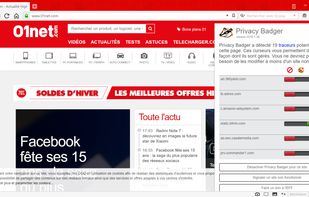
  8. Privacy Badger is a free browser extension made by the leading digital rights nonprofit EFF to stop companies from spying on you online.
    Cost / License

    • Free
    • Open Source

    Application types

    Platforms

    • Microsoft Edge
    • Google Chrome
    • Opera
    • Mozilla Firefox
    • Brave
    Overview of Privacy Badger extension
  9. OneTab icon
     Like

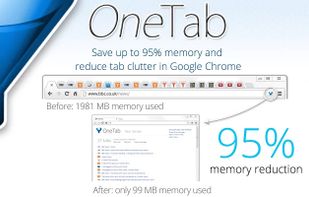
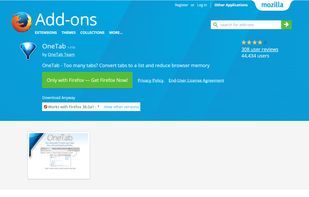
    Whenever you find yourself with too many tabs, click the OneTab icon to convert all of your tabs into a list. When you need to access the tabs again, you can either restore them individually or all at once.
    Cost / License

    • Free
    • Proprietary

    Application type

    Platforms

    • Mac
    • Windows
    • Linux
    • Microsoft Edge
    • Google Chrome
    • Safari
    • Firefox
    OneTab screenshot 1
    OneTab screenshot 1
No comments so far, maybe you want to be first?
Gu