

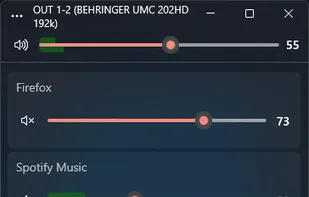
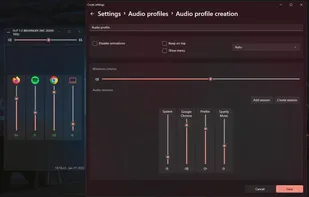
Advanced volume mixer for Windows 10 and 11 providing per-app control, device switching, audio visualization, hotkeys, automatic updates, and modern interface.
 United States
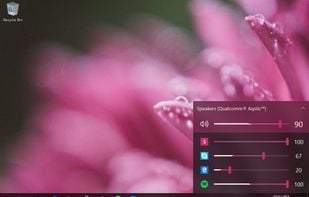
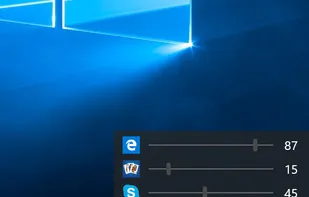


Advanced volume mixer for Windows 10 and 11 providing per-app control, device switching, audio visualization, hotkeys, automatic updates, and modern interface.

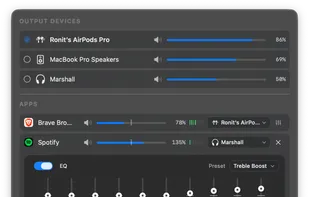
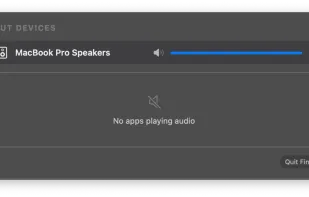
Menu bar tool for macOS enabling per-app and per-device audio control, app-to-device routing, 10-band EQ presets, real-time VU meters, volume boost, and persistent settings.


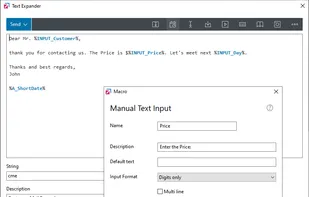
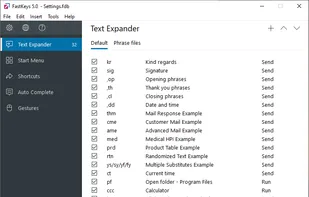
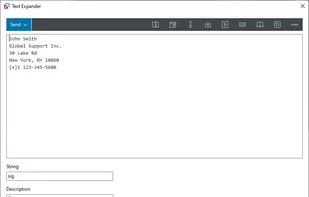
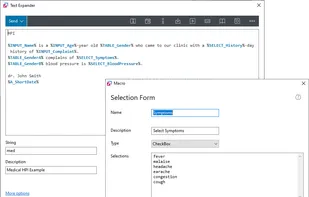
All in one Windows automation software. Fully configurable text expander, start menu, shortcuts, auto complete and mouse gestures. User-defined commands to run files, open webpages, send macros or automate anything. Incredibly powerful but yet simple to use.
 AutoHotkeyand

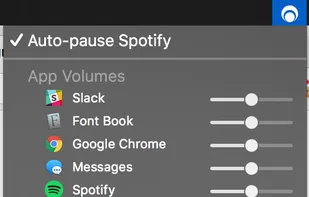
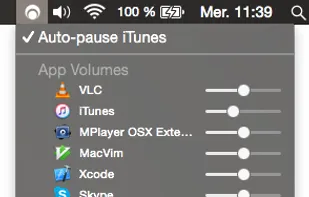
Background Music is a macOS audio utility that can automatically pause your music, set individual apps' volumes, and record system audio.


OpenZFS is an advanced file system and volume manager which was originally developed for Solaris and is now maintained by the OpenZFS community.

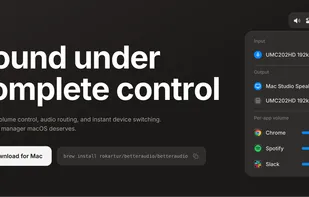
BetterAudio is an advanced audio management tool for macOS that puts complete control over your sound environment directly in the menu bar. Switch devices, manage volume per-app, transcribe via AI, and customize your HUD without disrupting your workflow.
 Vibe Transcribeand

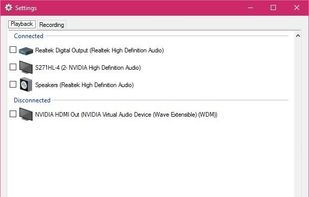
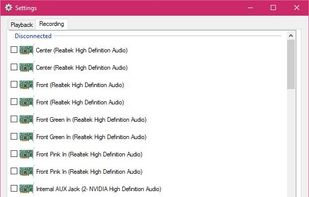
SoundSwitch makes it easier to switch playback devices (sound cards). With SoundSwitch you configure once between which Playback devices you want to toggle and then you can press Ctrl+Alt+F11 to toggle automatically!.


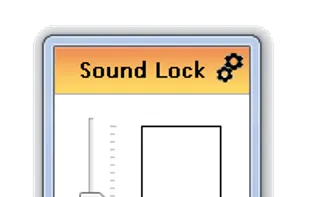
By using the »neighbour friendly« Sound Lock application, you will no longer disturb the people around you while watching your favorite movies and shows

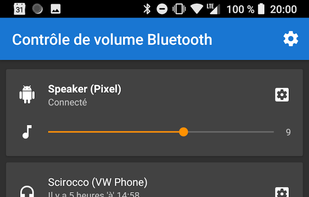
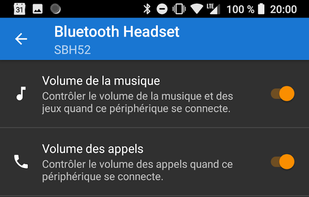
Bluetooth Volume Manager can react to Bluetooth devices connecting or disconnecting. It allows Android to remember the volume levels of different Bluetooth devices.

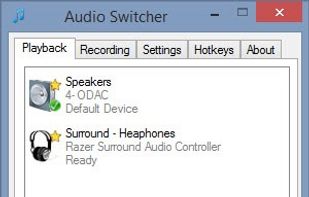
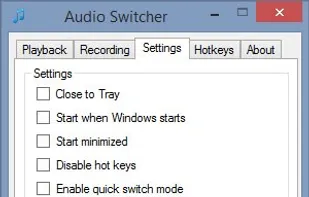
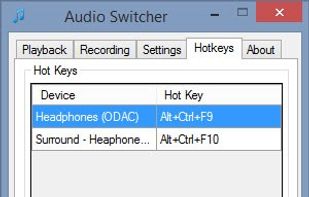
Imagine you're chilling out to some music on your speakers, the urge hits you to go pwn some n00bs in a game of League.


Disables the volume on-screen display (OSD) introduced in Windows 8 and remaining in Windows 10. Presently Windows does not offer an option to turn it off, but this tool lets you turn it off without making registry changes yourself.

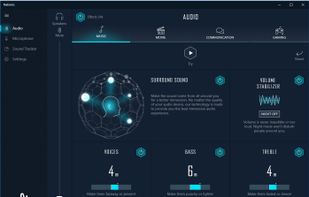
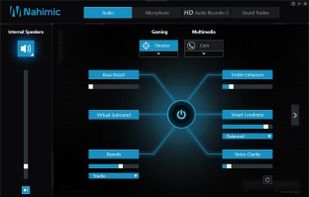
3D audio software Nahimic is compatible with a list of computers and motherboards from different partners as MSI and Gigabyte/Aorus embedding a 8th Gen. Intel Processor.


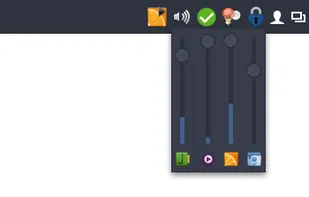
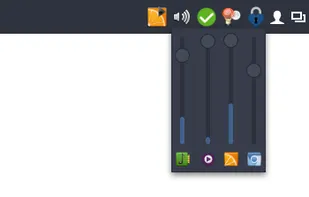
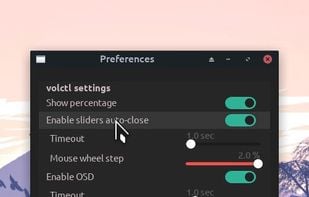

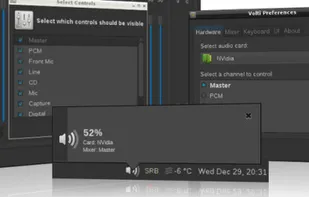
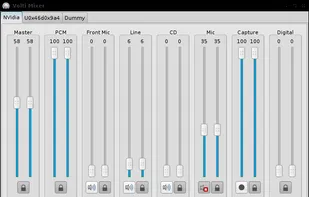

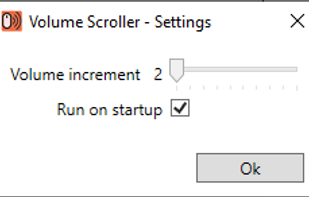
Volume Scroller allows you to quickly change the system volume. All you have to do is hold the mouse pointer over the taskbar and turn the mouse wheel.

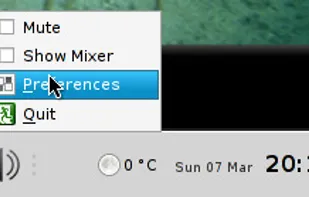
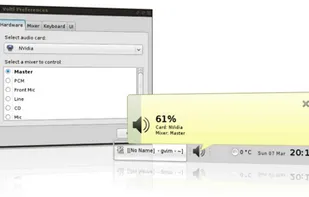
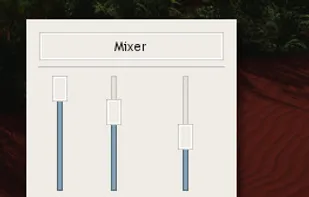
VolWheel is a little application which lets you control the sound volume easily through a tray icon you can scroll on. It is written in Perl/Gtk2 and works both for ALSA and OSS. You can configure it quickly through its configuration interface.
While writing files they are written to a first HDD until the HDD has the free space (see mlimit option), then they are written on

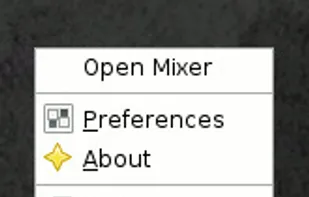
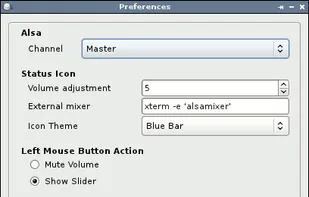
Volume Icon aims to be a lightweight volume control that sits in your systray. It is often used in conjuction with the lightweight tint2 panel/taskbar.


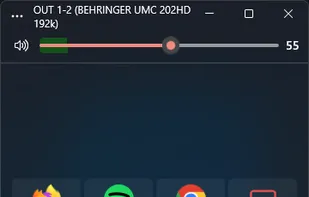


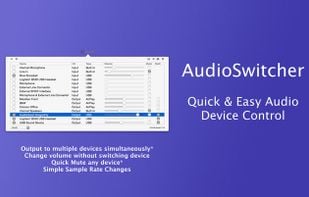
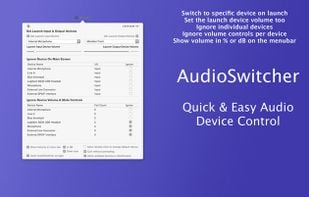
Simple, always ready menubar app that allows you to switch quickly between available input and output devices*




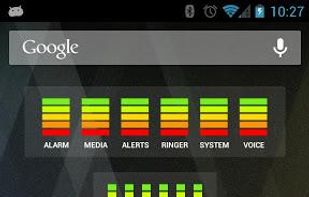
Audio Manager is a home-screen Widget and Volume manager that allows you to get live readings of your current volume levels on your Android phone. Tap on the widget to adjust the volume levels.


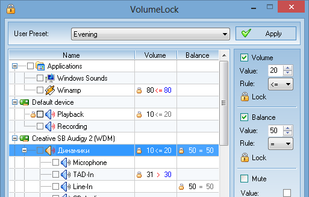
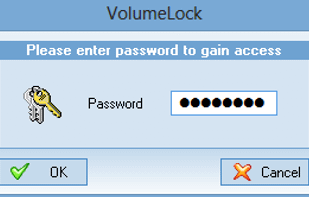
VolumeLock is an easy-to-use audio control utility that gives you the freedom in loudness control. With this program you can guarantee that the volume settings of your PC will never be changed unexpectedly.
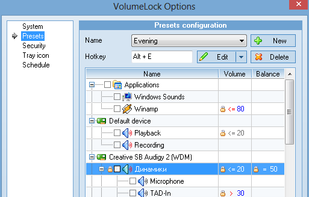
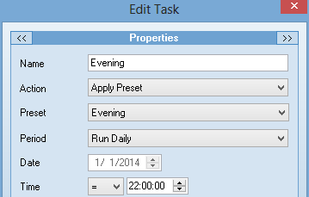


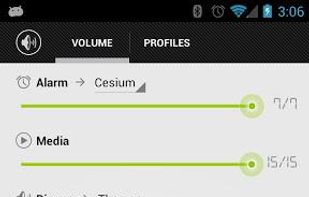
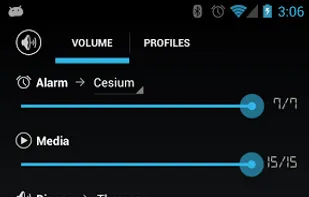
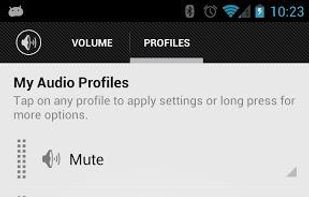
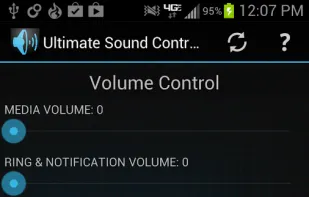
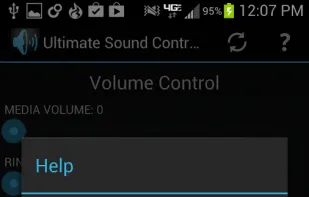
Easily adjust the phone's ringer/notification volume, media volume, alarm volume, system volume, and call volume.


 Poland
 EU
EU
 France

 Germany


 Croatia


