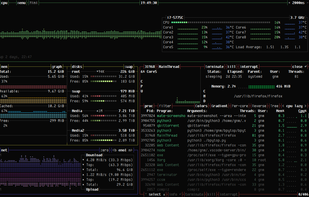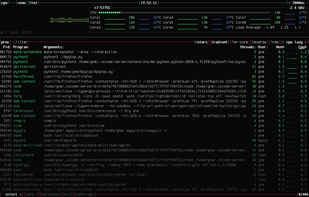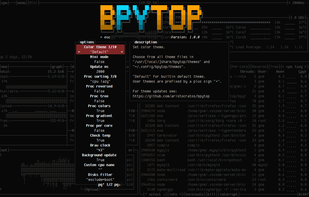
Process Monitoring Tools

All apps in Process Monitoring Tools category. Use the filters below to narrow down your search. 
Copy a direct link to this comment to your clipboard
  1. Process Explorer icon
     782 likes

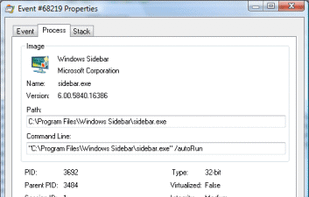
    Process Explorer shows you information about which handles and DLLs processes have opened or loaded. The display consists of two sub-windows. The top always shows a list of the currently active processes, including the names of their owning accounts, whereas the information...

    Process Explorer screenshot 1
    74 alternatives
  2. htop icon
     276 likes

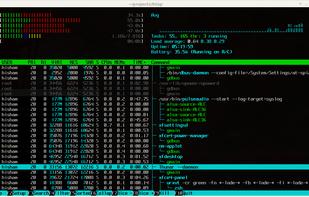
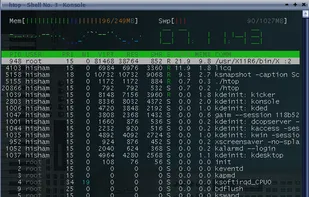
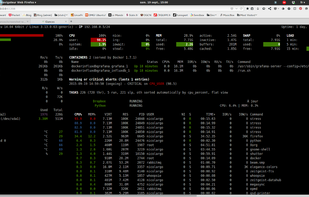
    htop is an interactive process viewer for Linux. It is a text-mode application (for console or X terminals) and requires ncurses. htop is an interactive top replacement that runs in the terminal. The available columns are: PID, STATE, PPID, PGRP, SESSION, TTY_NR, TPGID, MINFLT...

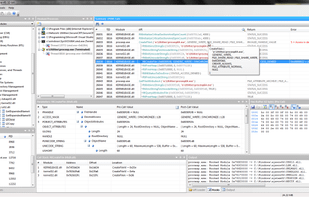
    htop screenshot 1
    72 alternatives
  3. Process Monitor icon
     161 likes

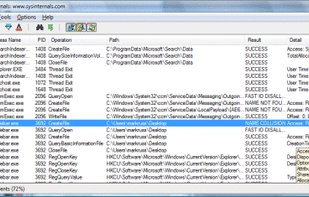
    Process Monitor is an advanced monitoring tool for Windows that shows real-time file system, Registry and process/thread activity. It combines the features of two legacy Sysinternals utilities, Filemon and Regmon, and adds an extensive list of enhancements including rich and...

    Main Screen
    55 alternatives
  4. Stacer icon
     55 likes

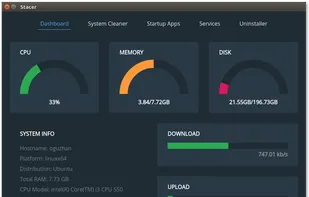
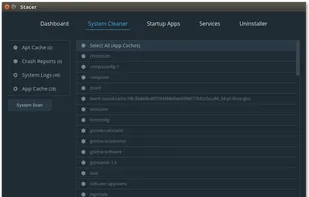
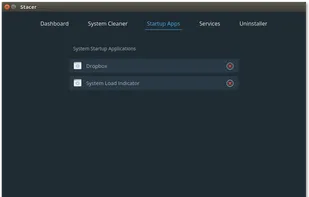
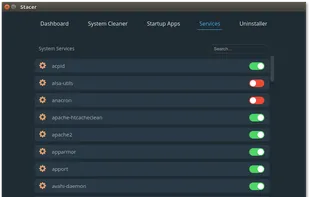
    Stacer is an open source system optimizer and application monitor that helps users to manage entire system with different aspects, its an all in one system utility.

    Dashboard
    31 alternatives
    4.6
    Excellent7 reviews
  5. Task Manager icon
     67 likes

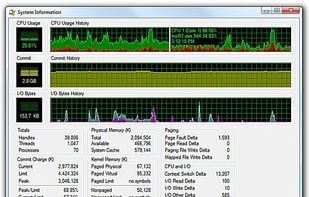
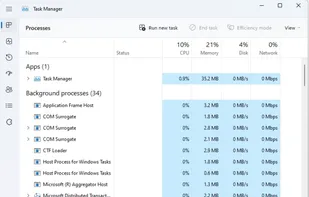
    Windows Task Manager is a task manager application included with Microsoft Windows NT family of operating systems that provides detailed information about computer performance and running applications, processes and CPU usage, commit charge and memory information, network...

    Task Manager screenshot 1
    70 alternatives
  6. Glances icon
     66 likes

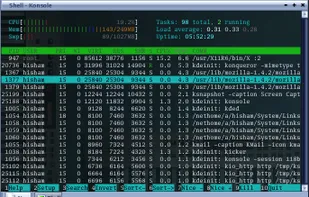
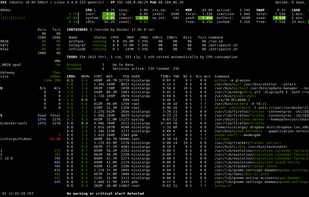
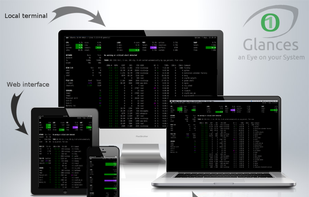
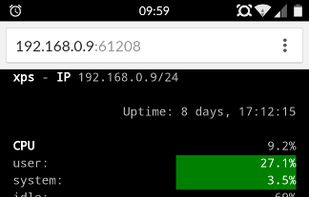
    Glances is a cross-platform monitoring tool which aims to present a large amount of monitoring information through a curses or Web based interface. The information dynamically adapts depending on the size of the user interface.

    Glances screenshot 1
    64 alternatives
  7. SystemExplorer icon
     97 likes

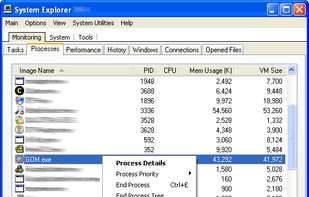
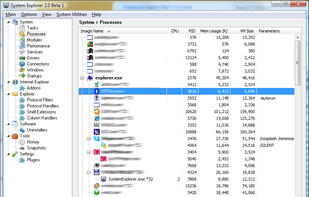
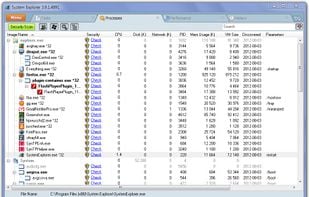
    System Explorer is an enhanced Taskmanager that provides detailed information about running processes, startup programs, IE add-ons (BHOs), drivers, services network connections, system resources and more.

    SystemExplorer screenshot 1
    53 alternatives
  8. Pachtop icon
     5 likes

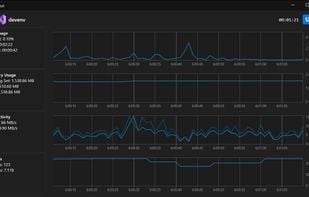
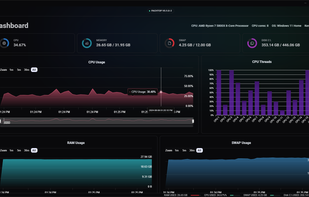
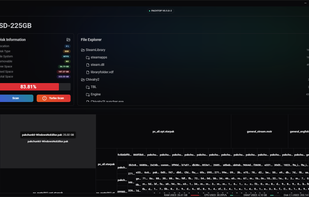
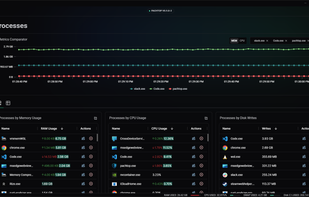
    Pachtop is a lightweight, performant, and opensource system monitor that provides real-time monitoring of your system's performance, application monitoring, and detailed system information. Built with Rust and Tauri

    Dashboard Real-time Metrics
The dashboard shows real-time metrics of your system. Metrics include CPU usage, RAM usage, Swap usage, Disk usage, and Network usage.
    57 alternatives
  9. KSysGuard icon
     27 likes

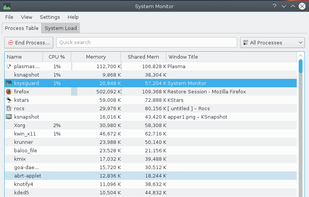
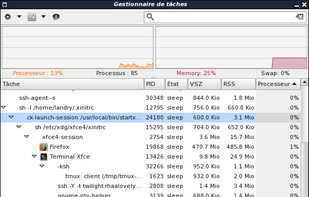
    KSysGuard, also known as KDE System Guard and KDE System Monitor, is designed to make simple process control available to a user without needing to do any special setup - the defaults are usually perfectly adequate.

    KSysGuard screenshot 1
    30 alternatives
  10. Monit icon
     21 likes

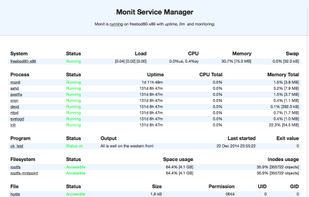
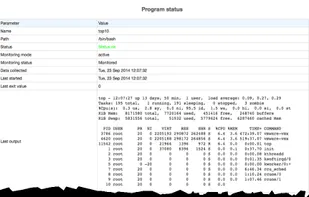
    Monit is a free open source utility for managing and monitoring, processes, programs, files, directories and filesystems on a UNIX system. Monit conducts automatic maintenance and repair and can execute meaningful causal actions in error situations.

    Monit screenshot 1
    41 alternatives
  11. API Monitor icon
     23 likes

    API Monitor is a Windows program that lets you monitor and control API calls made by applications and services. Its a powerful tool for seeing how applications and services work or for tracking down problems that you have in your own applications.

    API Monitor screenshot 1
    10 alternatives
  12. An application for monitoring system resources. Plasma System Monitor provides an interface for monitoring system sensors, process information and other system resources. It is built on top of the faces system also used to provide widgets for plasma-desktop and makes use of the...

    Plasma System Monitor screenshot 1
    9 alternatives
  13. btop4win icon
     4 likes

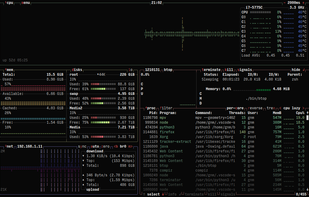
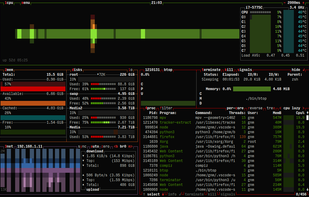
    The Windows version of btop++, which is itself the re-implementation and continuation of bashtop and bpytop written in C++. A rich, featureful terminal-based resource monitor that shows usage and statistics for processor, memory, disks, network, processes and services.

    Main UI showing details for a selected process (font: Terminess Powerline)
    6 alternatives