

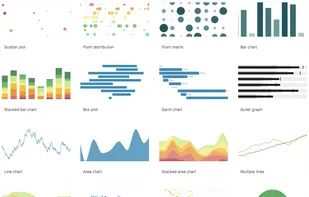
RAWGraphs is an open source app built with the goal of making the visualization of complex data easy for everyone. Born as tool for designers and vis geeks, RAWGraphs aims at providing a missing link between spreadsheets and vector graphics editors.
 Italy
Italy EU
EU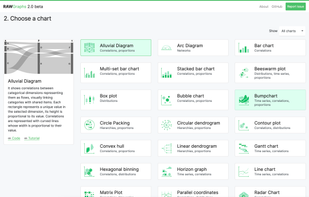


RAWGraphs is an open source app built with the goal of making the visualization of complex data easy for everyone. Born as tool for designers and vis geeks, RAWGraphs aims at providing a missing link between spreadsheets and vector graphics editors.

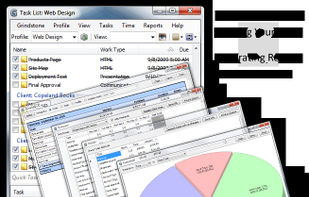
Grindstone is a desktop application, produced by Epiforge Software, that allows users to create and organize tasks and to track time. It includes a range of other features that supplement this primary functionality.


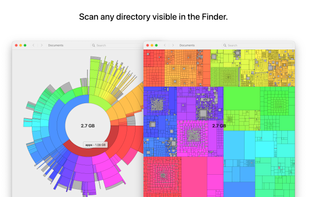
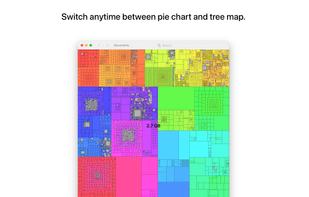
Inspect your disk and find the files that occupy the most space or that haven’t been modified in a long time.
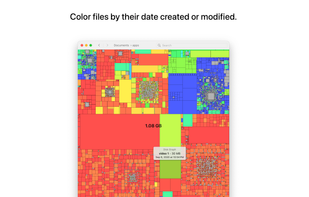
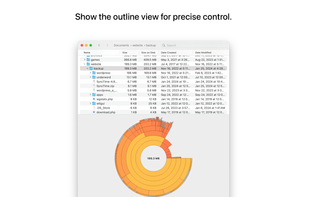
 WinDirStatand

Create graphs online with CSV, Excel or JSON data. Choose from different chart types, pivot tables and relationship graphs. Easy, user-friendly, open- source.
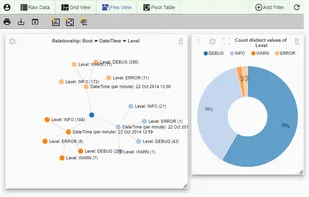
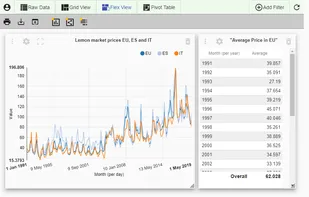
 LibreOffice - Calc
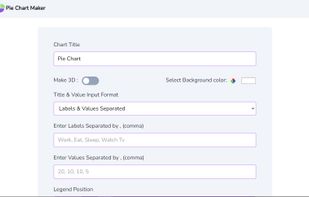
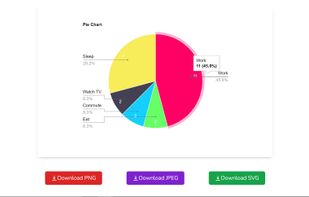
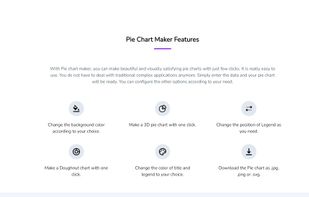
With Pie chart maker, you can make beautiful and visually satisfying pie charts with just few clicks. It is really easy to use. You don’t have to deal with traditional complex applications anymore. Simply enter the data and your pie chart will be ready.

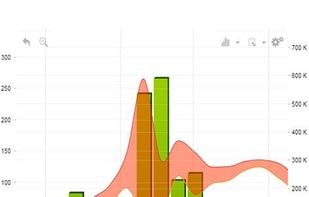
The world's most interactive data visualization software. Supercharged touch-screen enabled HTML5 Graph and Chart library, written in fast cross-platform JavaScript, runs in all browsers.

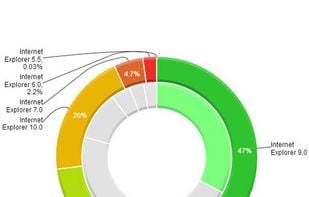

Program to help recover disk space. Gives pie-chart view of disk usage, including unused space, with the ability to drill down into folders. Shows actual or nominal space occupied. Knows about the effects of cluster sizes.
WinDirStatand
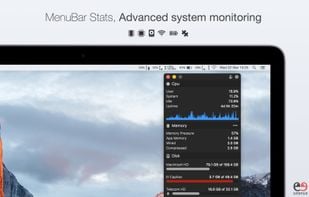
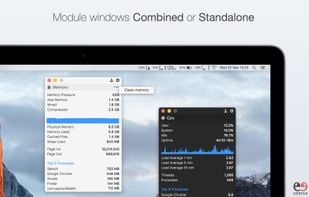
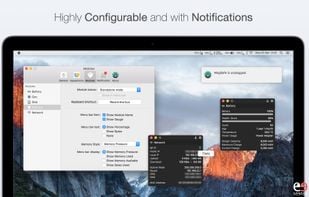
MenuBar Stats 2 has been reinvented. Completely re-written from the ground up. MenuBar Stats 2 is composed of modules (CPU, Disk, Network,...). Each module can be seen in your menu bar. Each module can be combined in 1 window, or in a separated window.


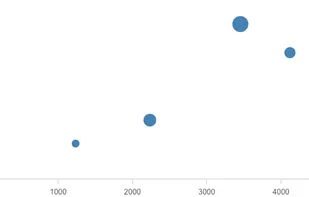
Turn boring data into a visual masterpiece using picasso.js, an open-source library from Qlik.



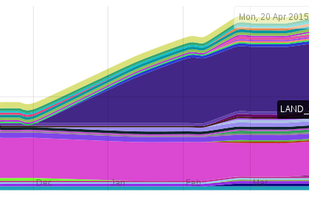
diskreport.net allow to generate an online report of disk space usage. Periodic run allow reports of size and file count variation, usefull to find growing files or directory.
 Baobab Disk Usage Analyzer


 Germany
 Switzerland


 Latvia


 Sweden
