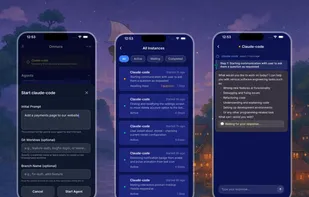
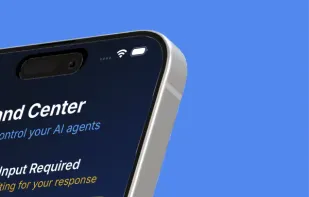
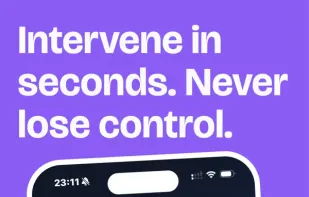
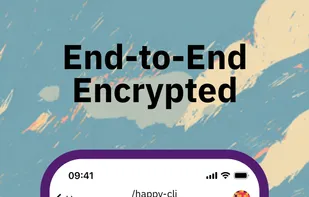
Launch & control Claude Code from anywhere. Stop being chained to your desk. The real-time command center to monitor, debug, and guide your agent—right from your phone.
This is just a fun toy I coded up in a few hours. If I get more rude App Store reviews, I will just stop working on the app. There is a feedback button in the app.
Spawn and control multiple Claude Codes in parallel. Happy Coder runs on your hardware, works from your phone and desktop, and costs nothing. Open source.
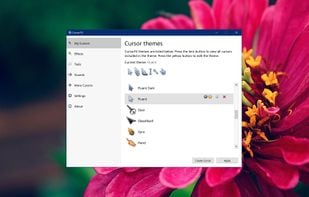
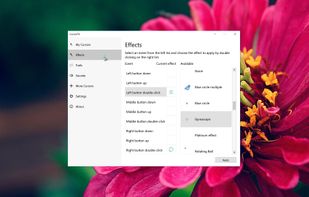

CursorFX is a software for customizing and animating mouse cursors on Windows PCs. Users can design their own cursors, animate them with special effects, and customize mouse click sounds. The software offers a library of cursors from WinCustomize.com.
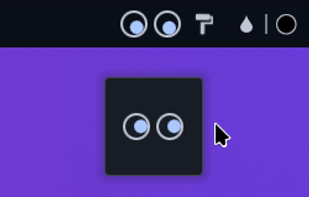
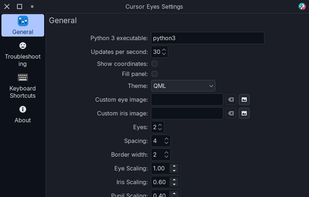
Rolling eyes that follow your mouse pointer for the KDE Plasma Desktop (X11 or Wayland). A small demo of getting KWin Script output from a Widget using D-Bus and Python.
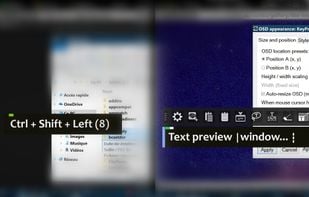
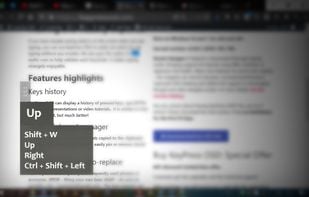
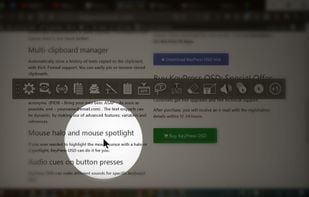
KeyPress OSD is a full-featured screencasting tool for displaying key-presses on Windows. Beyond on-screen keypress display, it features text-expansion, mouse-highlighting and a multi-clipboard manager.
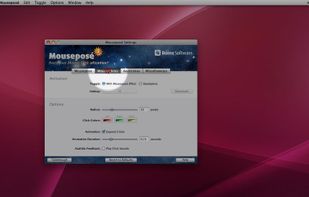
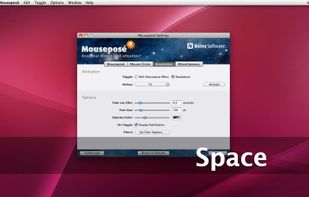
Mouseposé is the indispensible mouse pointer highlighting tool (aka "virtual laserpointer") for everyone doing demos at tradeshows, presentations and trainings, or those individuals with huge and high resolution displays.
Lock Cursor Tools simply locks the mouse cursor. You may choose a predetermined area, the primary or secondary monitor screen or part of the window of a particular application.
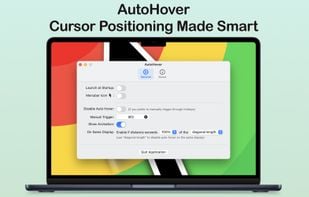
AutoHover automatically hovers your cursor over the active application window whenever it changes, saving you from moving your cursor across large or multiple displays.
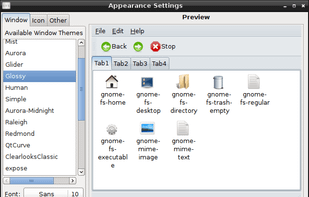
LXAppearance is the standard theme switcher of LXDE. Users are able to change the theme, icons, and fonts used by applications easily. It also includes support for configuring openbox, via a plugin called lxappearance-obconf.
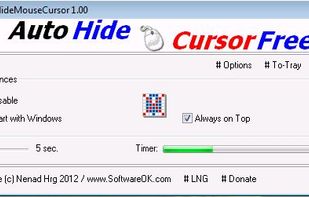
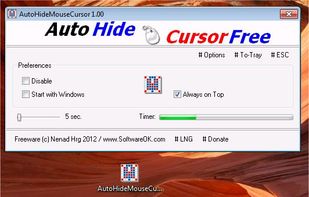
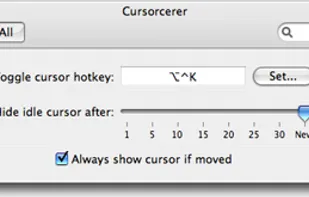
Cursorcerer is a little tool I hacked together which allows you to hide the cursor at any time by use of a global hotkey. It can also autohide an idle cursor and bring it back as soon as you move the mouse.
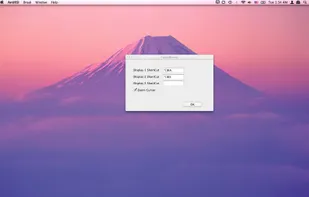
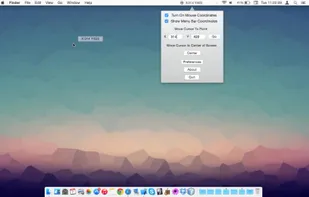
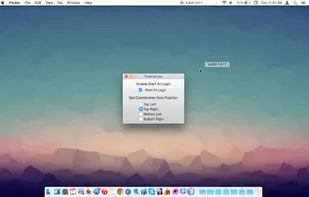
Mouse Coordinates show the exact X and Y position of your cursor on the screen. The app features allows you to move the cursor to the center of your screen or to a specific point on the screen.
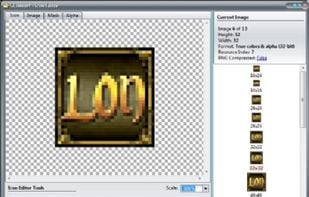
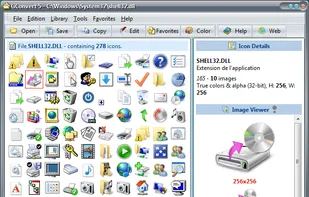
GConvert icon toolkit: create, edit, extract, manage and convert icons of any size and color depth. Full support for Windows Vista and XP icons, manage icons in ICL and DLL files, convert from/to other image...
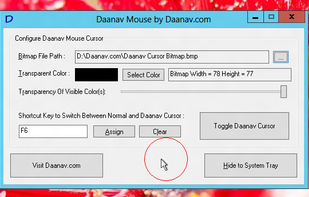
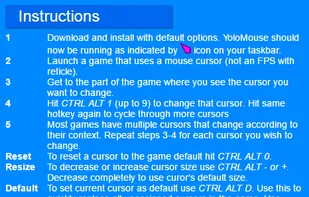
This Free Windows Utility allows Windows Users to simulate a big Mouse Cursor. The New Mouse Cursor Appearance is controllable using an editable bitmap. Transparency settings and full configuration allows windows users to have any type of mouse cursor.
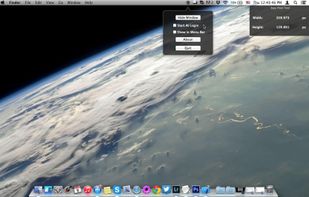
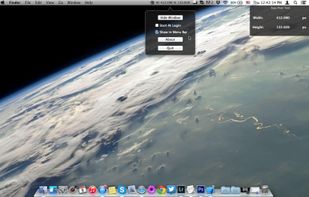
Easy Pixel Tool helps you to quickly measure the distance in pixels between two points on the screen (Width, Height) with just two simple mouse clicks: begin and end.
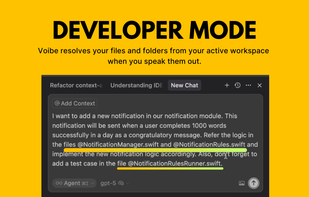
Voibe is the fastest dictation app for Mac, built for developers and AI power users. It’s highly accurate, runs locally, and is fully private—working entirely offline across all apps. With deep Cursor integration, it resolves files and folders you speak.



 Claude Codeand


 Norway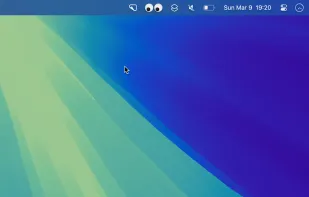




 Israel


 United States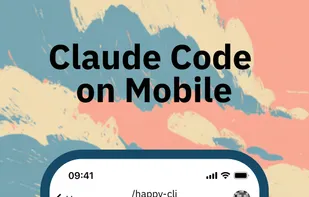














 Germany
 EU
EU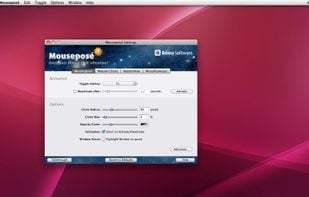


 United Kingdom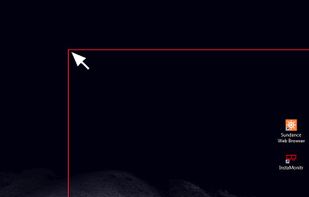




 Taiwan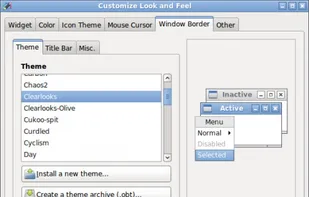








 Romania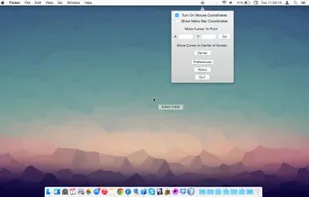




 France