
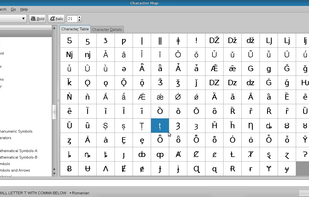
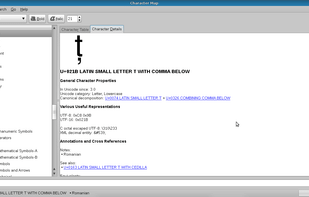
KCharSelect is a tool to select special characters from all installed fonts and copy them into the clipboard.
Cost / License
- Free
- Open Source (GPL-2.0)
 Germany
 EU
EUPlatforms
- Linux
- Flathub
- Snapcraft
- KDE
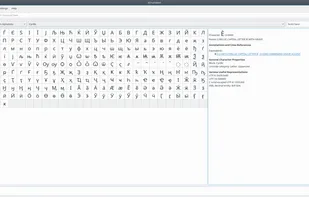


KCharSelect is a tool to select special characters from all installed fonts and copy them into the clipboard.

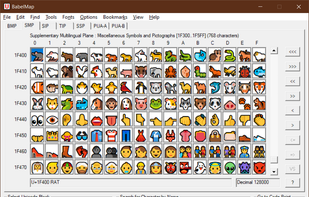
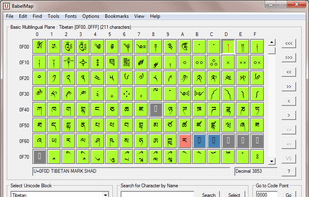
BabelMap is a free character map application for Windows that allows you to browse through the entire Unicode character repertoire of over 107,000 characters, or search for a particular character by name or by code point.

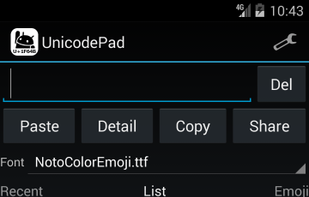
Input all characters in Unicode with Unicode Pad. And input string can be copied to the clipboard. You can find out where selected character is in list. By long clicking, larger character and code point will be shown. Favorite characters can be memorized.

A modern, native UWP replacement for the Win32 Character Map and Windows Font Viewer with flawless high DPI and touch support.
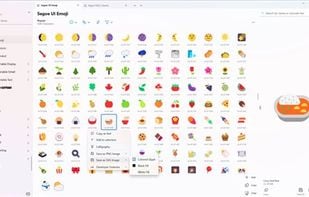

The character map that works! PopChar is an application that lets you insert special characters, umlauts and foreign letters into any document. With this character map, there is no need to search for or remember complex keystrokes.


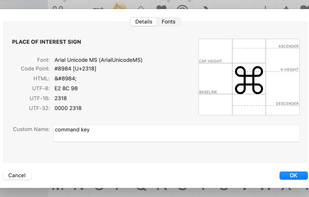
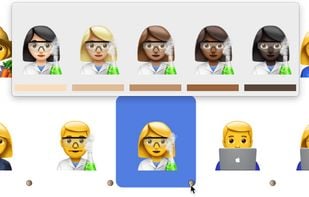

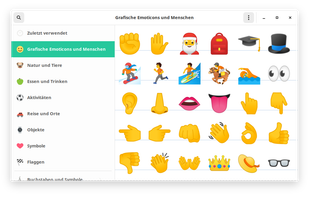
Characters is a simple utility application to find and insert unusual characters. It allows you to quickly find the character you are looking for by searching for keywords.
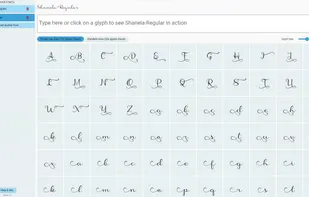
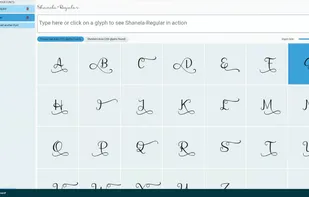
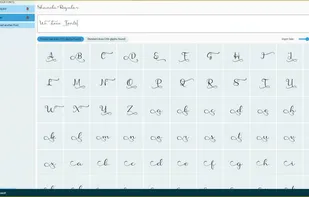
View the glyphs and swashes from the PUA (private use area) of TTF & OTF font files with ease.

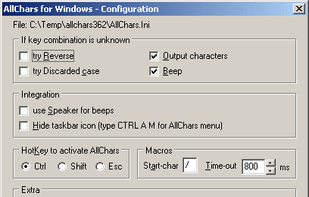
AllChars provides a quick, easy-to-remember way of creating accents like é Ü ç î æ and special characters like ƒ ² ‰ © £ ± ß ° 1/2 ¿ « » ™ „ in most Windows programs.
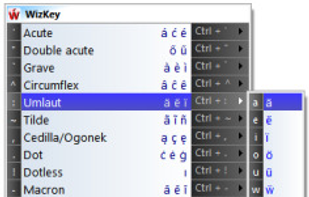
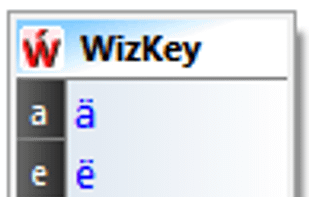
WizKey makes it easy to type accented and other special Unicode characters using a standard US/UK keyboard with easy to remember keyboard shortcuts.

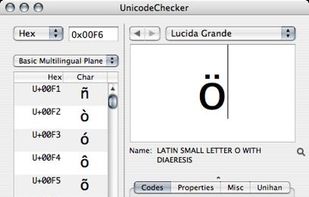
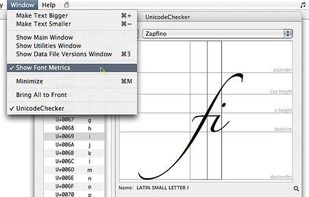
Mac OS X application to explore Unicode. Analyse and convert Unicode strings for HTML or programming. Supports UniHan, Services, AppleScript and more.

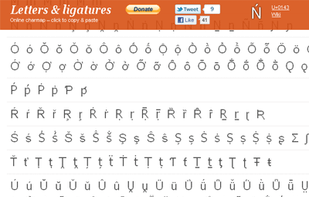
„Letters & Ligatures” is a free online tool for single click copy-pasting unusual symbols not present on a keyboard includic Cyrillic, Greek, rare and archaic letters, phonetic symbols and ligatures.


 United Kingdom
 Japan
Japan

 Austria
 United States
 Sweden



 Australia


 France