Get easy access to thousands of special symbols through composing of characters on the keyboard in ways that are very easy to remember.
Cost / License
- Free
- Open Source
Alerts
- Discontinued
Platforms
- Windows
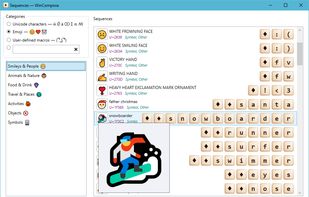

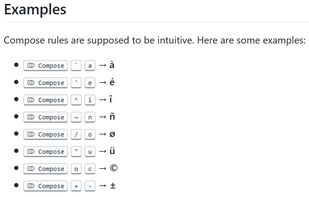


AllChars has been discontinued. Similar apps include WinCompose, which is free and open source. Other options are UnicodePad, Character Map, Codepoint and Character Map UWP. You can choose from more than 10 apps like AllChars for Windows, Mac, the web, iPhone and iPad.
Get easy access to thousands of special symbols through composing of characters on the keyboard in ways that are very easy to remember.

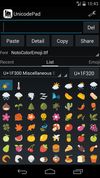
Input all characters in Unicode with Unicode Pad. And input string can be copied to the clipboard. You can find out where selected character is in list. By long clicking, larger character and code point will be shown. Favorite characters can be memorized.
 Japan
Japan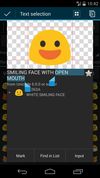


Character Map (Charmap.exe) is a utility included with Microsoft Windows operating systems and is used to view the characters in any installed font, to check what keyboard input (Alt code) is used to enter those characters, and to copy characters to the clipboard in lieu of...
 United States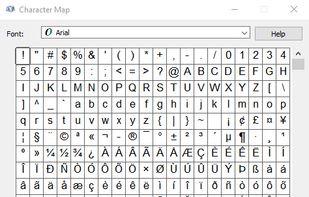


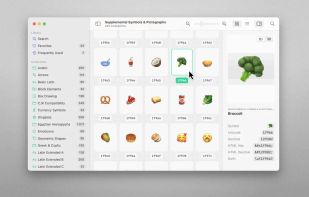
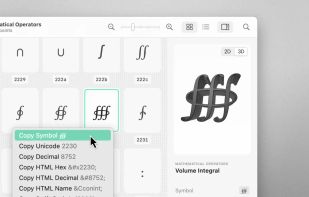
70,000+ Unicodes in your pocket. Search Unicodes, Glyphs, SF Symbols and Emojis in a blink. Codepoint helps you to find the exact characters you need and supports you in discovering new glyphs. Export them as Symbols, Strings, Hexadecimals, HTML entities or even Swift code.
 Germany
 EU
EU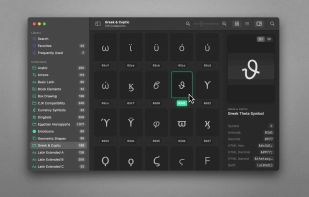


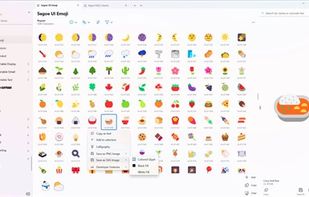
A modern, native UWP replacement for the Win32 Character Map and Windows Font Viewer with flawless high DPI and touch support.


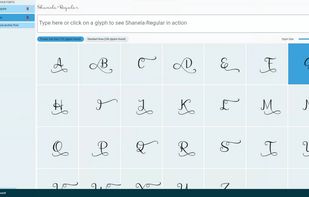
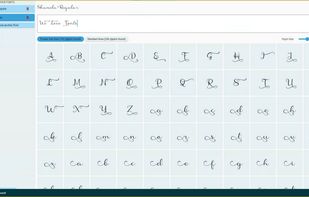
View the glyphs and swashes from the PUA (private use area) of TTF & OTF font files with ease.
 SwedenEU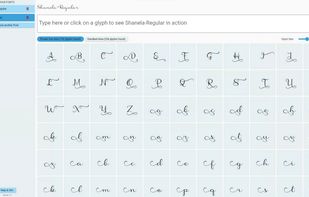


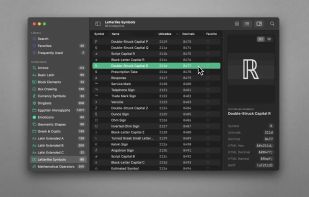
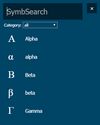
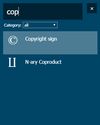
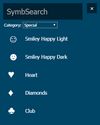
A tool for searching unicode-symbols and copying it to the clipboard.

 GermanyEU


The character map that works! PopChar is an application that lets you insert special characters, umlauts and foreign letters into any document. With this character map, there is no need to search for or remember complex keystrokes.
 AustriaEU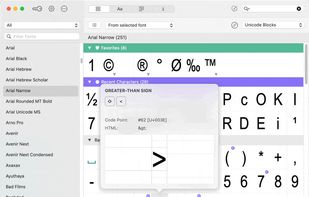


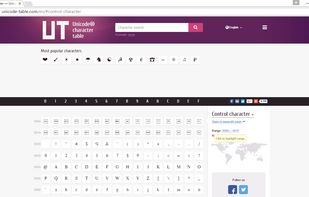
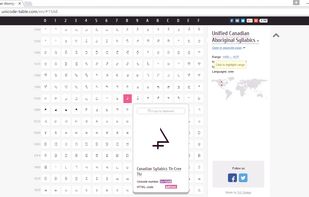
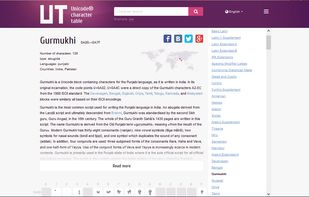
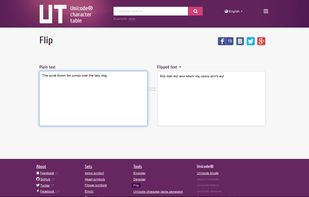
Handy online Unicode character table with search tool, short information about origin and history of most characters in eight languages and some great compose-tools.
 Kyrgyzstan