Removes web history, cookies, and temporary files on Windows, frees disk space, shreds data for privacy, repairs system errors, and optimizes performance.
- System Cleaner
- Freemium • Proprietary
- Windows
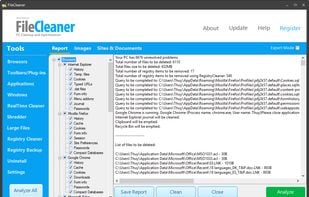


Removes web history, cookies, and temporary files on Windows, frees disk space, shreds data for privacy, repairs system errors, and optimizes performance.
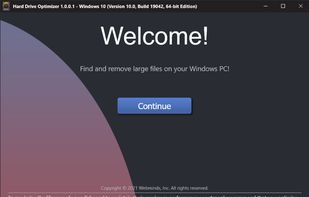
Scans drives for large files, provides disk defrag, enables organized review, drag-and-drop selection, and one-click deletion to free up disk space.
 Defraggler
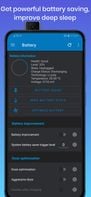
L Speed is a modification that combines tweaks inside an intuitive application, the main goal of the tweaks is to improve performance, reduce stutters and lags, expands battery life and improve your gaming experience on Android.


 Greenifyand
 Greentooth
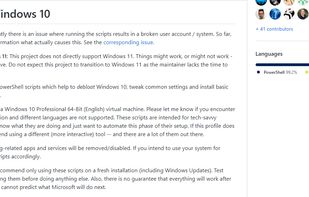
A collection of Scripts which disable / remove Windows 10 Features and Apps.
 AME Wizardand
 Optimizer
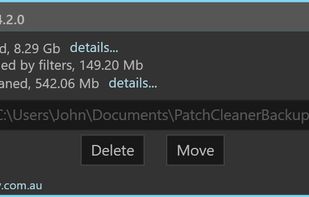
Safely remove all orphaned patch and installer files from your windows installer directory in one easy click
 CCleanerand
 Roxio Creator
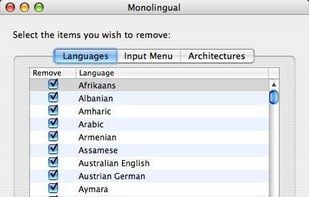
Monolingual is a program for removing unnecessary language resources from OS X, in order to reclaim several hundred megabytes of disk space.
 CCleanerand
 AVG PC TuneUp
Click&Clean is a free, fast and easy-to-use extension for Google Chrome and Mozilla Firefox that can be used as a powerful private data Cleaner.


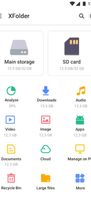
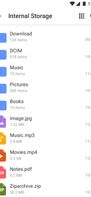
File Manager, a powerful & easy-to-use file manager & file explorer with desktop-grade features, helps you handle ALL your files efficiently.

 Total Commanderand
 Files
Files
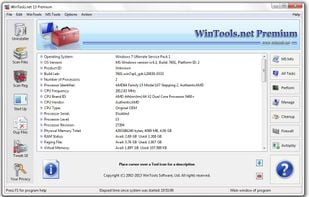
Is a suite of tools for increasing MS Windows operating system performance. WinTools.net cleanly removes unwanted software from disk drives and dead references from the Windows registry. WinTools.net puts you in control of the Windows start up process, memory monitoring and...

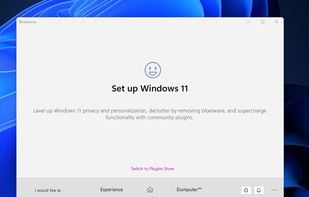
BloatyNosy is a lightweight tool for decluttering Windows 11, focusing on essential features for system debloating without unnecessary complexities. It's open-source, user-friendly, and optimized for efficiency, offering a streamlined way to tackle bloatware and enhance system performance.
 ShutUp10++
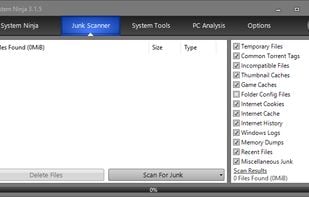
System Ninja is a fast, powerful and effective system optimization solution for Windows.

A small macOS app that acts as a system cleaner (logs, cache, …).
 CCleanerand
 Pearcleaner
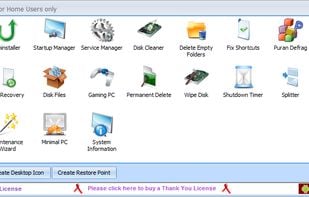
A set of more than 20 software utilities including but not limited to utilities that can help you get the best performance out of your computer. It also provides an automatic and a one click solution to keep your computer clean and error free.

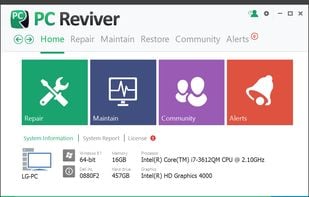
PC Reviver is a multi-purpose utility that will diagnose errors on your PC, safely repair them, and provide other maintenance and optimization recommendations.

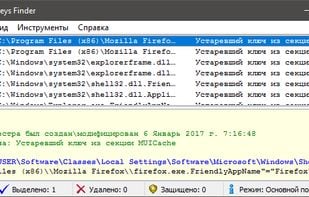
Registry Trash Keys Finder (TrashReg) is an advanced Registry cleaning tool. The main function of RTKF is to allow the removal of unnecessary keys from the Windows Registry. Many programs leave keys in the Registry.
 CCleanerand
 Glary Utilities
Windows 10 app manager for removing Modern/UWP apps.
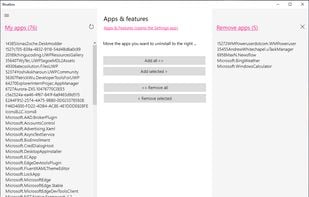 AME WizardandOptimizer
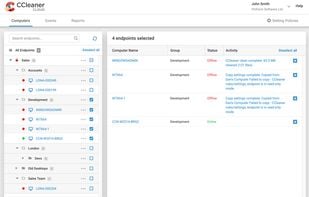
CCleaner Cloud lets you Run day-to-day tasks such as analyzing, cleaning, defragging and installing across multiple machines from your computer, phone or tablet.

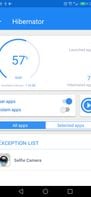
Hibernator provides an easy way to hibernate all running apps and as a result it saves the battery power and improves performance, and it can also close apps automatically everytime the screen is turned off.

 SD Maid SEand
 SuperFreezZ
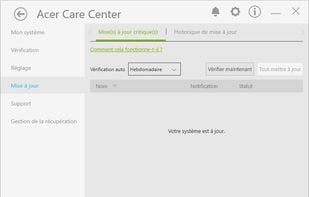
A system optimization/cleaning, update and disk defragmenter tool, only for acer products.
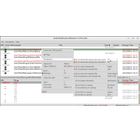
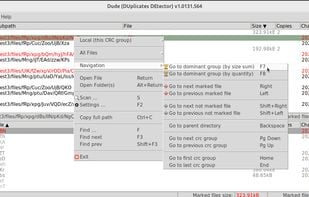
Duplicate Detector is a GUI utility for finding duplicate files, allowing you to delete or link them to save space. Duplicate files are displayed and processed on two synchronized panels for efficient and convenient operation.

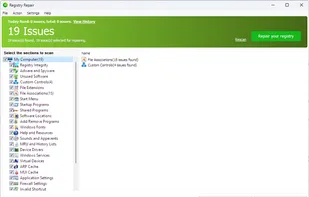
Fast, simple and straightforward. A perfect solution allows you to safely scan, clean, and repair registry problems.
 CCleanerandGlary Utilities
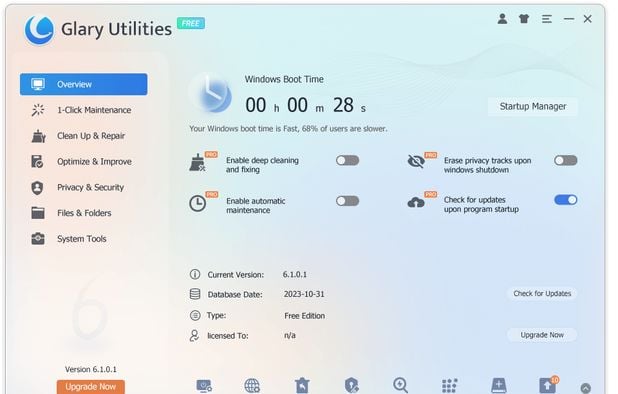
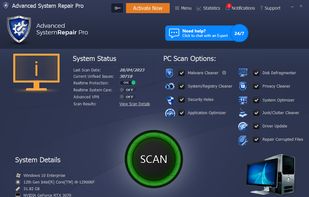
Comprehensive tool scans, optimizes, and protects PCs with features like 1-Click Maintenance, Junk Cleaner, Disk Defrag, and Malware Removal.
 BleachBit
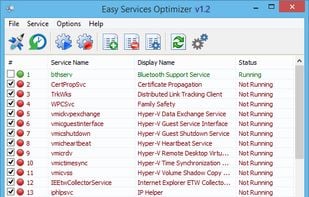
All Windows versions load many services at startup. Most of them (not all) are essential to the core system features. By disabling unnecessary services, performance can be can be improved significantly ,especially on computers with low system resources.
 ShutUp10++
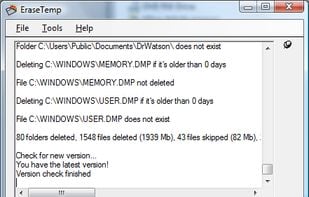
EraseTemp will delete all those temporary files, that take up so much space on your PC. EraseTemp is also very useful, if you use a backup application, which makes only backups, never deletes older backup files until your hard disk is full.
 WinExt Free
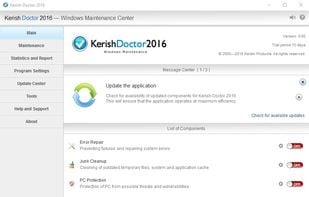
Kerish Doctor is an all-in-one solution for automatic maintenance of Windows-based computers.