A free vector and pixel design studio, right in your browser. Nothing to install, no account, and your work stays on your device.
Cost / License
- Free
- Proprietary
Application typeApplication types
Platforms
- Online
 Germany
 EU
EU

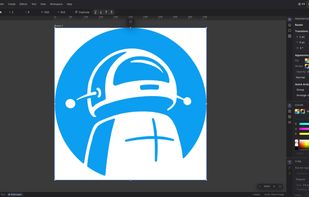


A free vector and pixel design studio, right in your browser. Nothing to install, no account, and your work stays on your device.
GermanyEU
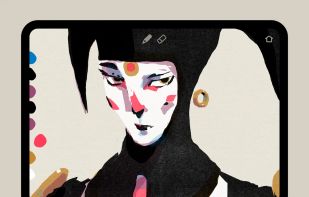
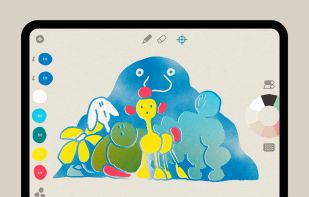
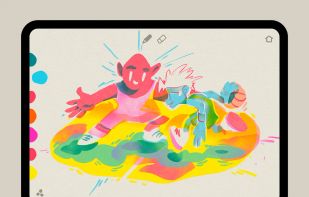
Graintouch is a drawing app with the soul of print. Inspired by Risograph™ aesthetics, it lets you layer, blend, and create with the warmth of real ink—right on your screen.
 Affinityand

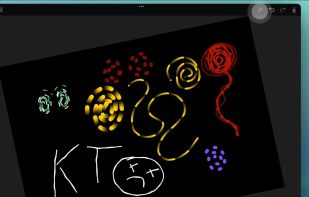
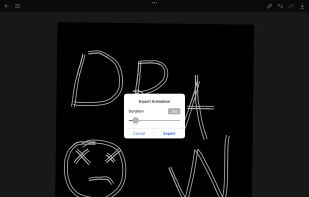
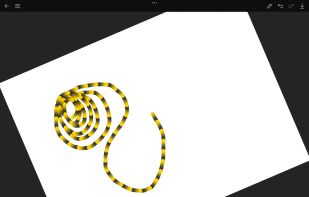
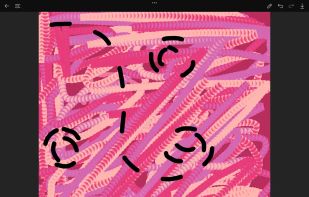
Create stunning motion art with AmberDraw's revolutionary animated brushes. Every stroke comes alive, transforming your digital artwork into dynamic masterpieces. Perfect for professional illustrators, concept artists, and digital painters seeking to push creative boundaries.


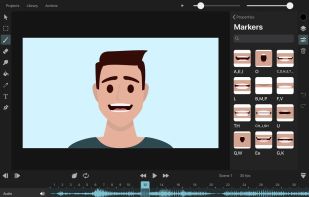
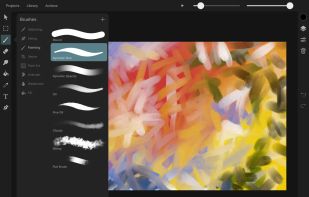
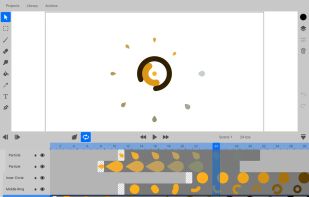
ToonSquid is a comprehensive 2D art and animation studio for iPad, merging traditional hand-drawn and automatic keyframe animation, with features including customizable brushes, a flexible layer system, animated text, vector shapes, and more.
GermanyEU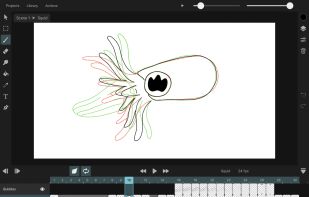

Artecture enables you to sketch, draw and paint like never before. If you love to draw, regardless you are an amateur or a pro, this drawing app provides all the tools and brushes that you’d love.
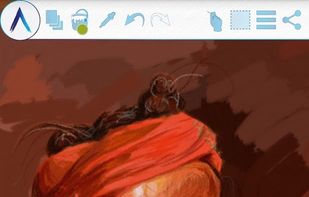
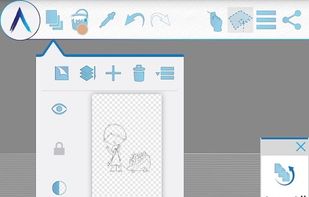
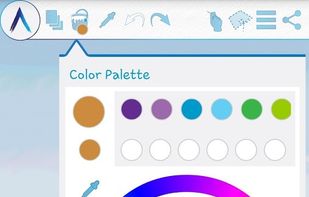
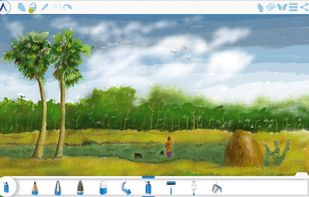

Experience natural painting with a vast brush collection on stylus and touch devices. Merge vector and raster brushes, customize UI, and enjoy real-time watercolor effects.
 United States


GPS (aka Gimp Paint Studio) is a collection of brushes, patterns, color gradients, accompanying tool presets and dynamics. Tool presets are a simply saved tool options, highly useful feature of the GIMP.
 SpainEU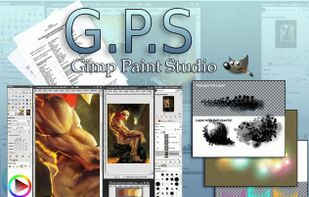

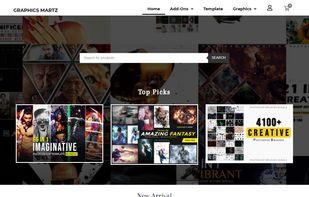
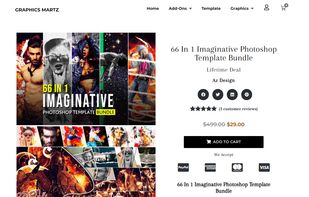
Creative and jaw-dropping deals, offers, and products exclusively for design professionals. Premium Quality bundles of Photoshop Actions, Lightroom Presets, Photoshop Templates, Photoshop Brushes, T-Shirt Designs, Patterns, Brochures, Flyers, and much more.


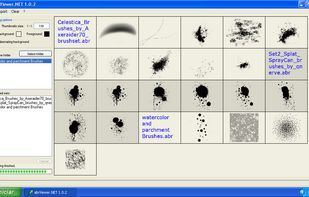
An utility for previewing and exporting as images one or multiple set of brushes generated with Adobe Photoshop (.abr files). It makes publishing your custom brush sets on the internet really easy.


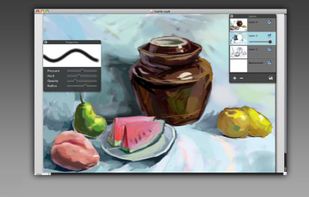
My PaintBrush Pro is the upgrade version of My PaintBrush . It is a professional paint-and-drawing application with multi-layers. Use the inspiring tools and more than 100 types brushes to create and save smooth images to your Mac!
 China
China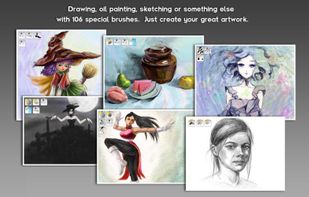
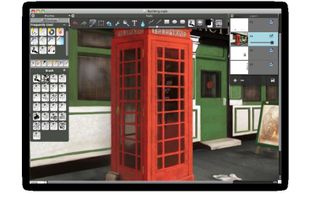
 MyPaintand
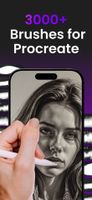
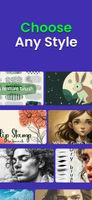
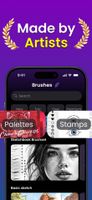
Library offering 3,000+ themed brushes, stamps, fonts, and color palettes for iPad and iPhone, installs instantly in Procreate without manual downloads.
 Russia