Cost / License
- Free
- Proprietary
Application typeApplication types
Platforms
- Online
 Germany
 EU
EU



Best alternatives are  OBS Studioand
 ShareX
53 alternativesOBS StudioandShareX
 GermanyEUOBS StudioandShareX
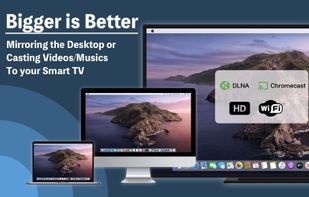
WiDi provides the Miracast to displaying screencasting feature. Miracast is a technology, which allows you to quick connect and mirror your smartphone on the TV screen. You can easily share screen and access all of your games, photos, videos and other applications on a big...






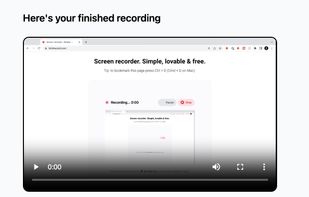
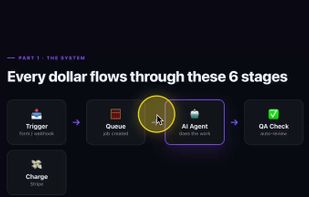
Castli is a screen and camera recorder for freelancers, consultants and coaches who deliver to clients. Record your screen plus webcam in one click, share a branded link that viewers can watch with no account, and see who watched and how far they got with a per second heatmap.
 FranceEU

Oka Mirror is the best screen mirror app in mac, without any additional hardward, Oka Mirror can cast your mac screen or video to your smart TV directly.

 FCastand
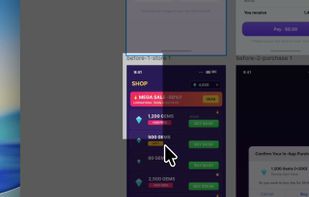
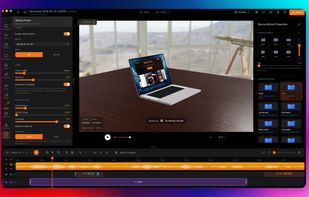
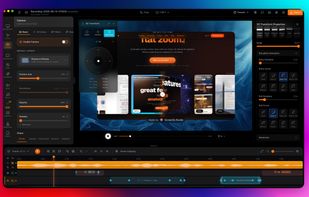
Limelight is a native macOS screen recorder built for tutorials and product demos. Hit record and it automatically zooms into every click, smooths your cursor, and renders a clean background — then bakes your keystrokes, a cursor spotlight, and freehand annotations right into...
 South Korea
 OBS Studioand

Video capture, screen recording, in-video questions, call to actions, video management, sharing, LMS integrations, hosting, analytics, and closed captioning inside one app.

 OBS Studio
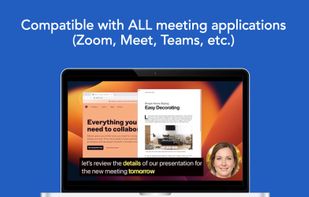
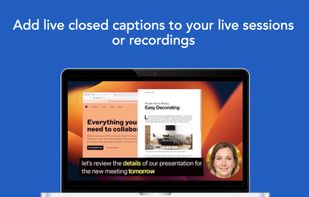
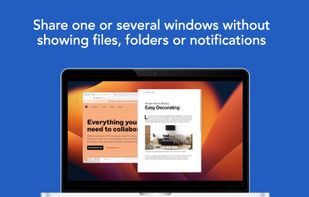
Share or record any number of windows over a clean background, without icons, folders or notifications.
 United States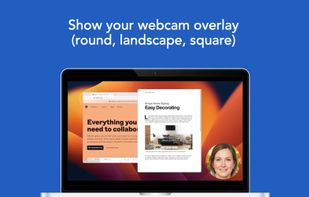
 ShareX
Videoyards is a lightweight, browser-based screen recorder that helps Chrome users create professional-quality demos without the need for bulky desktop software. It combines instant recording with smart editing features like auto zoom, cursor highlighting, and camera/microphone...
 India
India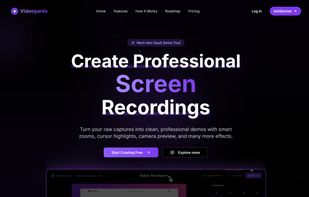

 OBS Studio
Keystrokes on screen, keyboard, mouse, draw on screen. Designed specifically for creating screencasts and tutorials. CSS Based keystroke on screen. Lots of predefined keystroke CSS themes. It's easy to create a theme yourself.




 Keyvizand

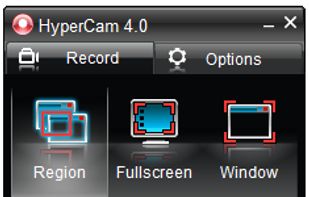
SolveigMM HyperCam is a new version of the famous HyperCam , being jointly developed with Hyperionics LLC.
 Russia
 OBS Studio
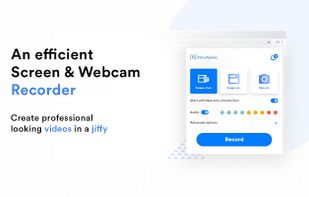
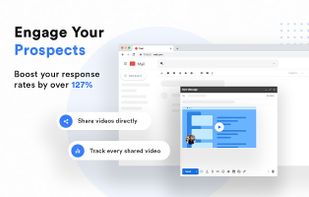
StoryXpress is a cloud-based video platform for businesses. Video creation, personalization, hosting and analytics at scale to boost marketing and sales.



 PortugalEU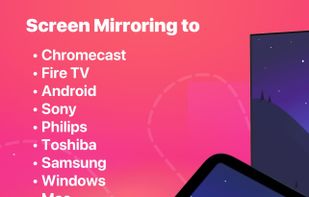


 FCastand
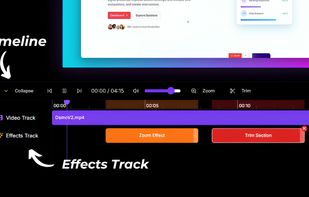
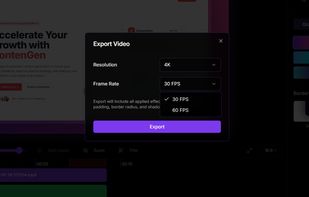
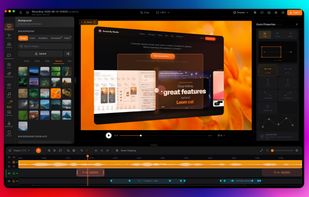
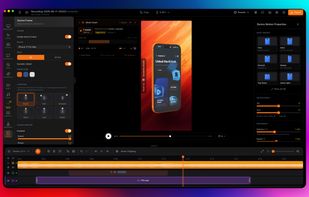
Screenify Studio is the Mac screen recorder for indie hackers and technical founders who refuse to pay the editing tax. Turn rough captures into polished product demos without leaving your machine — drive it from the timeline editor, the terminal, or from Claude Code in plain...
 OBS StudioandShareX
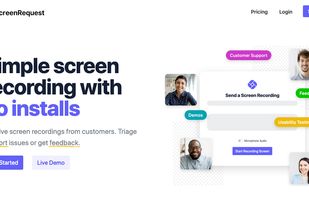
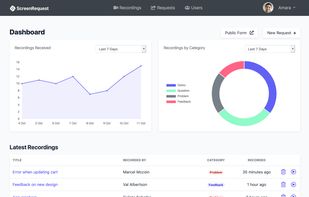
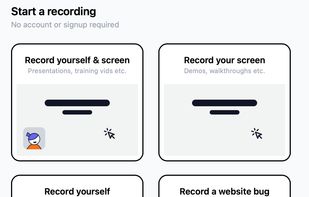
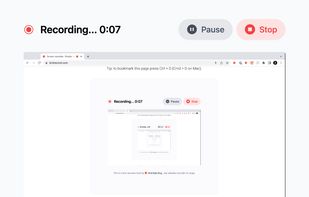
ScreenRequest is a simple screen recording tool that allows your customer to easily send you a screen recording. Triage support issues or get feedback.