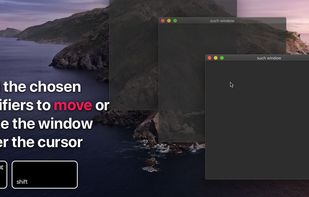
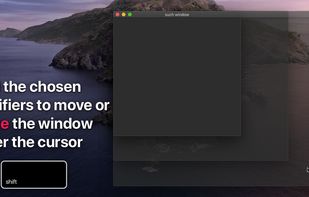
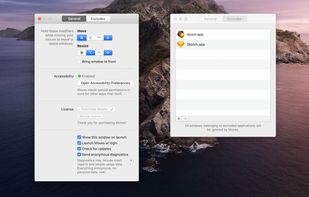
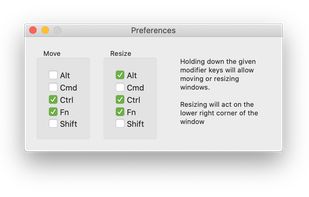
?? Moves makes it easier than ever to position your windows juuust right.
? Just hold down your chosen modifier keys and move the mouse. No need to fiddle with 3px wide window edges or far way title bars.




Apps similar to Zones for Mac include Rectangle, which is open source with a free version. Other options are Loop - Window Management, MacsyZones, WinMux and WindowKeys. Window Managers like Zones for Mac are a crowded field, with more than 25 alternatives for Mac, Windows and Linux.
?? Moves makes it easier than ever to position your windows juuust right.
? Just hold down your chosen modifier keys and move the mouse. No need to fiddle with 3px wide window edges or far way title bars.
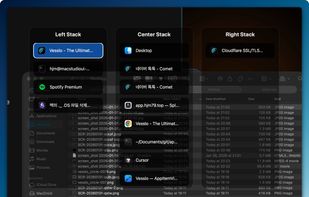
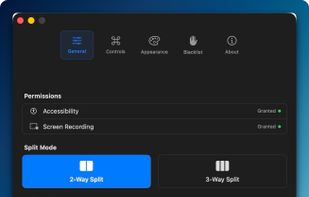
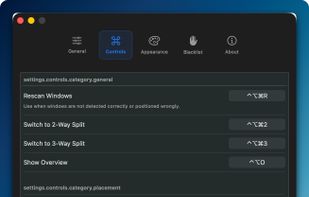
Window management utility on macOS enabling window snapping, 2- and 3-zone layouts, app rotation, keyboard and trackpad gesture controls, plus overview mode for fast app assignment and switching, offering efficient multitasking in customizable zones.
 South Korea


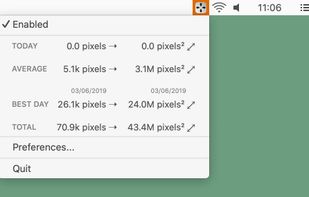
Hummingbird is a macOS utility that allows easy moving and resizing of windows by holding modifier keys and dragging your mouse to move and resize windows.
 Germany
 EU


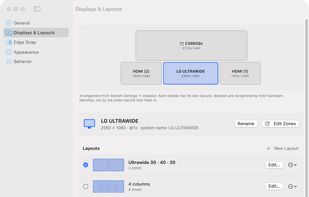
Shoji is a menu bar app for macOS. In an on-screen editor you draw zones on each of your monitors; then you hold a key while dragging a window, let go over a zone, and the window fills it. Every monitor keeps its own layouts, and they come back when you plug that monitor in...
 Argentina


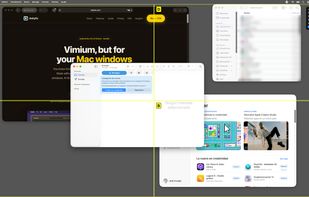
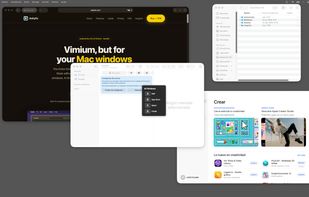
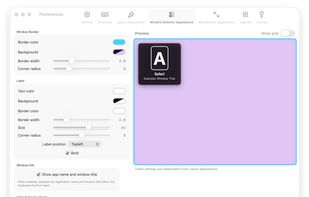
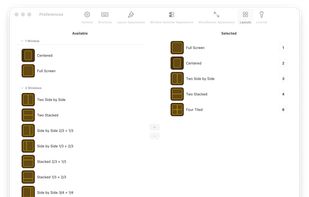
Ankylix brings Vimium-style keyboard hints to macOS window management. Hit a hotkey and a letter appears on every window and tiling zone — press it to instantly focus, move, resize, or tile, without ever touching the mouse.
 SpainEU