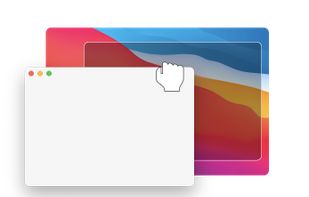
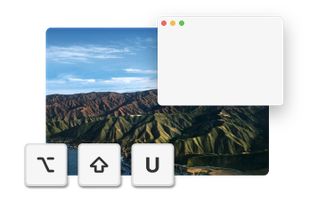
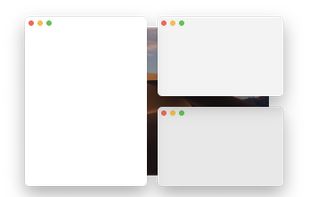
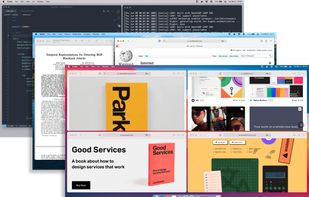
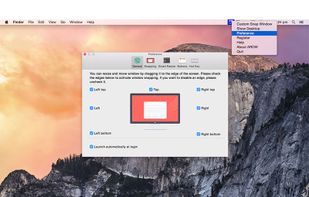
SizeUp allows you to quickly position a window to fill exactly half the screen (splitscreen), a quarter of the screen (quadrant), full screen, or centered via the menu bar or configurable system-wide shortcuts (hotkeys).
 United States


Apps similar to Zones for Mac include Rectangle, which is open source with a free version. Other options are Loop - Window Management, MacsyZones, WinMux and WindowKeys. Window Managers like Zones for Mac are a crowded field, with more than 25 alternatives for Mac, Windows and Linux.
SizeUp allows you to quickly position a window to fill exactly half the screen (splitscreen), a quarter of the screen (quadrant), full screen, or centered via the menu bar or configurable system-wide shortcuts (hotkeys).
United States
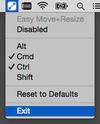
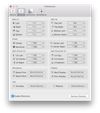
Easy Move+Resize is based on behavior found in many X11/Linux window managers, adding easy modifier key + mouse drag move and resize to OS X.


 Ukraine
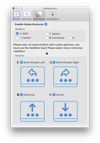


Mosaic allows you to effortlessly resize and re-position windows on your Mac with a simple Drag & Drop, seamlessly integrated into macOS.
 United Kingdom



 Germany
 EU
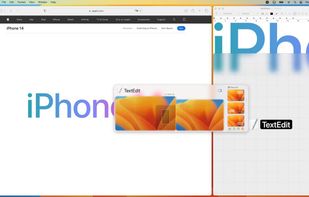


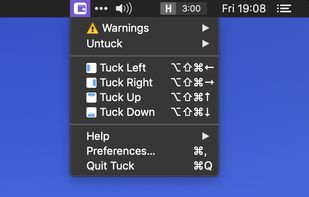
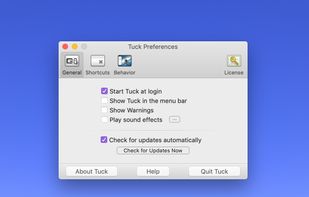
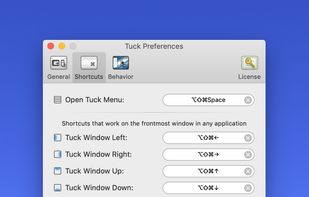
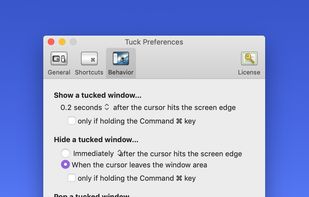
Tuck is a handy menu bar application that allows you to quickly and simply clear multi-window clutter by hiding windows under your screen edges.


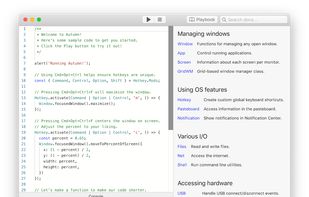
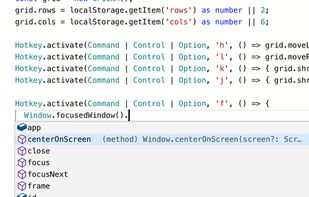
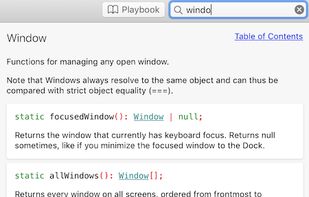
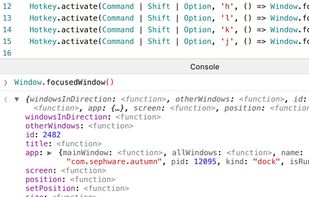
Autumn is a full customizable window manager for Mac with a built-in IDE for coders to configure everything with JavaScript or TypeScript.


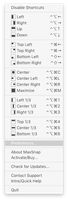
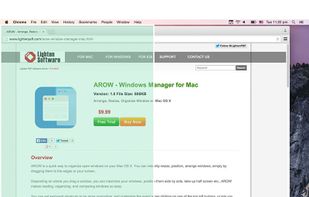
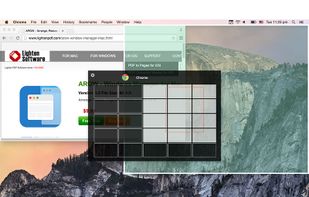
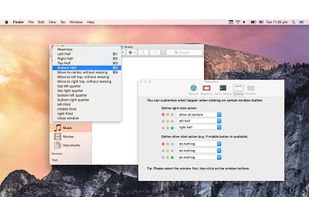
Arrange, resize, snap, and move windows in OS X with the help of keyboard shortcuts, certain window dragging gestures, or using OS X's window buttons.

FlowShelf a free Mac app that turns your notch into a Dynamic Island and gives everything you copy, drop, or screenshot a temporary home.
 Australia
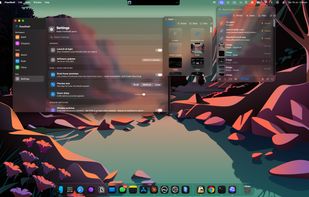
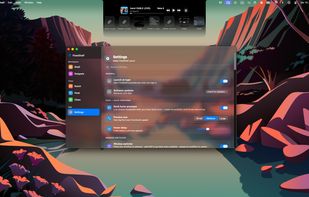
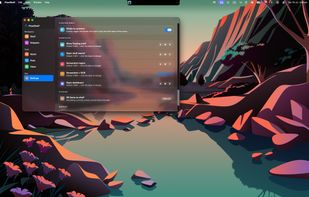


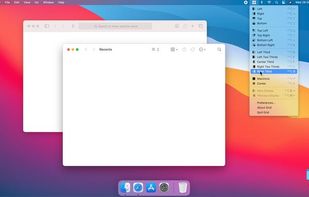
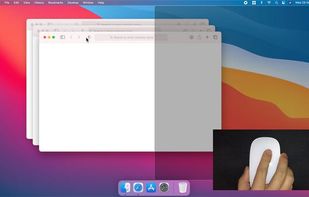
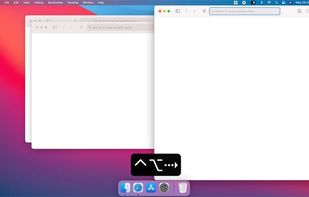
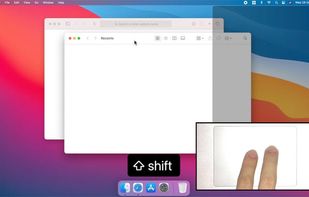


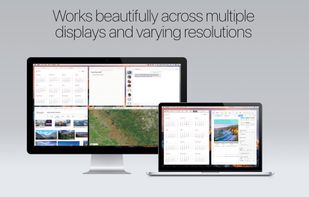
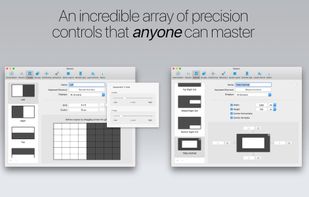
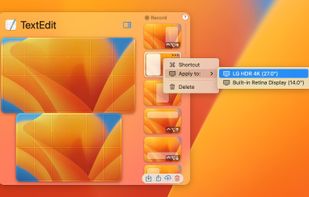
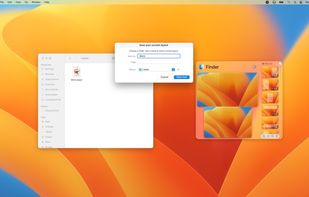
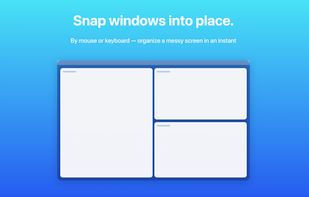
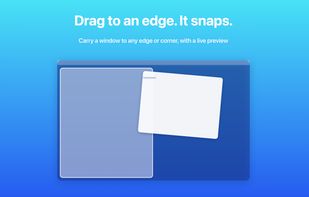
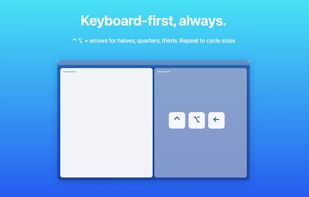
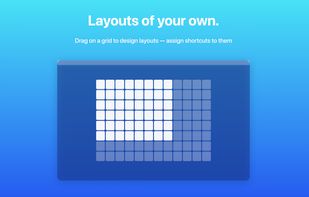
Arrange macOS windows into halves, thirds, quarters, or custom grid layouts using live previews, drag actions, or fully remappable shortcuts. Restore positions with one key, move windows across displays, manage layouts via the menu bar, and customize every action.
 Japan


 Brazil