United Kingdom


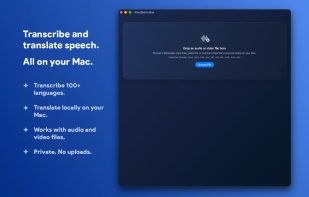
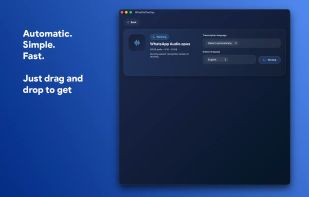
Apps similar to xcribe include Handy STT, which is free and open source. Other options are Vibe Transcribe, Voxtral, TypeWhisper and FUTO Voice Input. You're spoiled for choice with Audio Transcription Tools like xcribe: we list more than 100 alternatives for Mac, Windows, the web, Linux and iPhone.
United Kingdom
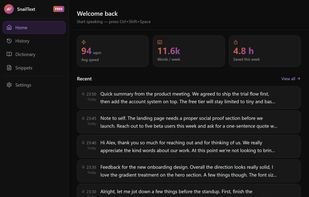
Voice dictation for Mac and Windows. Press a hotkey, speak, paste into any text field. Audio stays on your device — no cloud, no account, unlimited free tier.
 Spain
 EU
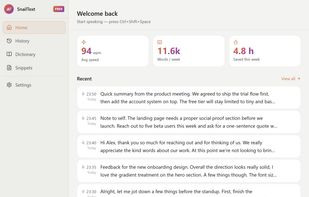
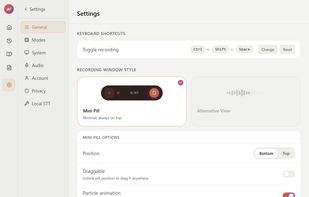


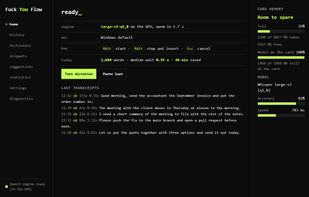
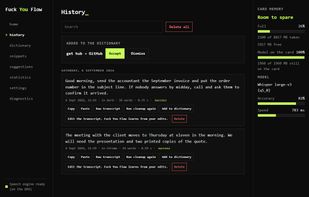
Free offline dictation for Windows and Ubuntu Linux that types what you say into any application, using a Whisper speech model that runs on your own machine.
 GreeceEU


Transcribe any audio or video to text for free, with automatic speaker labels and no daily cap. You get a TXT transcript plus SRT/VTT subtitles; an hour of audio takes about two minutes.



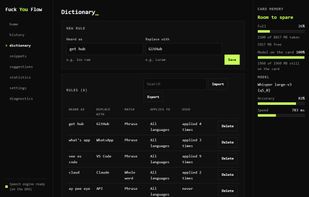
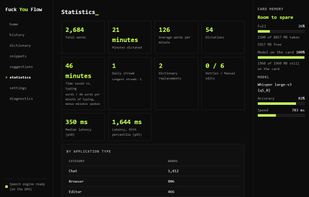
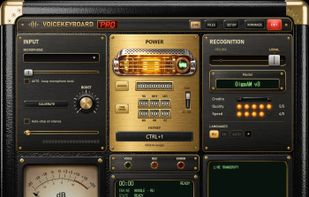
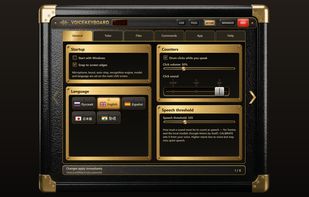
VoiceKeyboard types what you say into the window you are working in: a browser, a chat, a document, a code editor or a terminal. Press Ctrl+1 (can be changed), speak, and the words appear as you talk.
 EstoniaEU


Dolcenota turns meetings, classes, interviews and WhatsApp voice notes into a transcript with speakers identified, an AI summary with action items, and a chat you can ask. Export to TXT, PDF or DOCX. English & Spanish. Free to start.
 Mexico




NotchLive is a macOS menu bar app that displays real-time AI-powered captions and translations directly in your MacBook's notch. It uses on-device Whisper AI (via CoreML) for speech recognition and Apple Translation for real-time translation — nothing ever leaves your Mac.



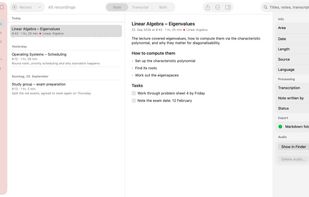
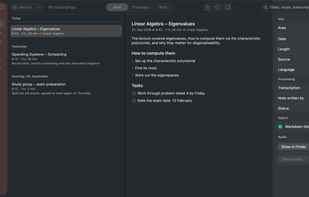
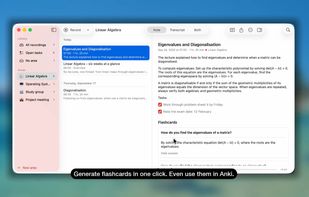
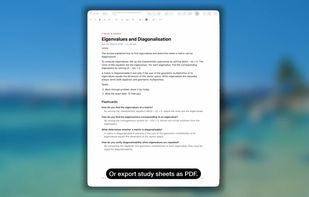
Records lectures, meetings and calls and writes structured notes — transcription and AI run locally on your Mac. Free, open source, no account.
 GermanyEU

OneSentence turns speech into text and text into speech on your Mac. The speech models run locally, so your voice and your text stay on the device.
 United States
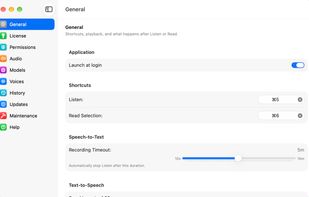
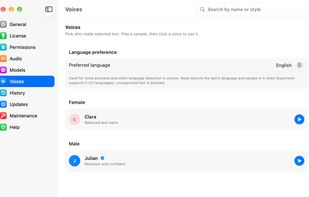
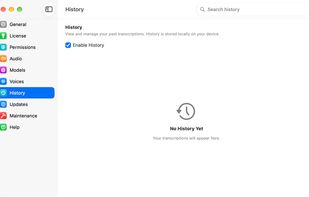

Voice recording and transcription that works offline.