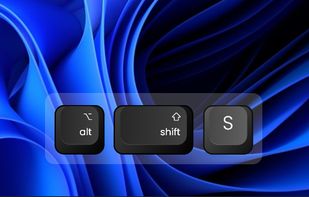
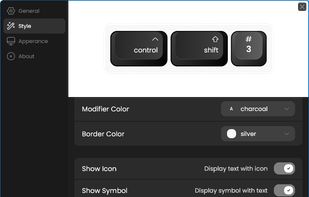
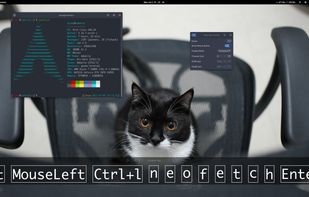
Keyviz is a free and open-source tool to visualize your keystrokes and mouse actions in real-time.
Cost / License
- Freemium (Pay once)
- Open Source (GPL-3.0)
Application typeApplication types
Since
- Since 2022
GitHub
- GitHub stars: 9.8k
 India




+3


W


Apps similar to wshowkeys include Keyviz, which is open source with a free version. Other options are Screenkey, Show Me The Key, YAKD and KeyCastr. You can choose from more than 10 Screen Casting Tools like wshowkeys for Mac, Windows and Linux.
Keyviz is a free and open-source tool to visualize your keystrokes and mouse actions in real-time.
India
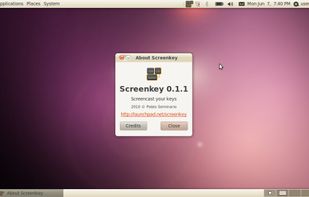
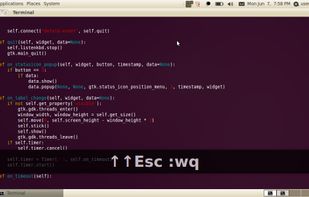
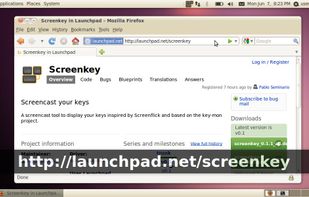
Screenkey is a screencast tool to display your keys inspired by Screenflick for Mac OS and based initially on Key-mon project.
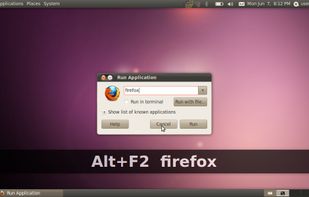


Show keys you typed on screen, so your audiences can see what you do clearly while you are streaming or recording.


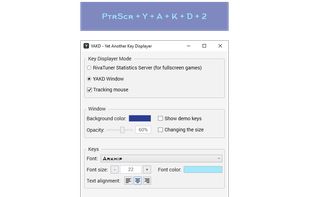
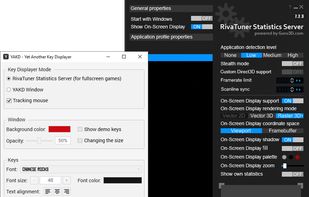
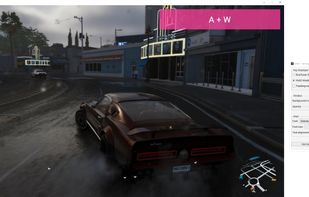
YAKD (Yet Another Key Displayer) is a lightweight, open-source Windows tool for displaying keyboard and mouse button presses on-screen, typically for use with screen recording and screen-casting. RTSS Rivatuner Statistics Server is supported.



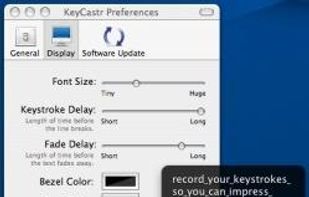
KeyCastr lets you easily display your keystrokes while recording screencasts.
 United States


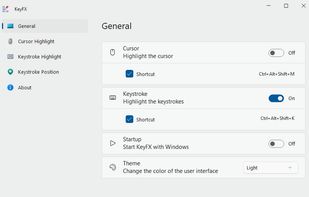
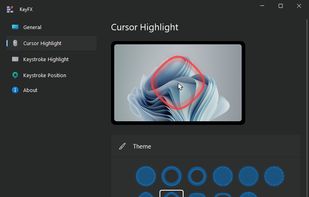
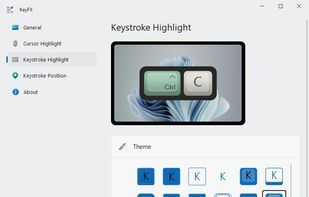
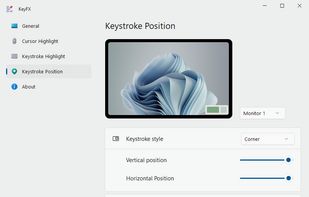
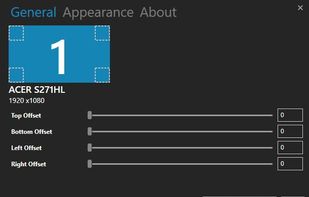
KeyFX is a screencast and presentation utility that allows you to highlight the mouse cursor and visualize your keystrokes.
 Romania
 EU


 Australia
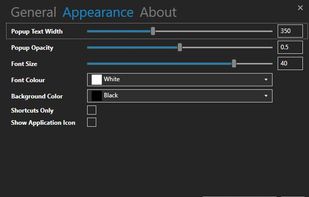


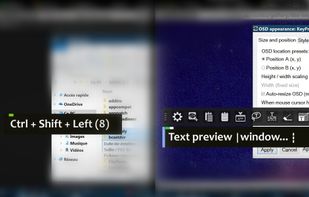
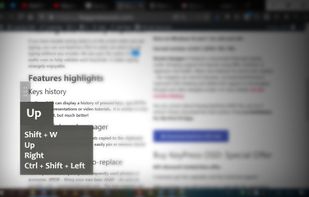
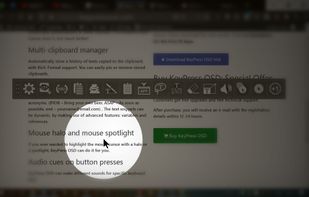
KeyPress OSD is a full-featured screencasting tool for displaying key-presses on Windows. Beyond on-screen keypress display, it features text-expansion, mouse-highlighting and a multi-clipboard manager.


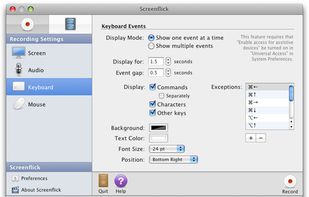
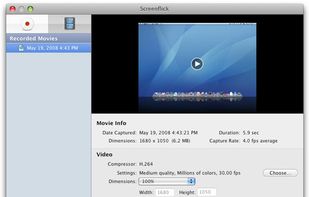
Screenflick features high performance screen capturing for smooth, fluid motion up to 60 fps. Screenflick can record any portion of the screen, simultaneously recording audio from internal or external microphones and the system audio.
United States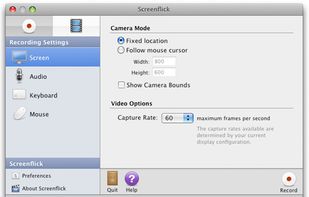


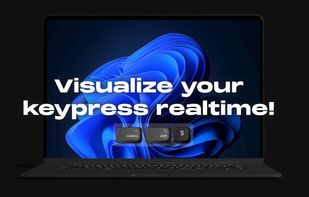
Floating widget shows each key pressed in real time and highlights the cursor with fully adjustable design. Choose from 10+ styles, unlimited color themes, and over 10 sound options. Works across multiple screens for screen recording on Windows and macOS.
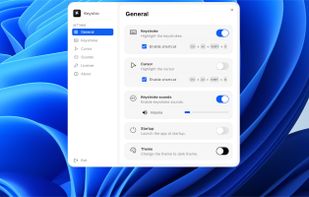
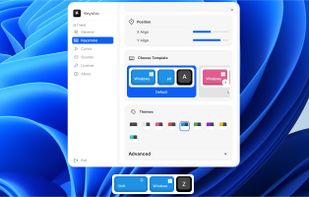
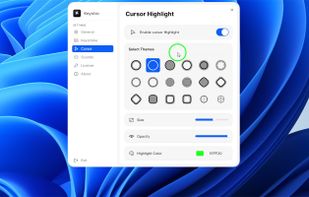

Utility to show live keyboard and mouse status for teaching and screencasts.

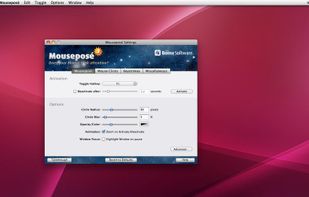
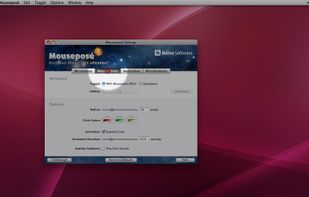
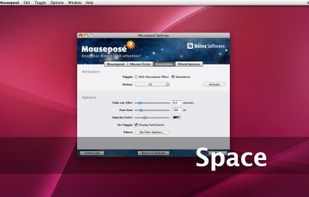
Mouseposé is the indispensible mouse pointer highlighting tool (aka "virtual laserpointer") for everyone doing demos at tradeshows, presentations and trainings, or those individuals with huge and high resolution displays.
 GermanyEU