Open Source WPS Office Alternatives for Android

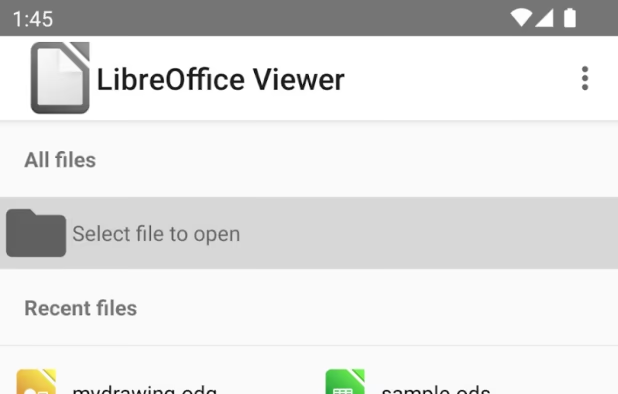
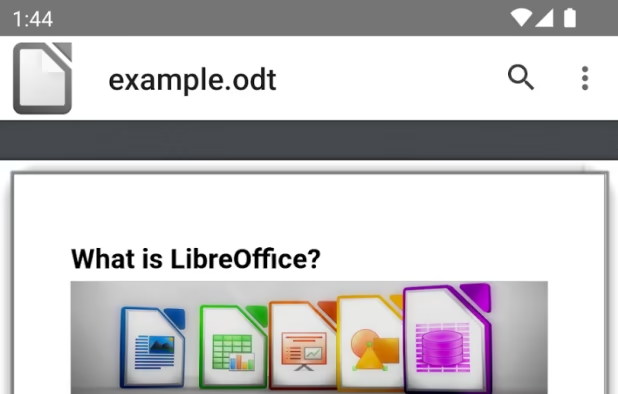
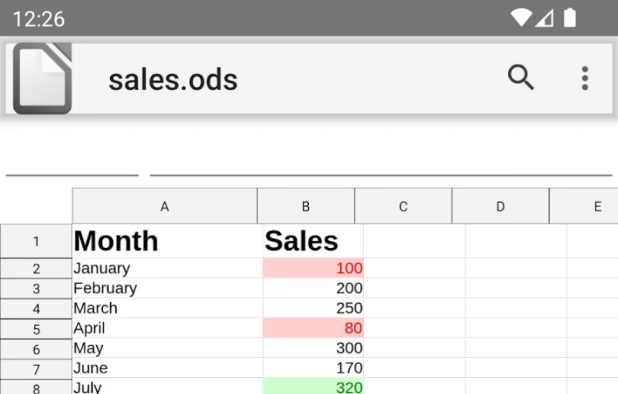
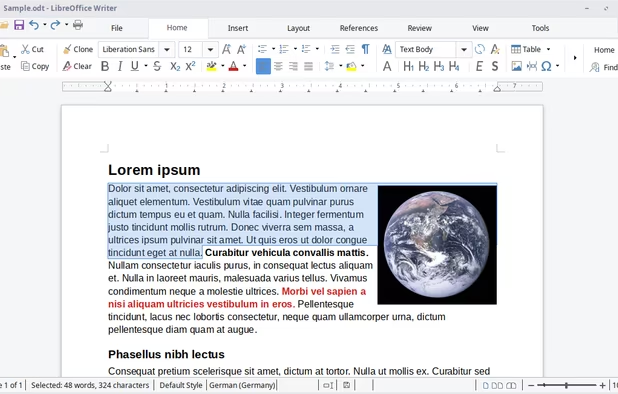
There are many alternatives to WPS Office for Android if you are looking for a replacement. The best open source Android alternative is LibreOffice. If that doesn't suit you, our users have ranked more than 50 alternatives to WPS Office and 11 are open source and available for Android so hopefully you can find a suitable replacement. Other interesting open source Android alternatives to WPS Office are ONLYOFFICE, Collabora Office Classic, Fossify Documents and Collabora Online.

filter to find the best alternatives

WPS Office alternatives are mainly Office Suites, but if you're looking for Word Processors or Spreadsheet Apps you can filter on that. Other popular filters include Android, Mac, Android + Open Source, iPad, Chrome OS and Open Source. You can also filter by region, for example EU-based alternatives if you prefer software developed in the European Union. These are just examples - use the filter bar below to find more specific alternatives to WPS Office.
Copy a direct link to this comment to your clipboard
WPS Office alternatives page was last updated

Alternatives list

  1. LibreOffice icon
     3215 likes

    Comprehensive free office suite supporting word processing, advanced spreadsheets, dynamic presentations, vector drawings, math formulas, and robust database management. Fully compatible with major office formats across all operating systems, it offers extensive capabilities for personal or professional tasks.

    59 LibreOffice alternatives

    Cost / License

    Application types

    Platforms

    • Mac
    • Windows
    • Linux
    • BSD
    • Snapcraft
    • Flathub
    • PortableApps.com
    • Flatpak
    • Android
     
    |
    4
    LibreOffice vs WPS Office Comments
    Guest
    Positive
    4

    Open source and platform agnostic

    Guest
    Positive
    0

    It's free, open-source, no log in, and local

    Guest
    Positive
    -1

    Superior formatting options. Frequently updated by the LibreOffice team!

    3 of 4 comments
    • LibreOffice is Free and Open SourceWPS Office is Freemium and Proprietary
    • LibreOffice is Customizable, Privacy focused and LightweightWPS Office is not according to our users
  2. ONLYOFFICE icon
     705 likes

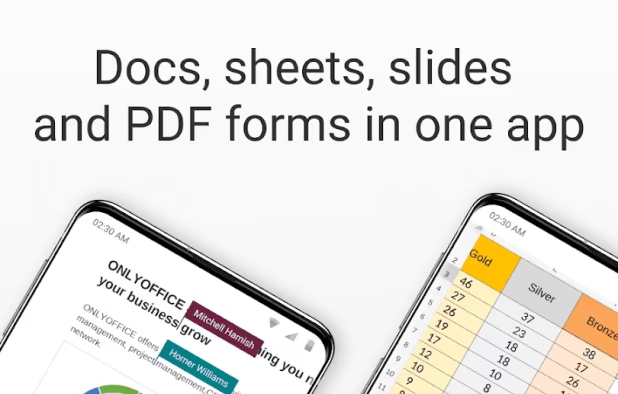
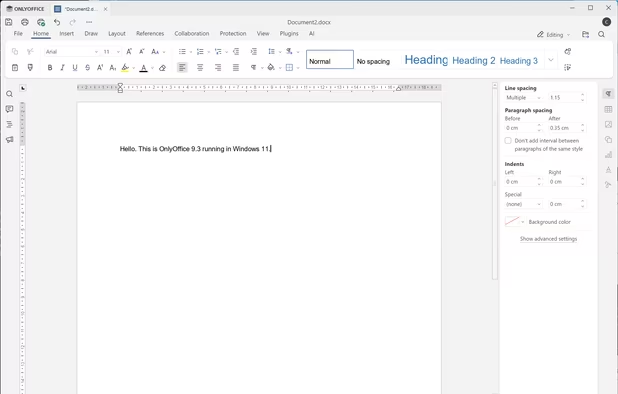
    Open-source office suite offering document, spreadsheet, and presentation editing with co-editing modes, plugin support, integration across 30+ services, robust security, and mobile access. Available in Community, Enterprise, and Home Server editions for versatile deployment.

    91 ONLYOFFICE alternatives

    Cost / License

    Application types

    Platforms

    • Mac
    • Windows
    • Linux
    • Online
    • Android
    • iPhone
    • Android Tablet
    • HUAWEI AppGallery
    • iPad
    • Self-Hosted
    • AppImageHub
    • Snapcraft
    • Flathub
    • Samsung Galaxy Store
    • Software as a Service (SaaS)
    • Flatpak
    • Cloudron
     
    |
    2
    ONLYOFFICE vs WPS Office Comments
    Guest
    Positive
    1

    Think of WPS but without bloat. That's OnlyOffice.

    Guest
    Positive
    0

    Its free and opensource, it has great compatibility with ms office formats and is very similar and easy to use, its online version is way better than even msoffice online and google docs according to me.

    • ONLYOFFICE is Free and Open SourceWPS Office is Freemium and Proprietary
    • ONLYOFFICE is Privacy focusedWPS Office is not according to our users
  3. On-premise office suite featuring advanced word processing, spreadsheets, and presentations, unmatched compatibility with 100+ formats, OOXML support, six-month updates, enterprise hardening, Visio and Publisher import, PDF export, and support for 50+ languages.

    54 Collabora Office Classic alternatives

    Cost / License

    • Freemium
    • Open Source

    Application types

    Platforms

    • Mac
    • Windows
    • Linux
    • Android
    • iPhone
    • Chrome OS
    • Android Tablet
    • iPad
    • Flathub
    • Software as a Service (SaaS)
    • Flatpak
    • Cloudron
     
    |
    1
    Collabora Office Classic vs WPS Office Comments
    Sharath
    Positive
    0

    this is not good as libre office or MS office, this sucks in many ways (if you try this for free)

    • Collabora Office Classic is Freemium and Open SourceWPS Office is Freemium and Proprietary
    • Collabora Office Classic is Privacy focusedWPS Office is not according to our users
  4. Private offline document reader and organizer supporting PDFs, DOCX, TXT, Markdown, CSV, TSV, and HTML files, enabling editing, formatting, folder browsing, sorting, favorites, and recent file tracking. No ads or tracking, with customizable themes and layouts.

    Cost / License

    Platforms

    • Android
    • Android Tablet
     
  5. Collabora Online is a powerful LibreOffice-based online office suite with collaborative editing, which supports all major document, spreadsheet and presentation file formats and works in all modern browsers.

    Cost / License

    • Paid
    • Open Source

    Application types

    Platforms

    • Mac
    • Windows
    • Linux
    • Online
    • Android
    • iPhone
    • Chrome OS
    • Android Tablet
    • iPad
    • Self-Hosted
    • Software as a Service (SaaS)
    • Cloudron
     
  6. Open365 icon
     30 likes

    The open source cloud with LibreOffice online - LibreOffice online + Seafile + KDE. Improve your productivity and communicate better with your team members. The world is moving forward. Welcome to the open source cloud!.

    Cost / License

    • Free
    • Open Source

    Application types

    Alerts

    • Discontinued

    Platforms

    • Android
    • Self-Hosted
     
  7. Collabora Office brings the familiar Collabora Online experience to your computer - so you can create, edit, and present with a beautiful, modern UI. Built on LibreOffice, it delivers excellent interoperability with ODF and Microsoft Office formats (DOCX/XLSX/PPTX), and exports...

    Cost / License

    • Free
    • Open Source

    Application type

    Platforms

    • Mac
    • Windows
    • Linux
    • Flathub
    • Flatpak
    • Android
    • F-Droid
     
  8. AndrOpen Office is a independent port of Apache OpenOffice for Android.

    You can view, edit, import, and export PDF, Word, Excel & PowerPoint documents using full features of the OpenOffice in the PC version.

    AndrOpen Office has 5 components: Writer a word processor you can.

    Cost / License

    Application types

    Platforms

    • Android
    • Android Tablet
     
  9. Padland icon
     4 likes

    Padland is a tool to manage, share, remember and read collaborative documents based on the Etherpad technology.

    Cost / License

    Application type

    Platforms

    • Android
    • F-Droid
     
  10. SolidSheets icon
     8 likes

    SolidSheets offers a user-friendly interface and powerful features to manage and analyze your data. Easily open, edit, and print CSV, SSFS/SSFS64, and XLSX files. With advanced formulas, charts, and machine learning algorithms, accelerate your workflow.

    Cost / License

    Application types

    Platforms

    • Windows
    • Linux
    • Mac
    • Android
    • Android Tablet
     
  11. SolidWriting icon
     7 likes

    SolidWriting offers an intuitive interface and powerful features for creating and editing documents. Easily open, edit, and save SWDOC/SWDOC64 and DOCX files. With advanced text formatting, offline AI assistance, and multilingual support, streamline your writing process.

    129 SolidWriting alternatives

    Cost / License

    Platforms

    • Windows
    • Linux
    • Mac
    • Android
    • Android Tablet
     
11 of 11 WPS Office alternatives