
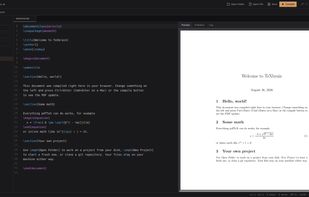
FOSS browser-based LaTeX editor with live preview, on-demand packages and git integration. No accounts, no installs, no servers.
Cost / License
- Free
- Open Source (MIT)
Application type
Platforms
- Online
 Austria
 EU
EU

T


Apps similar to Word Online include LibreOffice - Writer, which is free and open source. Other options are Anytype, Google Docs, Microsoft Word and Proton Docs. Word Processors like Word Online are a crowded field, with more than 100 alternatives for the web, Windows, Mac, Linux and Android.
FOSS browser-based LaTeX editor with live preview, on-demand packages and git integration. No accounts, no installs, no servers.
AustriaEU
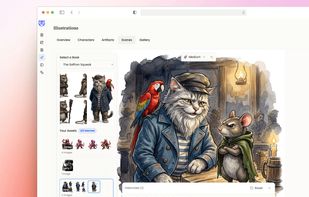
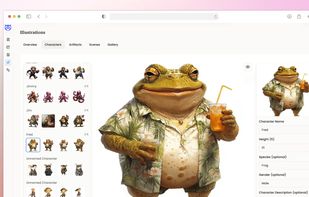
Storyloft is an AI-powered writing, design, and publishing platform that helps authors write, edit, format, and publish books—all in one place.
 United States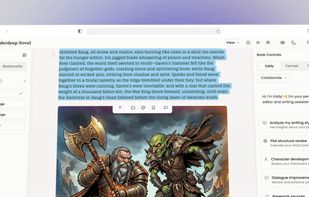


Celframe doesn't skimp on the features for its word processor Write. This office software application has nearly every tool you need in a word processor and has a similar look and feel you've likely been familiar with for years.
 Malaysia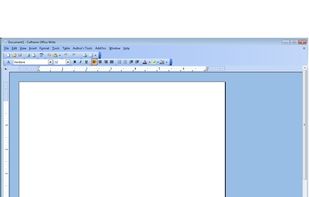


Do you want to combine Word documents into a single file ? Do you want to merge word files while keeping their original format and headers and footers ?
 GreeceEU


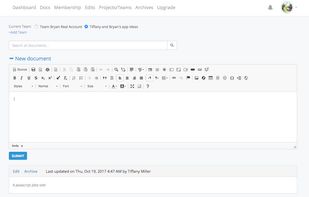
Save My Research is a private, record-keeping system, online tool for teams or individuals as a searchable journal to remember the history of their decisions.
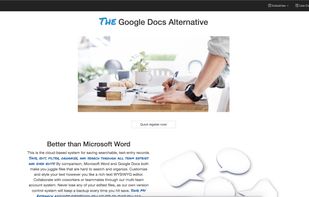


JNotes is a secured and beautiful note taking app with lots of exciting features and user interface.




DocCafe is a native .docx editor for Mac and Windows that opens, edits, and saves Microsoft Word files offline — no account and no separate subscription. Documents round-trip with Word and Google Docs. DocCafe is included in every getapps.cafe subscription.
United States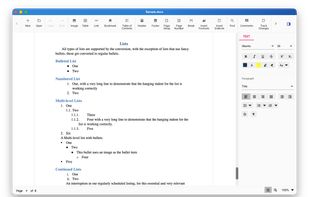
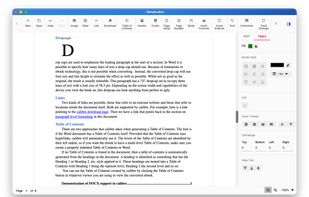
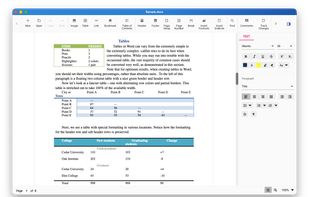
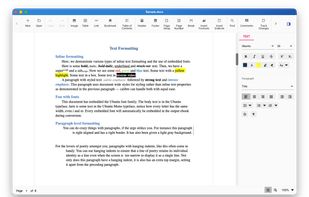

Paste text or import office files, PDFs and images into a browser editor, format headings, lists and tables, add drawings or images, inspect 1:1 pages and margins, then print A4 documents or download PDFs without an account.
 SlovakiaEU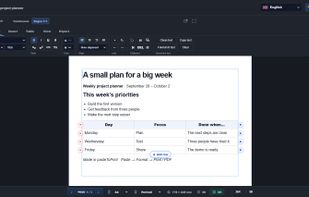



BCS Author makes in-browser writing simple and easy! Just go to the site (or extension), and start writing!


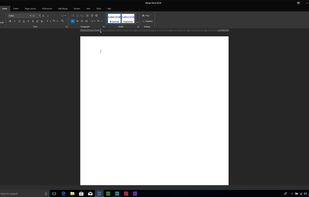
Merge Word is a user friendly word processing application. It is fully compatible with most word processing file formats. It is a great value in comparison to other word processors. It is part of Merge Soft Office.
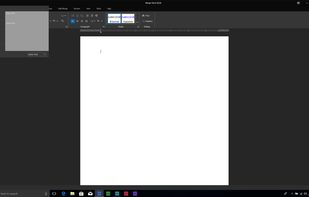






SaveMe! is a Word Add-In application that automatically creates multiple backups of your opened Word Documents. Never lose your work again!.


