


informUp screen capture is a free screen capture software for you to easily take screenshots.
Cost / License
- Free
- Proprietary
Application type
Platforms
- Windows


Apps similar to WonderWebware Screen Capturer include ShareX, which is free and open source. Other options are Greenshot, MSI Afterburner, FastStone Capture and Snipping Tool. You're spoiled for choice with Screenshot Capture Tools like WonderWebware Screen Capturer: we list more than 50 alternatives for Windows, Mac, Linux, the web and Android.
informUp screen capture is a free screen capture software for you to easily take screenshots.

PrintKey-Pro is a screen capture program that can capture the screen or any part of it with the press of the Print Screen key (or any other key you configure).


This is the handiest way to screen capture, edit selected areas on the screenshots, and sharing with others.
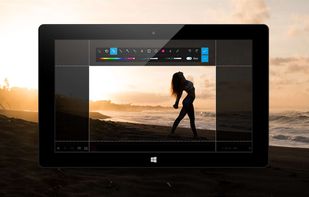
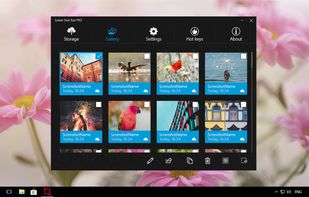




A macOS app for capturing, annotating and sharing screenshots. Quickly add comments, highlight what matters or blur any sensitive content. Upload screenshots to Google Drive or Dropbox. Copy screenshots to the clipboard and paste them directly into Slack, Skype, Jira, Trello and...


Small and free screenshot app for Mac that offers custom area and resolution presets, and much more.
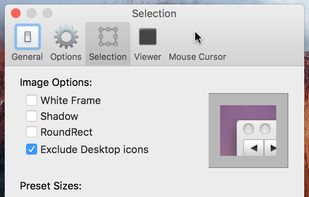
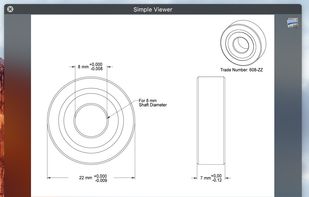

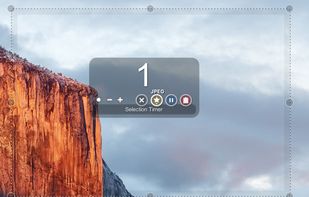


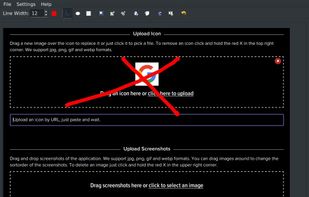
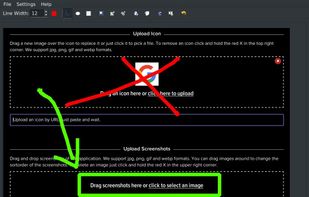


Onde Screen Capture for Mac is currently the most professional and powerful screen grabbing utility running on Mac OS, by which you can easily capture any part on your Mac desktop such as rectangular or ellipse region, freehand region, full screen, active window or all windows...
 United States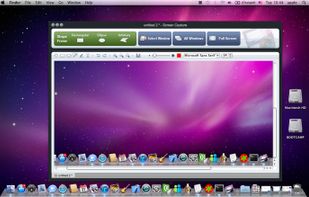
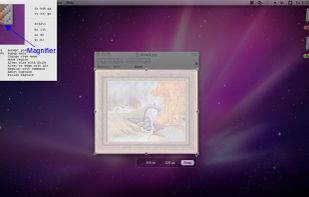
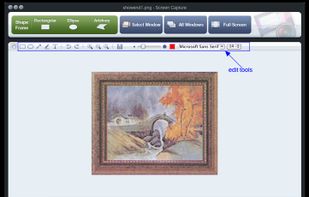


With Free Snipping Tool, not just you create snips, you can save your snips on major backup services like Imgur, Google Drive and Dropbox. Not just this you can also upload them via FTP or simple WebRequest.
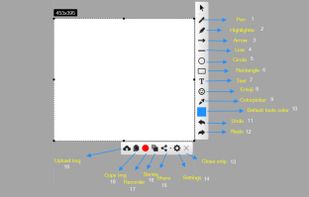
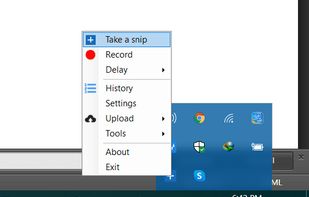
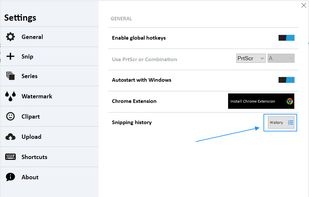
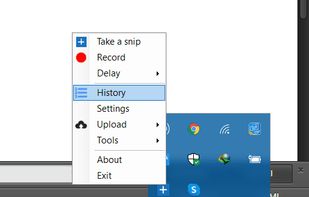


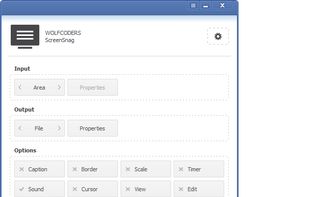
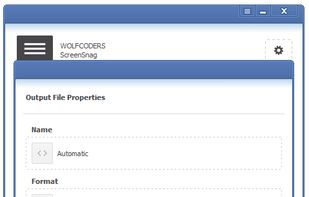
ScreenSnag provides a quick and easy way to take a photo of your computer screen. Capture the entire screen, a region of the screen, a window, or an element on the window with a single hotkey or click. You can also use Timer option to perform captures at intervals that you...
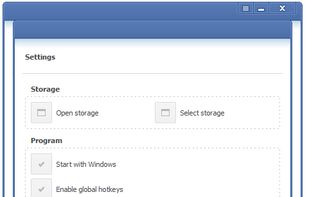


TPUCapture is an easy to use screenshot utility with a small memory footprint that resides in the system tray.
United States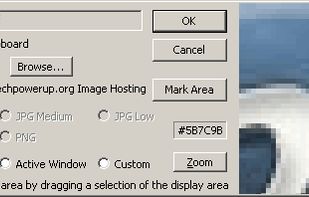


GNOME Screenshot is a utility used in the GNOME desktop environment for taking screenshots. It was part of the GNOME Utilities (gnome-utils) package, but was split into its own package for the 3.3.1 version in 2011.
United States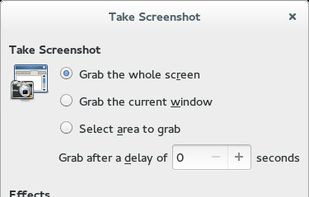


QuickScreenshot is a lightweight and very easy to use application that enables you to take screenshots of your desktop with a few mouse clicks. Just press the wanted screenshot key (or press it multiple times) and your screenshots are done!
 Germany
 EU
EU


 Russia


