


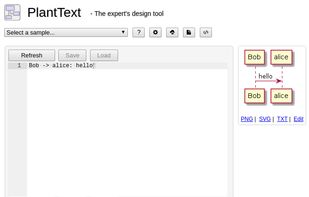
The PlantText tool is an online tool for quickly creating UML (Unified Modeling Language) diagrams. Unlike most tools, PlantText can build diagrams without the use of a mouse because it is based on PlantUML markup language.


Wireflow is described as 'Free, real-time collaborative online tool for creating intricate, precise user flow prototypes for design teams. Fully open-source platform' and is a Wireframing tool in the office & productivity category. There are more than 100 alternatives to Wireflow for a variety of platforms, including Windows, Web-based, Mac, Linux and iPhone apps. The best Wireflow alternative is draw.io, which is both free and Open Source. Other great apps like Wireflow are Excalidraw, Figma, LibreOffice - Draw and yEd Graph Editor.
The PlantText tool is an online tool for quickly creating UML (Unified Modeling Language) diagrams. Unlike most tools, PlantText can build diagrams without the use of a mouse because it is based on PlantUML markup language.

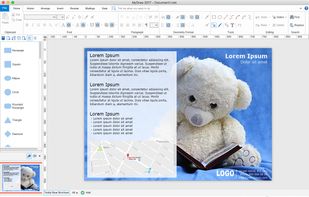
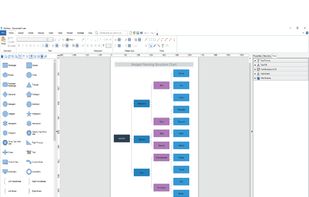
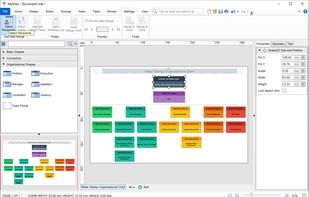
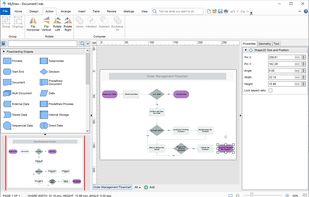
MyDraw is an easy to use, yet powerful diagramming software that lets you create a large number of diagrams like flowcharts, organizational charts, mind maps, network diagrams, floor plans, family trees, business model diagrams, and many more.




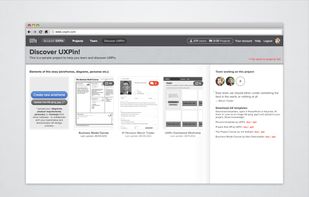
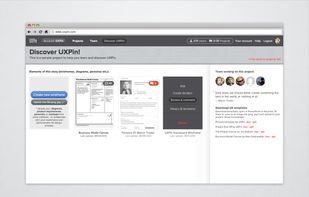
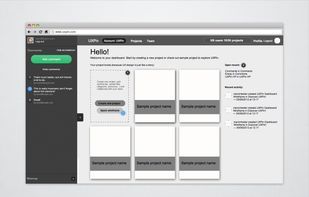
UXPin is a web-based system for managing design documents like wireframes, sitemaps, persona descriptions or flowcharts. It lets you upload image files, invite teammates to review and comment on them, and keep track of revisions.


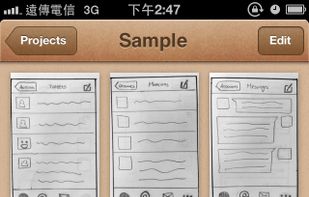
POP helps you make interactive prototype with ease. If you can draw, you can design apps. The workflow is ridiculously simple:





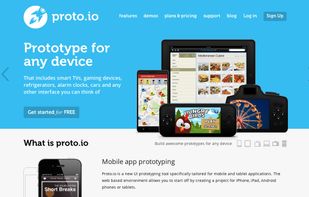
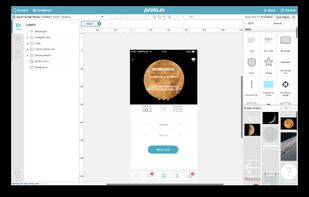
Create fully-interactive high-fidelity prototypes that look and work exactly like your app should. No coding required. Companies like IDEO, Disney, Paypal, Airbnb and more use Proto.io.



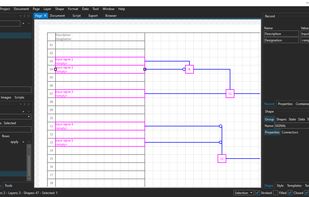
Core2D is a multi-platform application for making data driven 2D diagrams. The application has built-in wyswig vector graphics editor where you can bind data to shapes, share data across multiple documents, edit documents using layers.


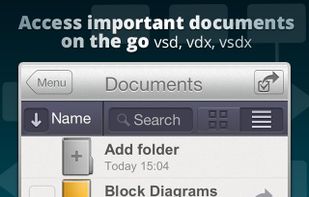
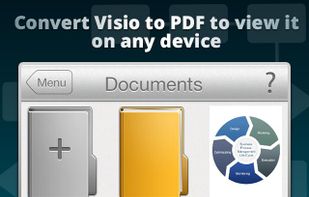
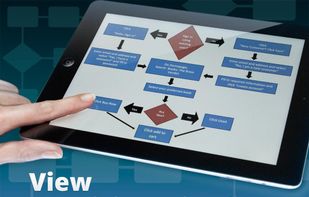
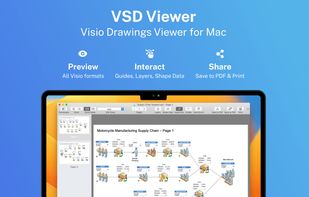
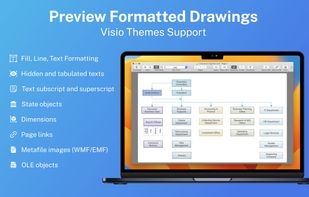
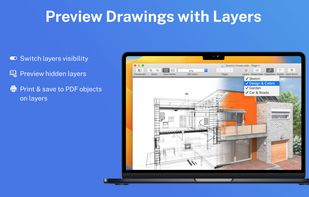
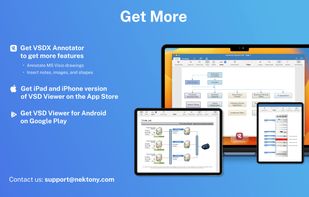
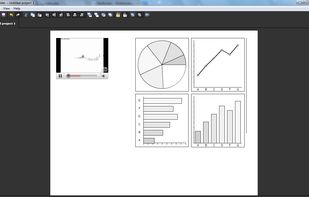
VSD Viewer opens Visio drawings directly on a computer without conversion on external Web Servers. Viewing Visio documents is as simple as dragging and dropping off files (with a .vsd, .vsdx, .vdx extension) to the Application window.


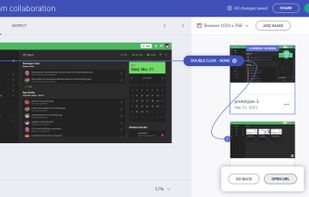
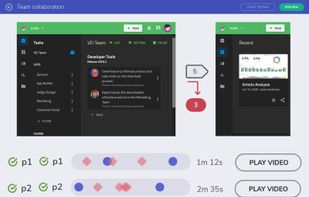
The newest design tool from the leaders in UX, Indigo Studio lets you quickly and simply explore and create functional, animated UI prototypes while maintaining the focus on user experience at every step.


Automatically connects to your Photoshop document and converts your mockups into interactive prototypes using layer comps to organize your documents into screens. Transition between them by defining hotspots in the layer name you want to be tappable.



FlairBuilder is a user interface prototyping tool for easy authoring of interactive website wireframes, mockups and GUI prototypes.


 Bulgaria
 EU
EU


 United States


 Cyprus


 Poland


 Ukraine


